Quote Originally Posted by 3oh6 View Post
so whats suppose to happen here with this check? when i do it, it demands to have the XP SP2 disk in the drive then it goes through its little progress bar and the prompt disappears. nothing ever comes up after the progress bar. i am assuming then that it didn't find any errors?

reason i ask is because i am crushing XP installs one right after the other trying to push this memory kit i am working with over 1050MHz HCI stable. but when i do the file check, it does what i outlined above. i am pretty sure the borked Windows are simply from pushing memory too far and not the corruption issues being discussed here.
I have only performed the check on Windows Vista, so I'm not sure what the result will be under XP. But doing a quick google search for "check corrupt system file xp" should find some ways to do the same in XP.

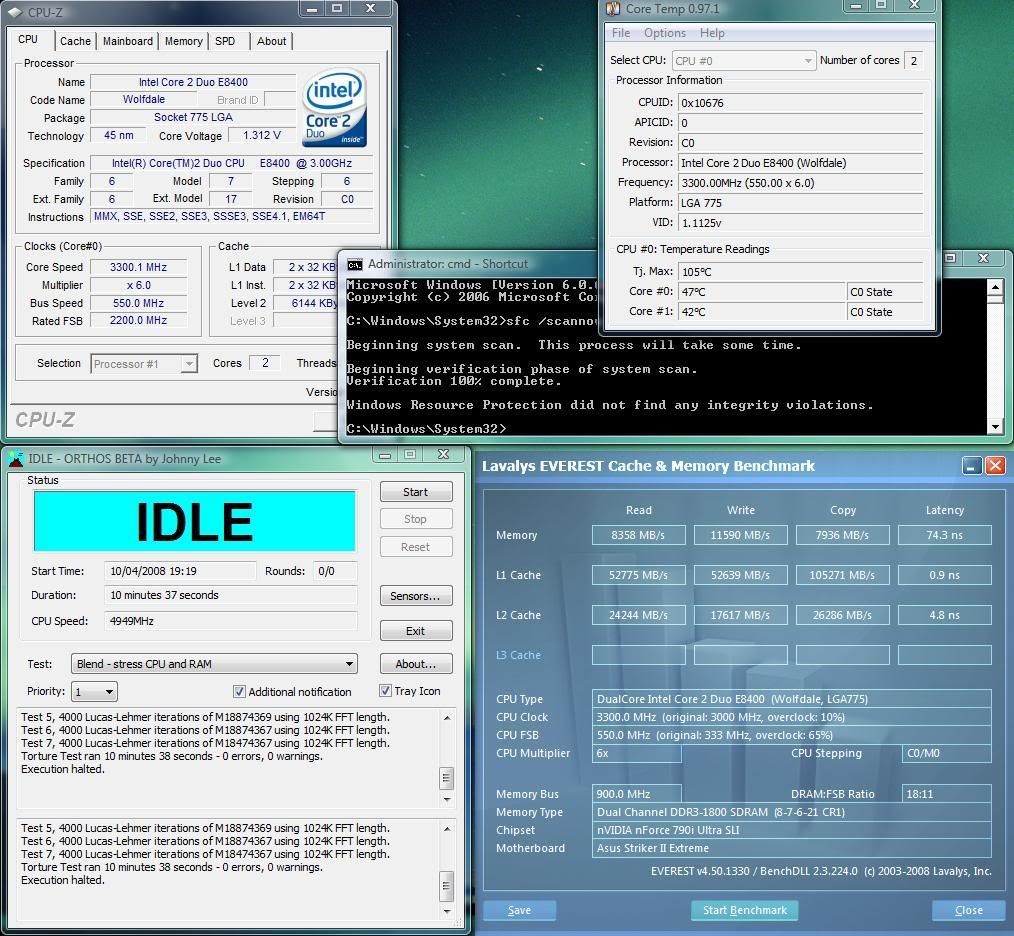
The result under Vista after typing sfc /scannow if there are no corruption found:


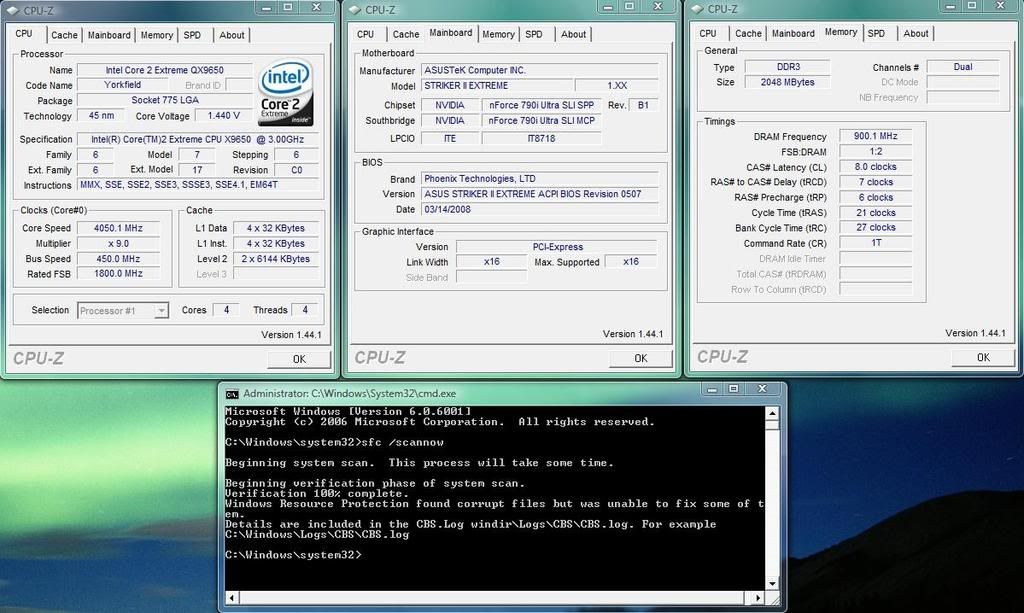
And when there is: