Quote Originally Posted by MacClipper View Post
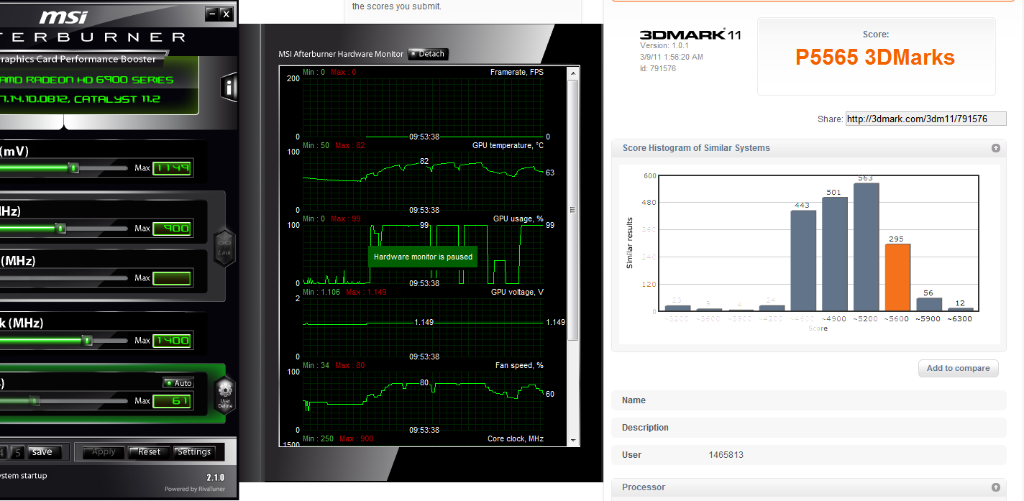
VRAM is pretty o'cable too on this HIS card.

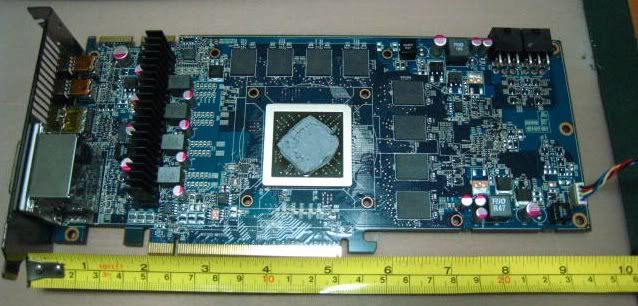
It seems that there is a golden batch of week 50 Hynix GDDR5 VRAM which can perform up to 1600 MHz floating around on certain HD 69xx cards... so I quickly referred back and rechecked my photos on the HIS card. Oh well, this card has the earlier week 47 batch but never mind, let's do some pushing and see how far it can climb nonetheless.
Is it easy to check the batch on the memory? I would love to check mine out but I have never tinkered with my VC's before so any advice would be great.

Quote Originally Posted by PC_User View Post
Interesting. I'm using the very top PCIe slot, nearest to the northbridge and CPU heatsink. Maybe some heat is dissipating from there, causing the card to idle at ~50C.

Do you think I should try a lower slot? I've got my sound card in the lowest slot so I may have to switch them around. I doubt I can use the slot at the very bottom because there is no room for the card. It's either middle or top PCIe slot with this case/motherboard.
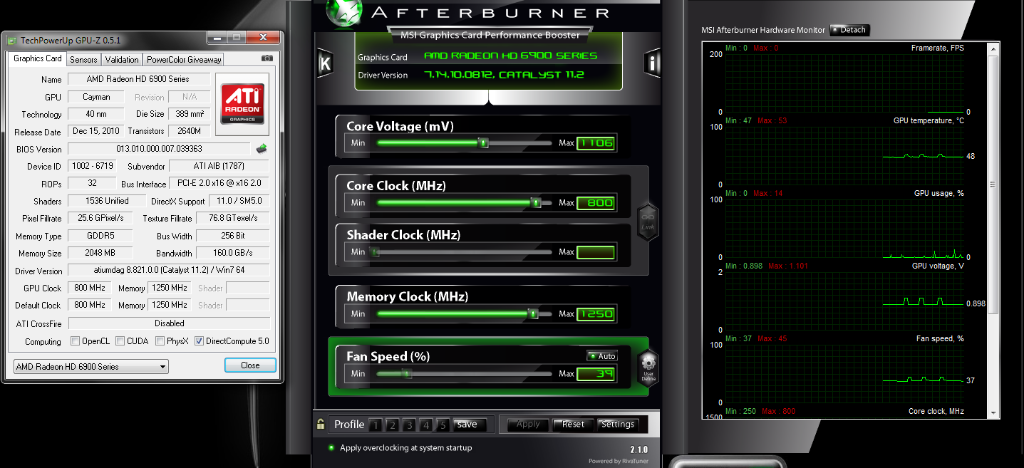
My #1 card is in the top spot and right now it is idling at 60C with 800/1250 clocks (sometimes switching to 500/1250) at 1.1v on dual monitors. My second card is idling at 37C on 250/1500 clocks .9v. My ambient temp is 20C in the room right now.

I wonder if reapplying the TIM would help. Someone said its fairly easy to do on the 6950's but I have never tried so not sure.

Do you have dual monitors?