-
Here, finally is my next installement of waterblock-testing. Because of delayed samples this one has been a long time coming.
So let's get right into it.
Test Setup
Hardware used:
- Intel Core i7 920 @ 3.7GHz, 1.28V
- Asus P6T
- 6GB Mushkin XP12800
- T-Balancer BigNG and Sensorhub for measuring and logging temp data
- Three digital thermal probes measuring ambient temps
- Arctic Cooling MX-2
Cooling loop:
- Swiftech MCP355 with EK X-Res top
- Digmesa Flowmeter
- Four inline thermal probes
- XSPC RS360 radiator
- 3x Nanoxia FX1250 fans @ 1200rpm
- 13/10mm tubing
Sftware used:
- T-Balancer Navigator
- RealTemp 3.0
- CoreDamage
Testing Procedure
The testing is done with the above hardware set up in a CPU-only loop so that there is no thermal interference from other components in the loop.
A test run has a duration of 40 minutes during which the CPU is fully loaded using CoreDamage. I did a lot of preliminary testing and determined CoreDamage to be the best suited program, because it produces very high and very stable temperatures. The 40 minutes might seem short, but in my testing I got identical, just as repeatable results after 40 minutes as after 60 or 90 minutes.
From the 40 minutes of CPU-burning, I collect all the data from the last 20 minutes of each run and average out all the data to get average Core temperatures, average water temperatures and average ambient temperatures.
Blocks tested
Alphacool Niagara
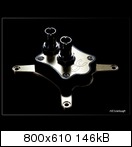
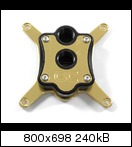
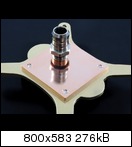
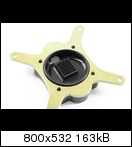
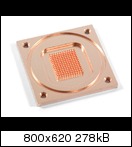
A very particular new block from Alphacool. The base plate is the same as with the Livingstone and Yellowstone blocks, but the internals of the top are different. Uniquely, it's equipped with G3/8" threads.
Koolance CPU-350AC
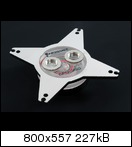
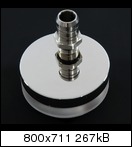
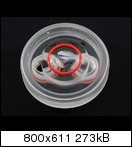
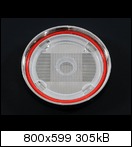
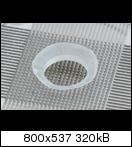
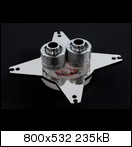
The notorious Koolance block. Most demanded block for me to test for this roundup...
Watercool Heatkiller 3.0 LC
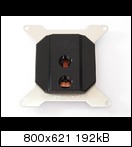
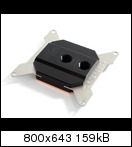
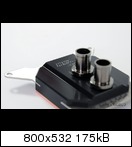
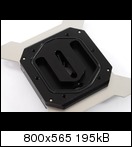
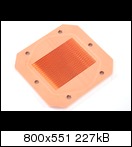
This is the low cost version of the Heatkiller 3.0. It has fewer channels in the base plate than the other HK 3.0 versions and also comes without the jet-plate. I'm sure someone is going to ask, so let me state right away: The reason the HK 3.0 LT is not featured is because it's simply the same as the copper Heatkiller I have already tested. Only the LC version actually has different internals and therefore different performance.
Ybris Eclipse
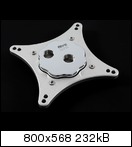
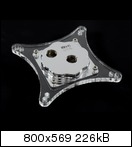
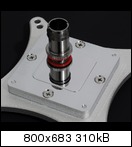
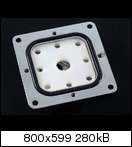
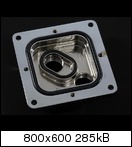
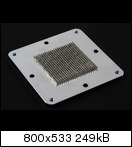
The Eclipse is a fully chrome-plated block made by Italian manufacturer Ybris. As you can see on the first two pics it's available with either an acrylic or an aluminium mounting-plate.
Flowrates
I simply measured the flowrates achieved in the loop with the pump at 12V with each block. Since all other parts of the loop are always equal, this represents the restrictiveness of each block.
Results:
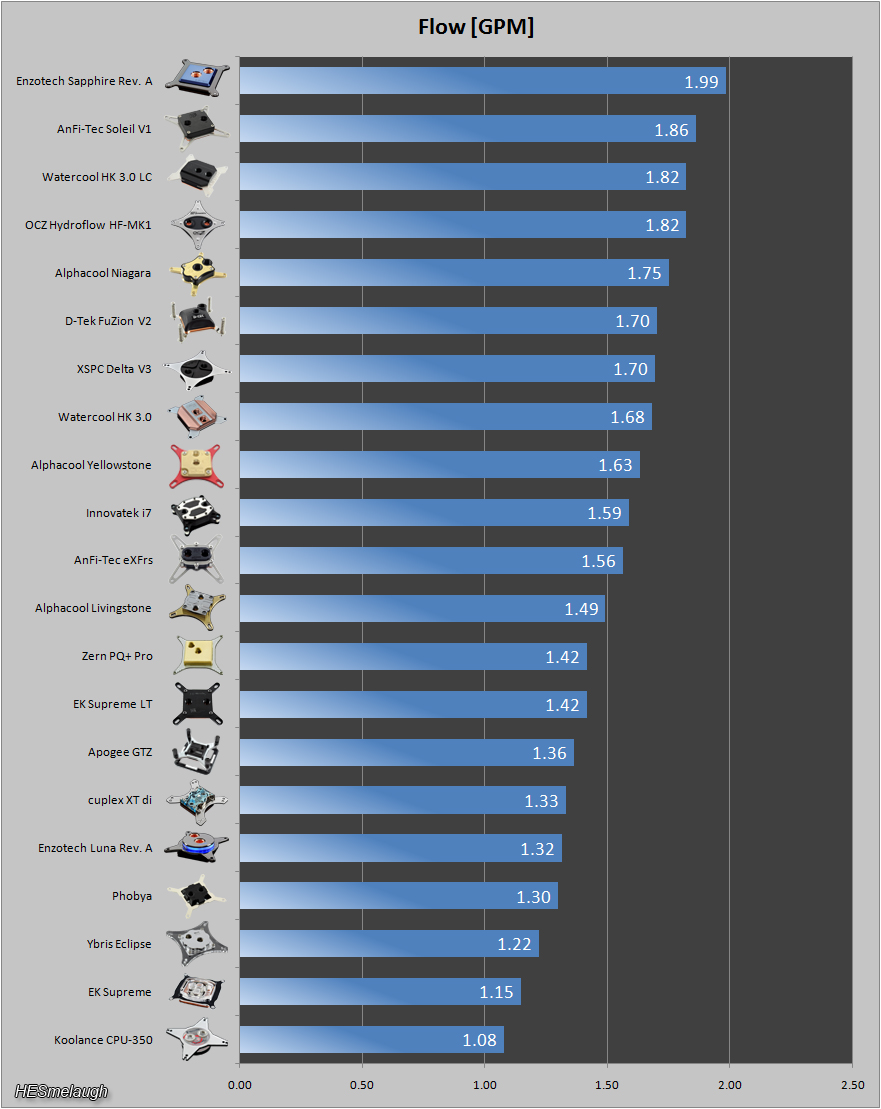
In terms of flowrates, there is a new record holder among the four waterblocks added in this round: The Koolance waterblock is the most restrictive block I've ever tested. The Ybris Eclipse is also considerably restrictive while the HK 3.0 LC and the Niagara are both quite unrestrictive.
NOTE concerning the Niagara: I tested it using fittings with 3/8" threads. then did another few test-runs using 3/8" to 1/4" adapters and 1/4" fittings, just to see if it makes a difference. With the adapters, the flowrate is 1.73 GPM instead of 1.75 GPM. This has no measurable effect on the temperatures.
You'll see that I also added the Zern PQ + Pro here. Unfortunately, I could not do thermal testing with this block, since my sample was faulty (concave base plate). I didn't want to withhold the flowrate-data, though. For thermal performance, I can refer you to Bundymania's test on HWLuxx.
Orientation
Orientations
Each block is mounted and tested six times. Three times in one orientation and three times in an orientation rotated by 90°.
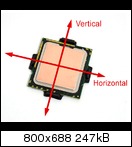
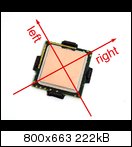
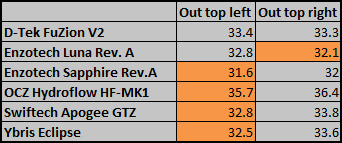
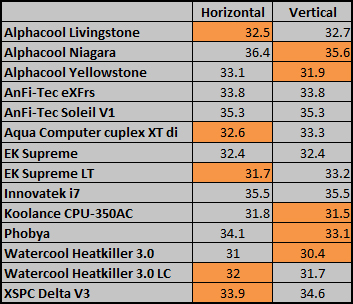
This means that the blocks were either installed with horizontal/vertical flow accross the CPU or diagonal flow with the outlet on the top right/top left, depending on how the threads on the block are oriented.
Keep in mind that the socket's orientation on the mainboard isn't always the same. Some mainboards (e.g. Gigabyte) have 90° rotated sockets. What ultimately matters (if anything) the direction of flow accross the CPU itself. On my mainboard, it would look like this:
Averaging out the results from three mounts per orientation, this is what we end up with:
Diagonal Flow:
Horizontal/Vertical Flow:
Temperatures
Next, let's take a look at temperatures achieved. (all temperatures shown are differences between CPU and water temps)
Here are the three runs in the optimal orientation for each of the blocks. All of the results are sorted form lowest to highest temperature for each block to keep the graph tidy:
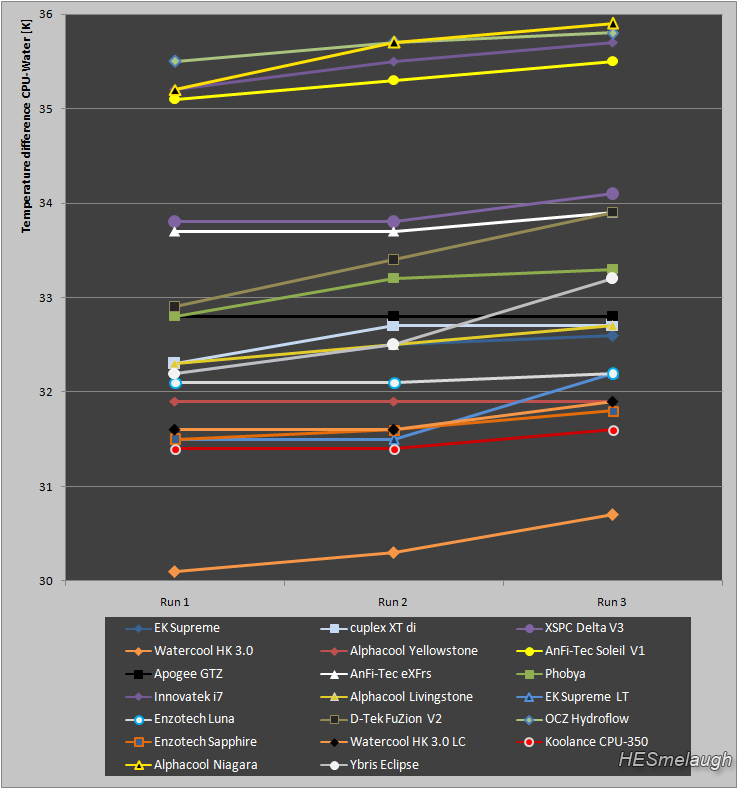
Here's what we get as an overview, when all the results from the three runs above are averaged out:
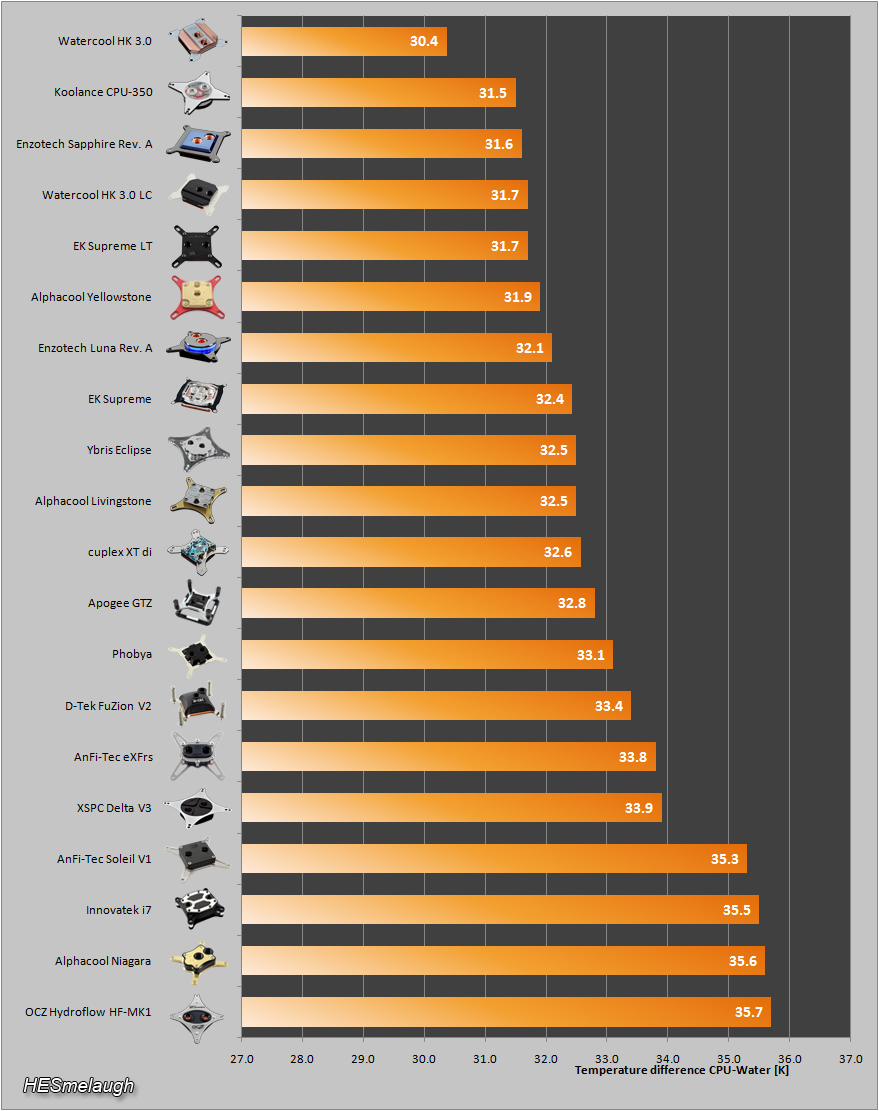
While the Koolance CPU-350 is amazingly restrictive, it also offers very good cooling. The HK 3.0 LC also does a great job in this regard, especially considering it's low price. The Ybris Eclipse doesn't offer a stellar cooling performance, but finishing next to the EK Supreme isn't half bad, either. The Alphacool Niagara's performance is, unfortunately, pretty bad.
Temperature Range
As you can see from the above graph, there is practically one block for each tenth of a degree along the scale. This can be a bit misleading since on such a bar graph, a block will be placed ahead of one that averaged .1 K higher temperatures. So it can look like one block is better than another even though the both basically performed almost identically and ended up with different results due to margins of error in the measurement devices. To give a more realistic impression of the thermal performance, I made a candlestick-graph.
Here, the bar represents the temperatures measured during the three better test-runs and the sticks reach out to +/-0.5 K to account for the imprecision of the thermal sensors. All in all, this can give you a visual idea of where you can expect the performance of each block to lie.
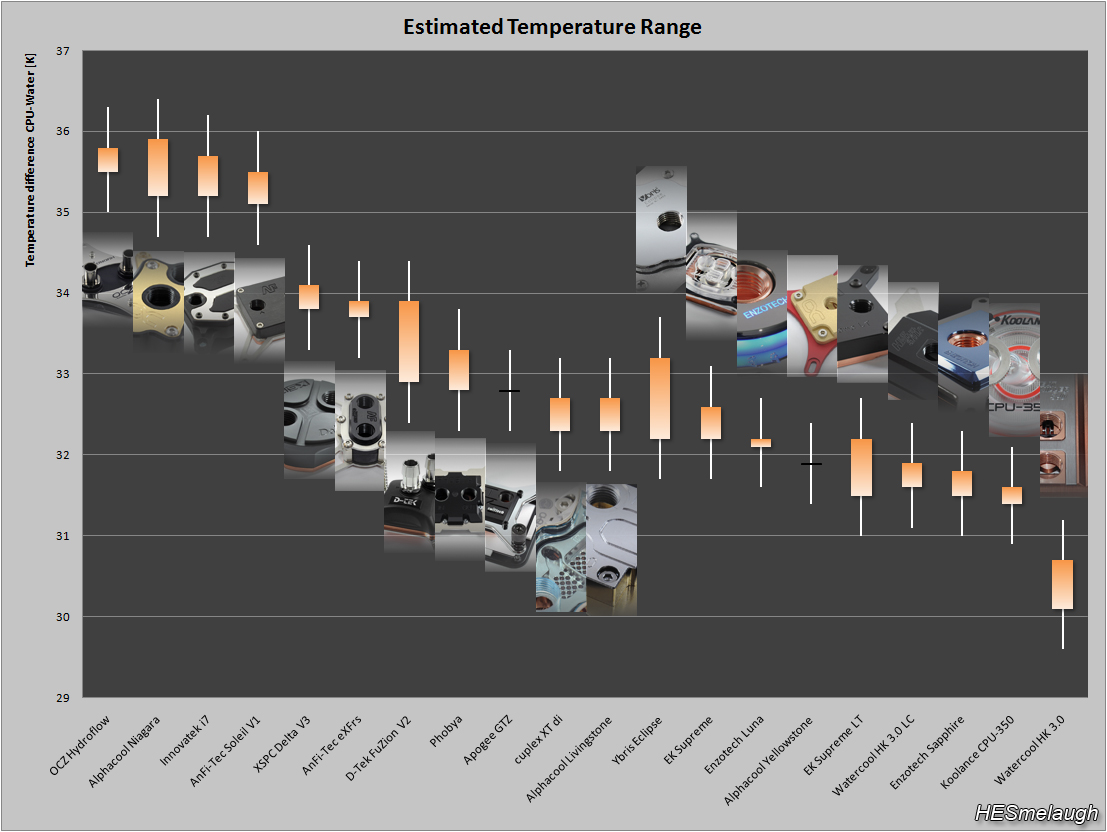
NOTE: The images are simply added so that it's easier to see which bar represents which block. I'm not sure if this is an optimal way of displaying this. Suggestions welcome.
Temperatures in relation to flowrates
The last part of testing consists of lowering flowrates by using a shutoff valve and measuring how this impacts temperatures. I lower the flowrates to predetermined values with 30l/h or 60l/h increments. converted to GPM, the increments don't make as much sense as in l/h, but the important point is that each block is tested at identical flowrates.
Because of this, the following graph does not take into account the different levels of restrictiveness each of the blocks has.
First, the graph just showing the four new blocks in this roundup:
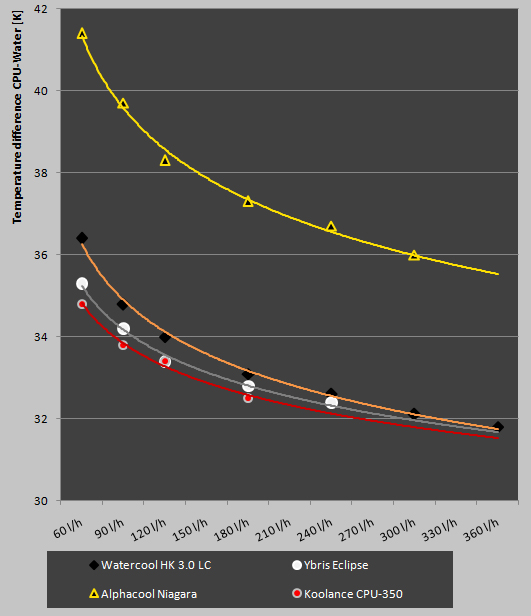
The curves that the Ybris and Koolance blocks are displaying are what I would call average. The Watercool and Alphacool blocks benefit slightly more than average from higher flowrates. Keep in mind though that the Koolance block will require way more pumping power in order to achieve the same flowrates as the other blocks.
Here is the very chaotic overview of temps in relation to flowrates for all 20 blocks tested so far:
Conclusion
As always, I want to keep this to a minimum and leave judgement and further speculation up to you.
In my opinion, the HK 3.0 LC is the most remarkable block of this bunch. Not because of it's performance or flowrates alone, but simply because it offers these at such a low price. Way to corner a market, Watercool.
I like the design of the Ybris Eclipse a lot and it's a block where I can imagine many will go for it for the looks, knowing that they won't get top-notch performance out of it. The Niagara is interesting but unfortunately not very good. Time to experiment with new base plates, Alphacool.
The Koolance... great performance, super restrictive. I'm sure speculation will not rest after this test, either.
Cheers,
Shane
 Posting Permissions
- You may not post new threads
- You may not post replies
- You may not post attachments
- You may not edit your posts
-
Forum Rules





 Reply With Quote
Bookmarks