MMM
Results 1 to 25 of 2903

Thread: Official GIGABYTE X38-DQ6/X38T-DQ6 Info/BIOS Thread

Threaded View

  1. #11
    Xtreme Member
    Join Date
    Oct 2007
    Location
    Sydney, Australia
    Posts
    166
    Quote Originally Posted by Richard Dower View Post
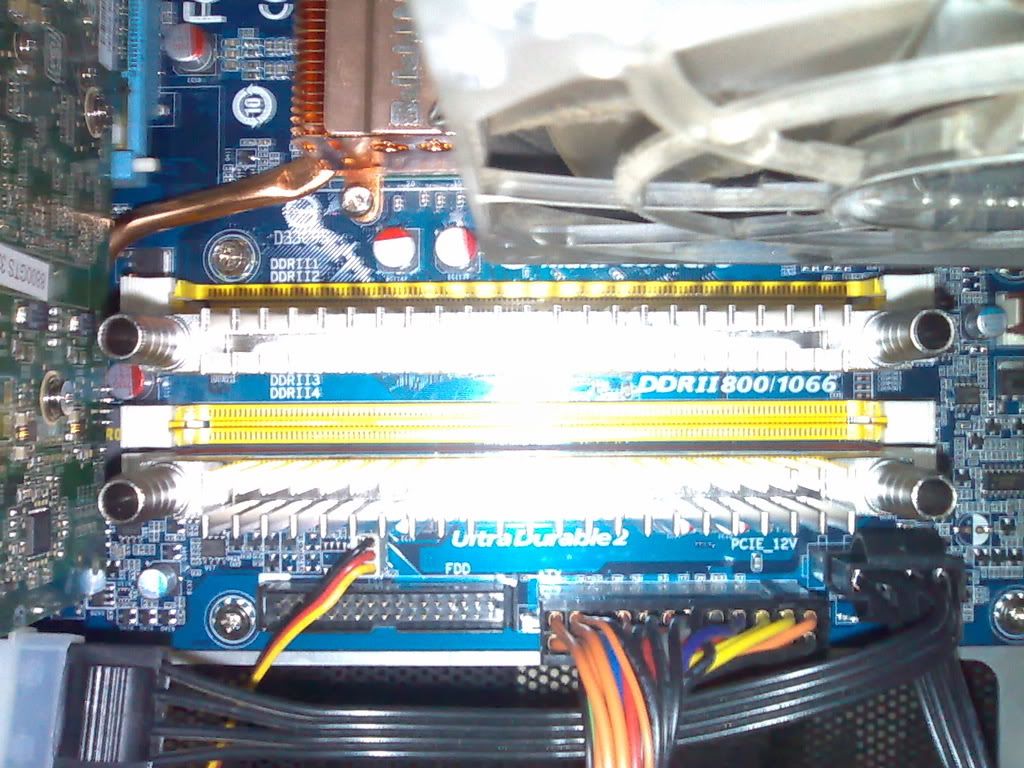
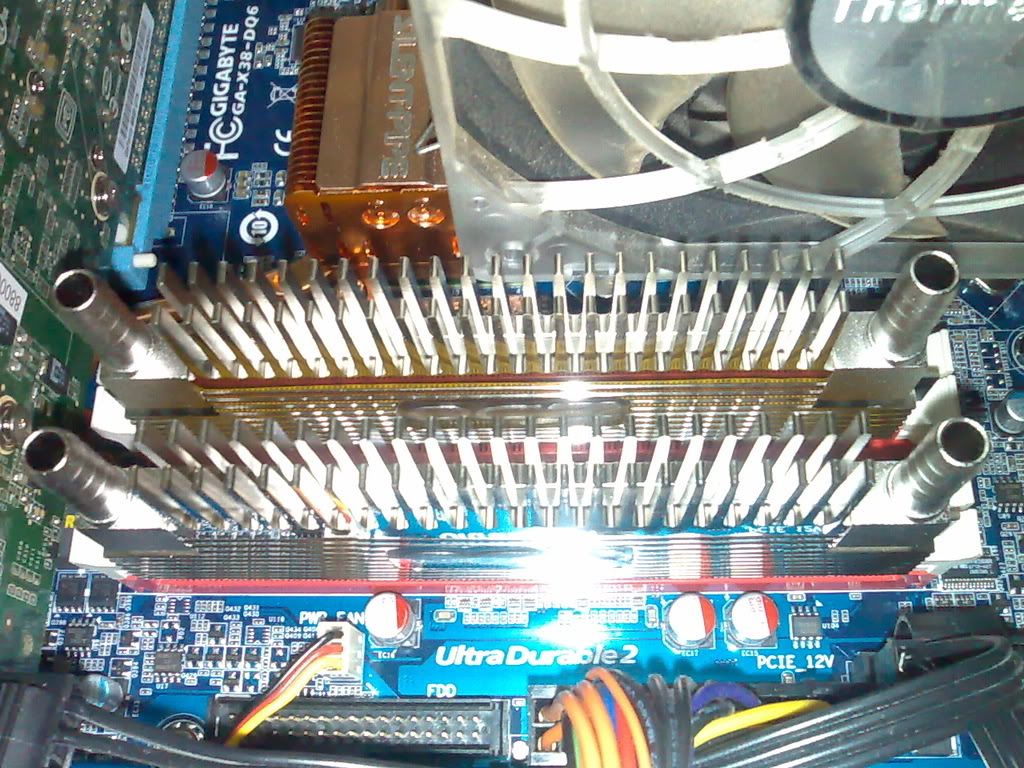
    Guys, i need serious help with some things. As y'all know the memory is split into two channels, A=yellow slots, B=red slots.

    My question is this...is it better for stability/overclocking/in general to use the yellow or red slots...or does it matter at all?

    Second, strap settings...that OCZ kit is available in Ireland, the 1150MHz job...but i'm limited by alot of factors, FSB/voltage/straps etc.

    I have two options in bios, either use the 2.66C or 2.66D strap which will give me 1133MHz....which is better?, C = 200 D = 400, any thoughts on this?
    G'day Richard,

    I have the OCZ kit, you know the 1150MHZ job
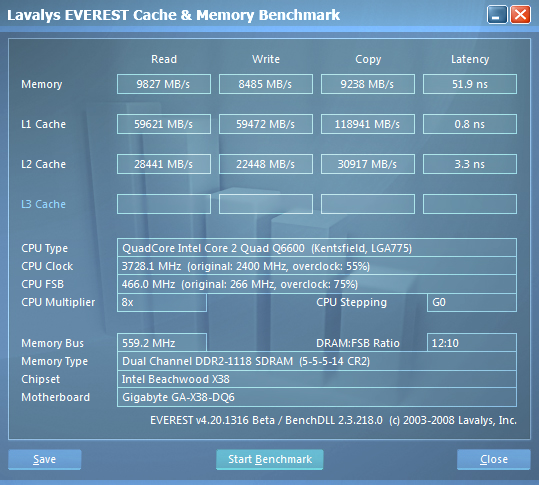
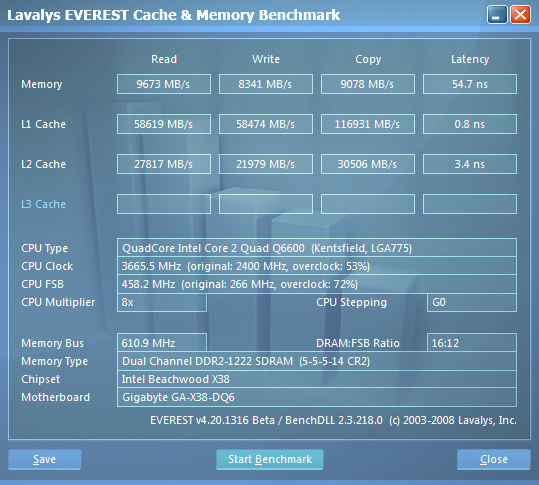
    Here are my everest results, B strap all the way for me, for all round read, copy, write you can't beat it.

    My sig has all my specs.
    Results speak for themselves, hope this helps mate.

    8x466_240B@1118Mhz performance level 7 TURBO


    8x458_266D@1221Mhz performance level 7 TURBO


    9x408_300A@1224Mhz performance level 5 TURBO
    Last edited by Alcibiades; 04-27-2008 at 06:18 PM.
    [SIGPIC][/SIGPIC]
    CoolerMaster Stacker 830SE|Antec Signature 850W|Gigabyte X58A-UD5 F5 slic2.1
    Intel Core i7 930 16x200@3,200Mhz|vcore 1.14|Intel Stock CPU Cooler
    GSKILL DDR3 Perfect Storm 2000 @6-6-6-16-1T 1600Mhz|ATI 5870 1024MB 850/1200
    Windows 7 Ultimate x64 bootdisk: Crucial RealSSD-C300 128GB SATA-III

Bookmarks

Bookmarks

Posting Permissions

  • You may not post new threads
  • You may not post replies
  • You may not post attachments
  • You may not edit your posts
  •