Quote Originally Posted by madfaze View Post
how about the command "/reboot" will it work too?
I don't recall what that's for or if it works. Load the flash utility and type /? or /help and you should get a list of parameters which do work and what they do.

Quote Originally Posted by Daveburt714 View Post
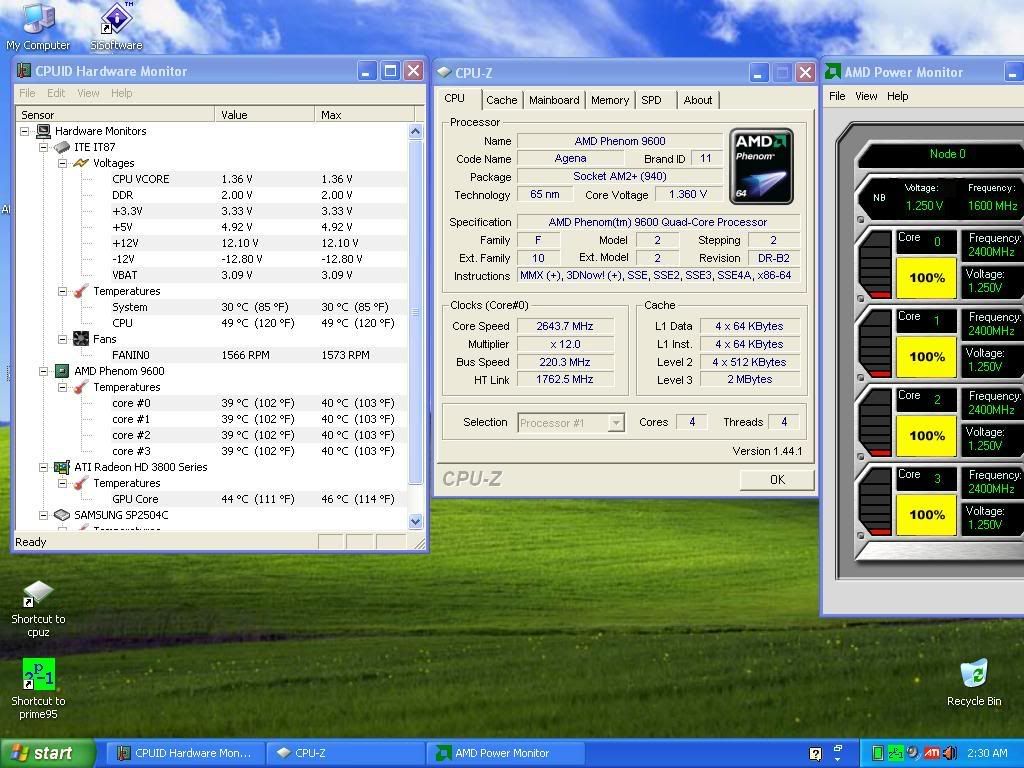
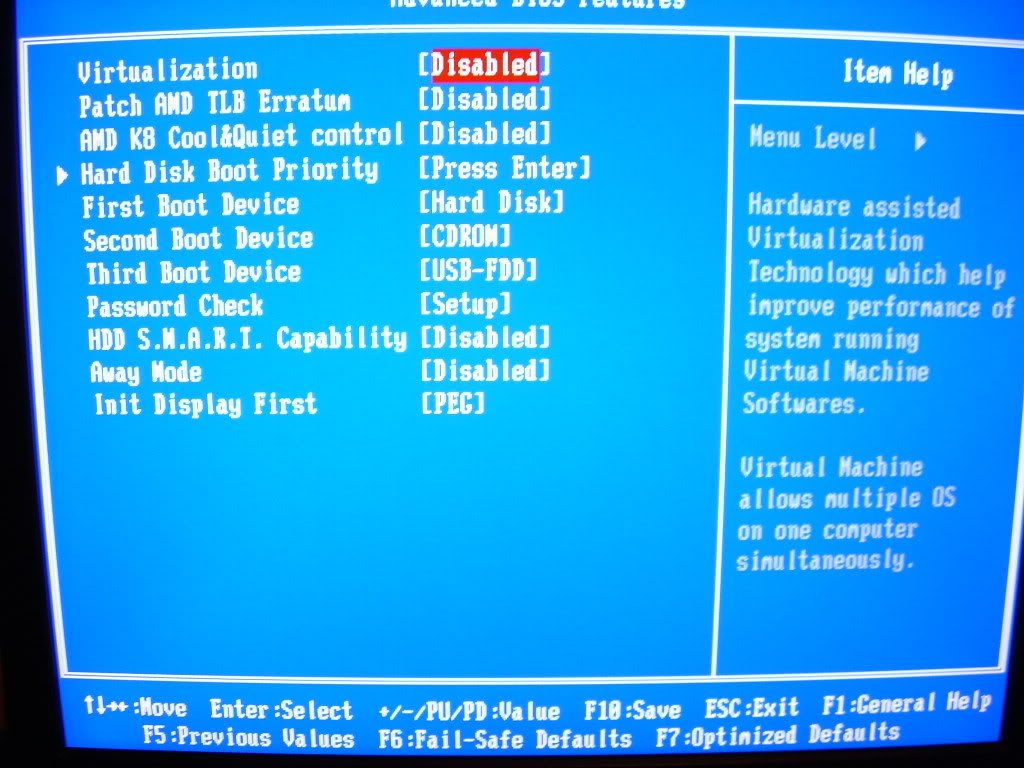
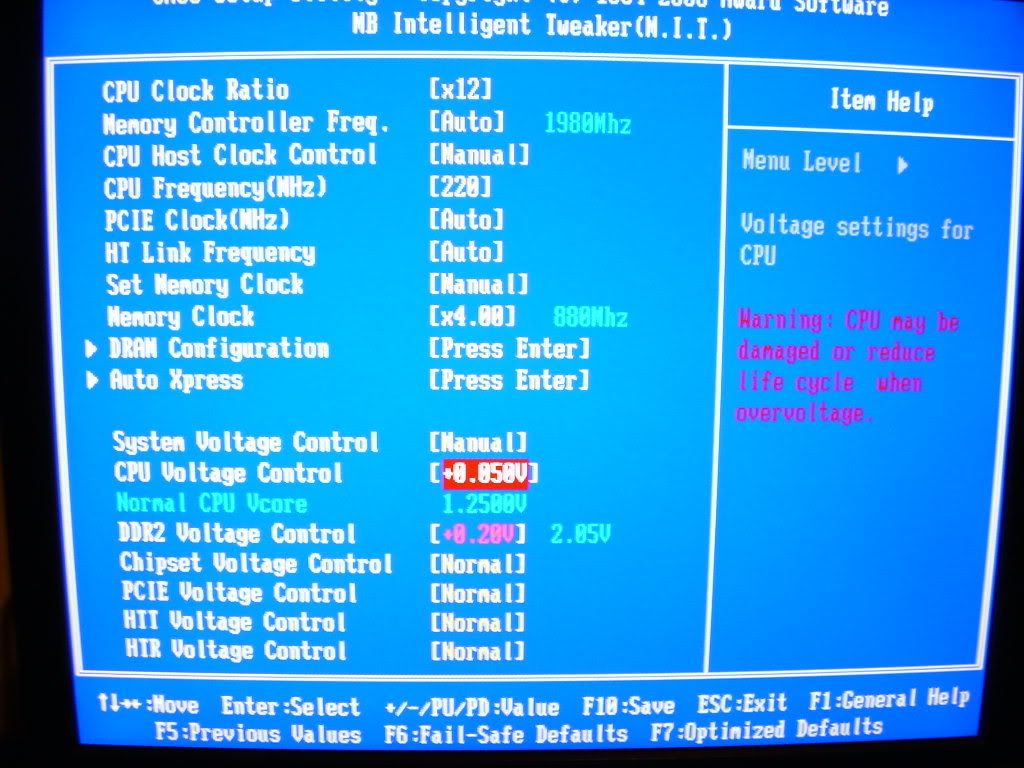
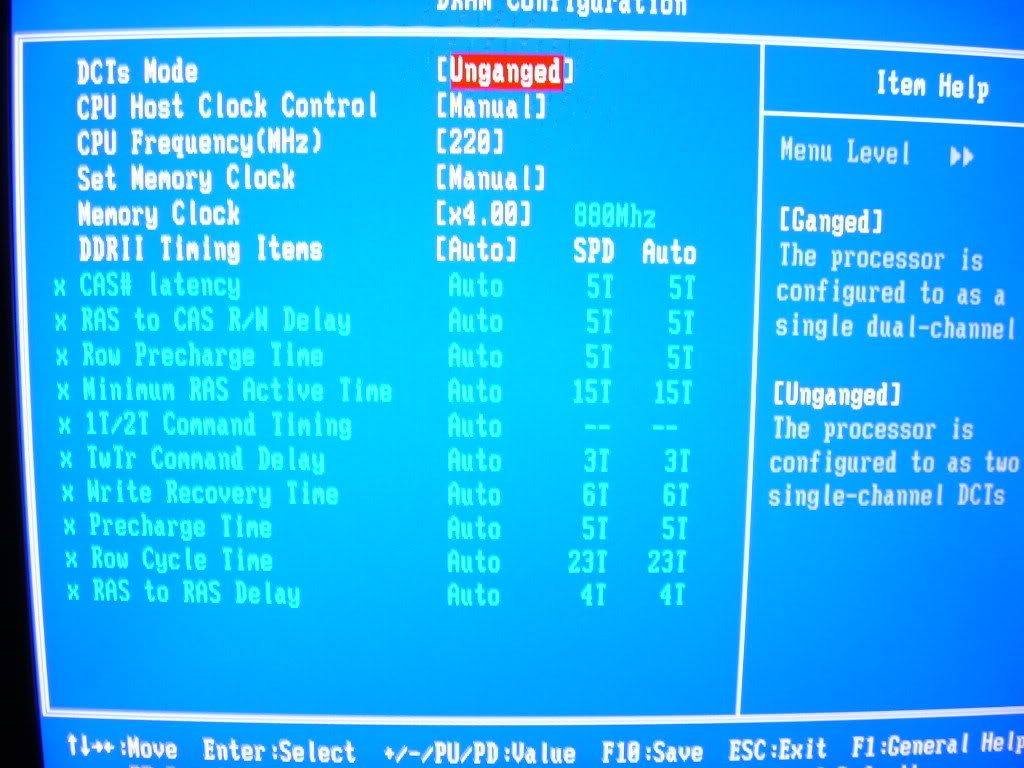
KTE: Here some Bios/Temp shots from the DS5.
Thank you!
As you can see those temps look much more realistic than what I was getting from the K9A2. Alot of times the MSI board would show temps below ambient, and never went over 32c.
I'm working through this but the temperatures reported by all software including the BIOS are TCONTROL, and TCONTROL is not a temperature value but an arbitrary value in decimals to allow better control of thermal management. It is designed to read sub-ambient values and even negative values whilst ambient is plus 10C as it does not literally show temperature values in degrees but shows a TCONTROL value that is set to always stay below TCONTROL max; which is calibrated to be consistent with the actual processors TCASE max.

The TCONTROL correlating to the TCASE can be found in the thermal management guide.

My 9500 and last 9600BE didn't read this value as this but once or twice. They were reading the same temp as the TCASE with software and a thermocouple. My current one and 9600s reacted different though and often read sub-ambient. This is by design.

The values for temps you have above are also not real temp values (they are very low for real values, lower than my 9600BE is at stock).

Here's the pertinent explanation of AMD K10h temperature workings:


One thing I never noticed on the MSI board was the somewhat broad Voltage swing when you put the CPU under load. CPU V's are set at 1.3v's but when I load the processor it jumps to 1.36 as shown in the ss, as soon as I turn off Prime4 it drops back down to 1.296v. Seems a little odd but it does seem to help stability...
(BTW, Ambient is around 71f right now)
That's good and bad actually.

Good, as in no Vdroop as on MSI which causes mass instability many times, especially if more than 0.02V.
Bad as in you'll have higher load power/temps and current going to your chip, which is not healthy for it. The Vdroop is actually by design a feature for the CPU safety.

Very good options in BIOS though, just a trimmed version of the DQ6 one.
The only thing I really miss in this Bios is the ability to adjust NB v's. I wonder if they just didn't feel the need to include it, or if they cheaped out on the power section of the board (I doubt that)...

KTE, If you and Achim can figure out a way to adjust that setting through registers let me know. If it's not too scary I might try it...
You can do it on the fly in Windows, yup. But it will revert after restart.

Check mine and Achim's posts out towards the end of the DFI RD790 thread, they'll help. The register that controls the current processor state is this following and you need to change and write the following value to whatever you want using Crystal CPUID:

Click image for larger version. 

Name:	nb--msr.png 
Views:	462 
Size:	9.2 KB 
ID:	73166

The 48h control NB VID.
The 340h controls CPU VID.

48h = 1.100V
340h = 1.225V

i.e.

Click image for larger version. 

Name:	current.png 
Views:	468 
Size:	129.1 KB 
ID:	73167

I had to put load on it to show you the specs because I'm running CnQ. Check what we're idling with CnQ in the DFI thread.