




While not the quality of stuff shown thought I'd throw in one of my "endless" builds...................
This is one of two "re-builds" I'm working on as well as a "new" build......
The work log is for what I hope is THE final version of said named computer build as it has gone to a total AM3 package. My systems have always been give names and I tend to consistently revise them. That is why there are revision numbers. Of course those of you that have dealt with me know this!
Brief background as this will be the 4th (5th??) worklog for DreamCatcher. Originally this unit started March, ’07 and was housed in an Ultra MicroFly, then “re-clothed” as a MX6, with its final migration into a Silverstone SG01 Evolution. Processor wise it has gone through 939 with Opteron 165, 170, and I believe a 185. Then for AM2 – AM2+ it has seen a Brisbane 4000+, Opteron 1210, PI X2 7750BE, and PI X2 8750BE. Then AM3 with PII X3 720BE, PII X4 945, and finally this build which has the 955BE. All because of “updating” other builds.
For those that have the time and inclination here are some links for its prior versions:
DreamCatcher
DreamCatcher v2.0 “Worklog”
DreamCatcher v3.0
DreamCatcher v3.5
DreamCatcher is Now v3.5 Worklog - The Last Version!
As the “engineering” for most of this build occurred prior I’ll try to show that in some sense of order……………..
Specs for the system are as follows:
Mobo: MSI 785GM-E65
CPU: PII X4 955 w/ Cuplex XT di
PSU: MODU82+ EMD525AWT
GPU: XFX GTX 285 w/ EK-FC285 GTX Block
HDD: Seagate 7200.10 ST380815AS 80GB
Memory: F3-12800CL7D-2GBPI (may get a second set for 4 x 1GB)
OS: M$ XP Pro SP3 (Looking to go Win7 soon)
Right now I only have two set of DDR3 memory to share between two builds, but what the hey……XP doesn’t see all of the 4GB anyway! Originally this was to be my primary folder and file server. However with the installation of first a WC’ed BFG GTX 280 and now the 285 the SG01’s HDD drive cage had to go by – by. Also while showing the “physicals mods” you may see some of the older components. Had thought to show a timeline but dropped the idea. Initially am just going to show what was done that is still applicable until we get to the current work.
IN THE BEGINNING…………
As with all of my builds in the past, when new hardware is acquired the old kinda sorta flows down hill – “know what I mean Vern?” Sometime late in its Ultra MX6 version I decided I wanted to try water cooling. However being a noob to that and knowing it was to be done as a mATX system I decided to take the easy way out and use a self contained system. SO the parts that have been the same up to and including this version are from Aqua Computer. The self-contained rad/res/pump is the Aquaduct 240 PRO Mark II . It seemed to be a functional choice and a nice piece of “furniture” to boot. Also the CPU cooler that has hung around from the beginning is the Cuplex XT di
As the fates would have it several mobo changes occurred and when trying to figure out what to do with some other components a decision was made! It had been decided that I was going to move all of DC’s stuff into the SilverStone SOG1 I had hidden in attic. As you follow my builds another “standard” will appear….I tend to fall “victim” to eBay. More than one design change or upgrade has because of this. Hence the SG01 hidden from the boss in the attic.
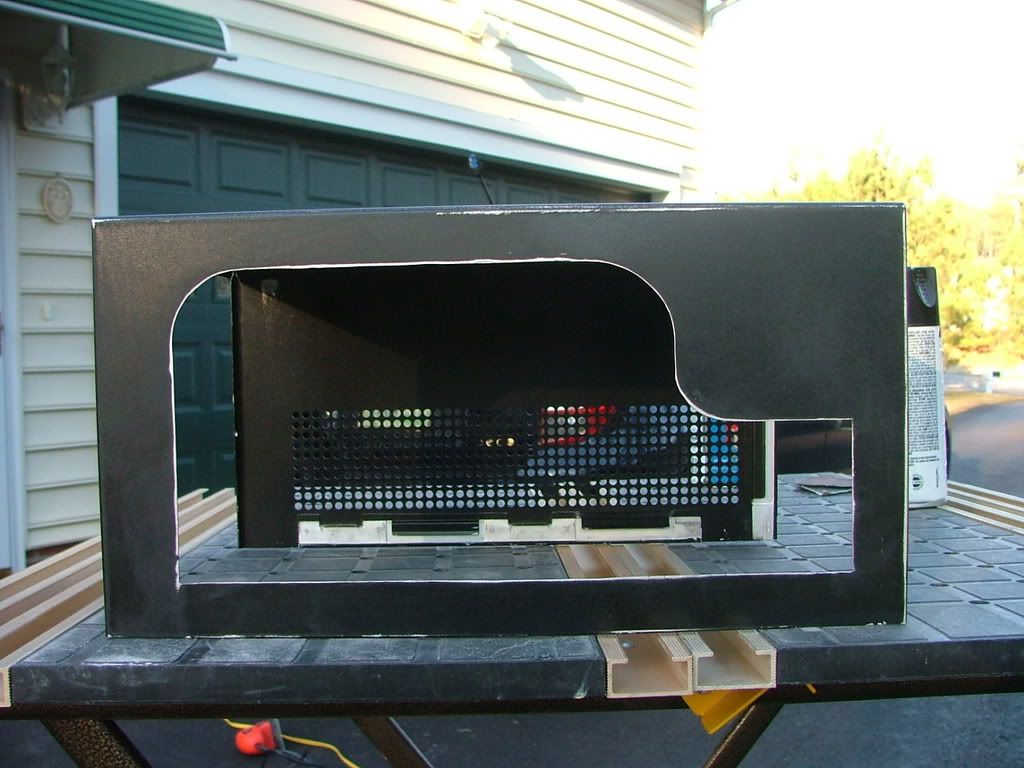
The case’s prior owner cut a window in the side and apparently had a rad screwed to the top. These are his pictures……… and yes the dust was free!
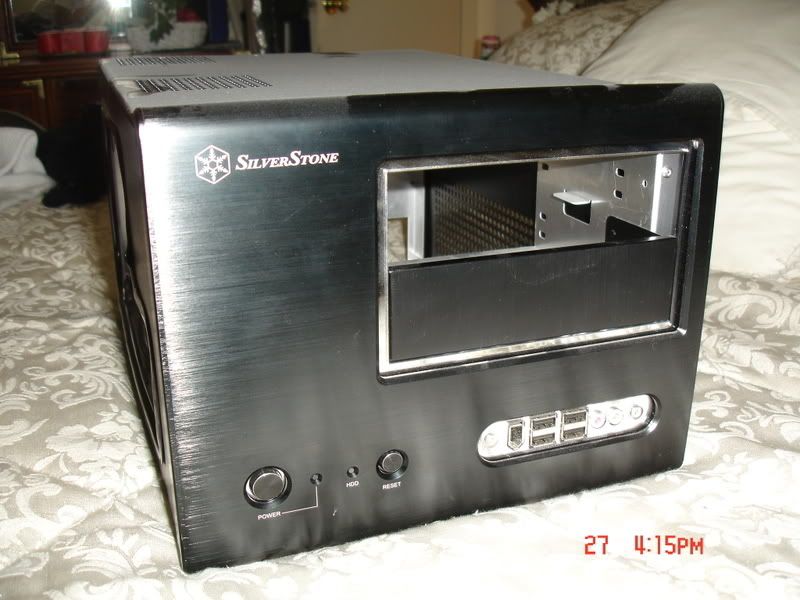
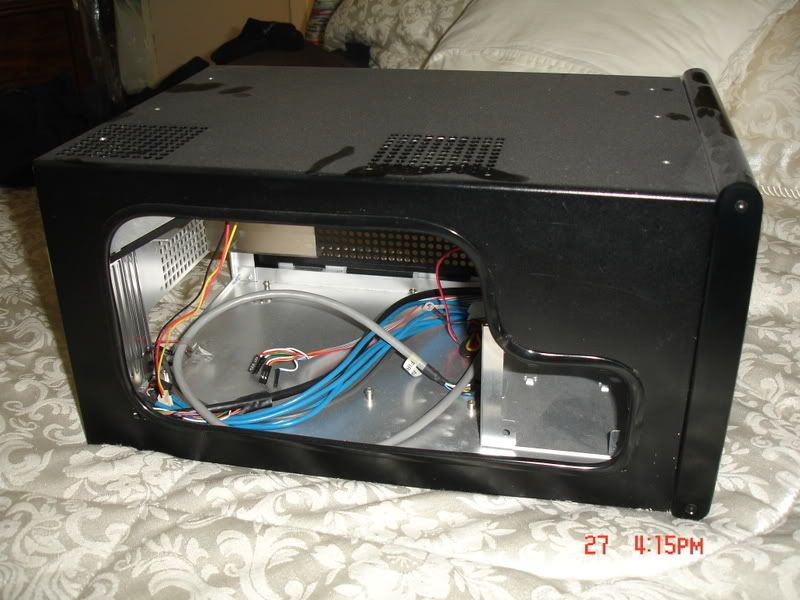
Edging had been used to cover the cut, but it one was to attach a piece of plex for a window with that in place it would not have fit. Something the prior owner must not have taken in to consideration when doing the window was how close the cover is to the frame when mounted. After working with this I then understood why the factory windowed cover has the window mounted on the outside!
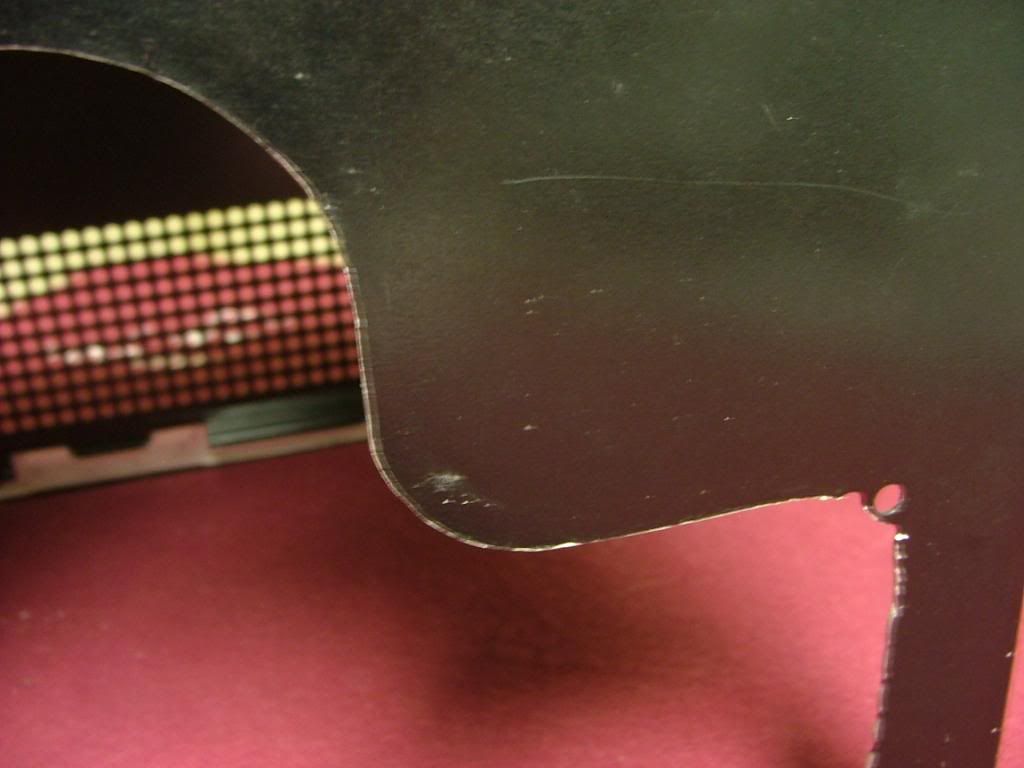
So I removed the edging and found a pretty good edge for the cutout. Where it was “rough” is in the bottom corners where the cooling holes are located. As you can see here ……….
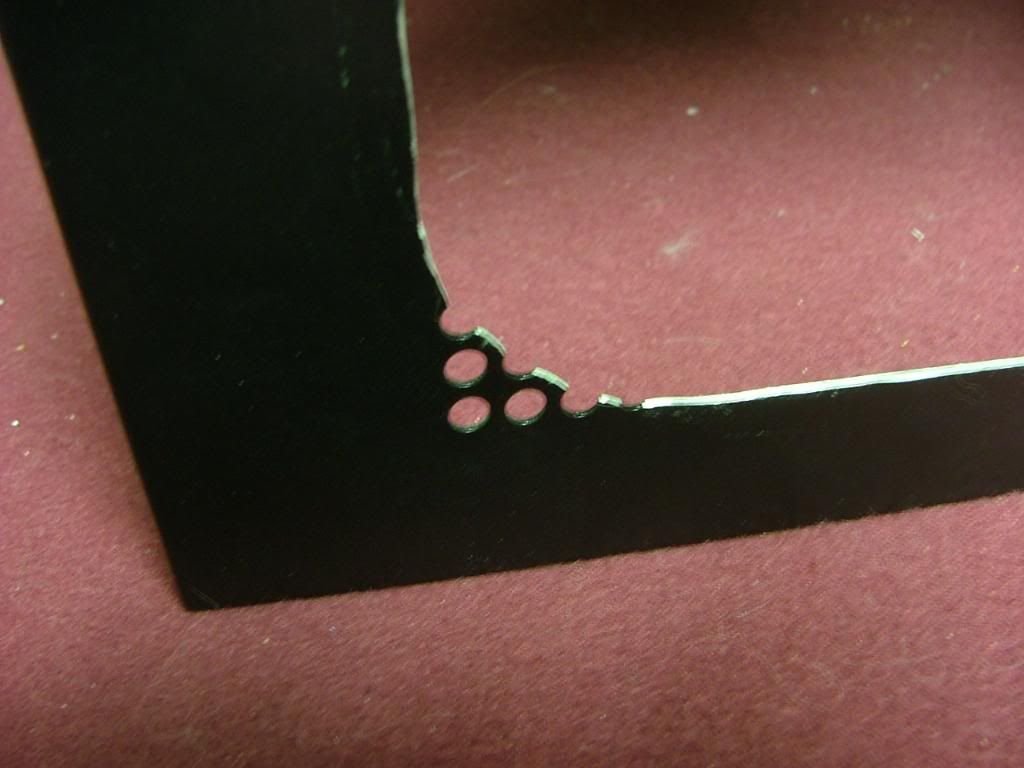
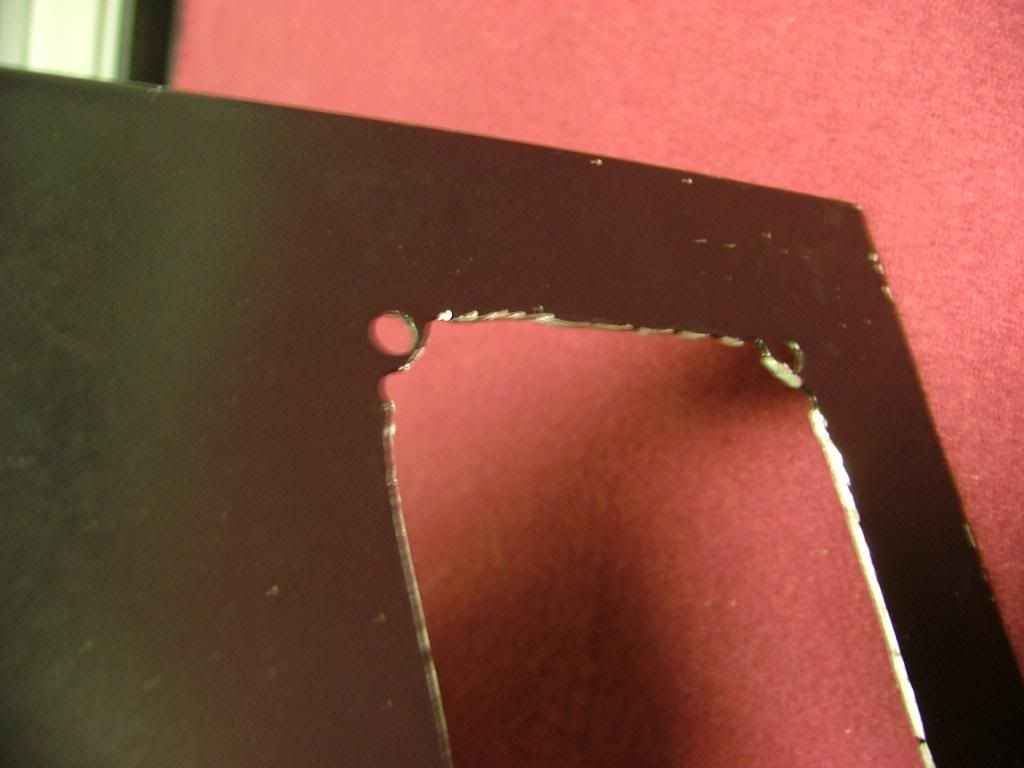
It was decided to “square” the corners as best I could and file the “rough” areas to be the finished edge and attach the window behind. This required some resizing and a fair amount of “hammer, grind, and file to suit”…..so much so that I still haven’t declared this part completed.
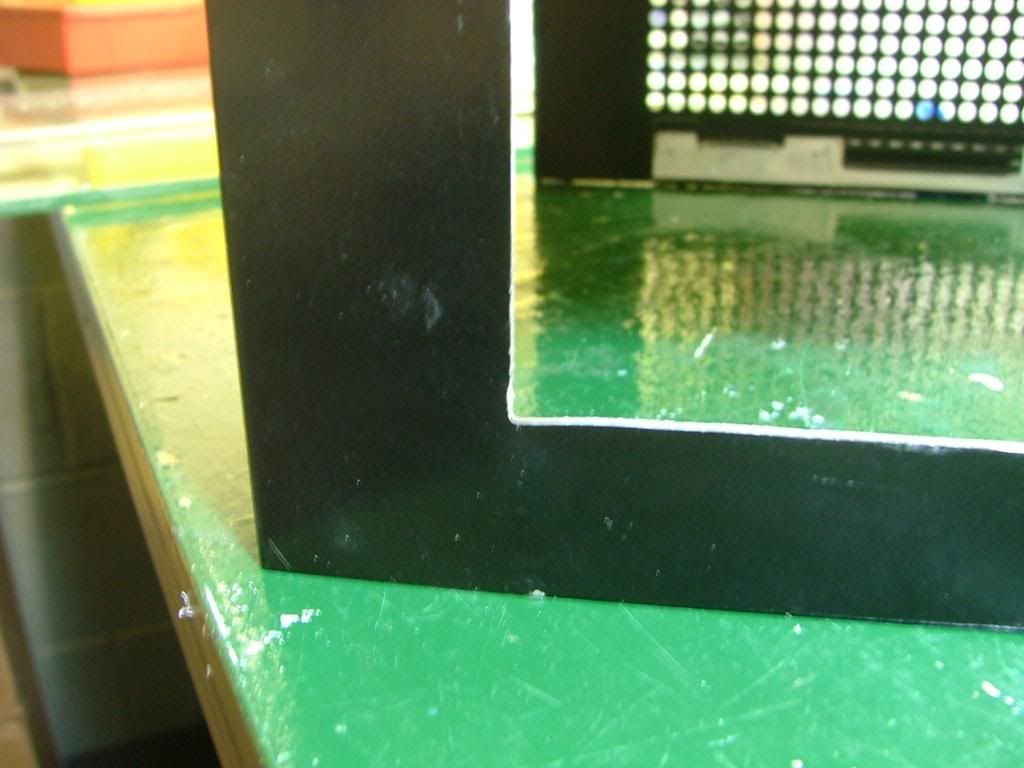
[BMG]http://i34.photobucket.com/albums/d140/jedihobbit/DreamCatcherv3/SOG1CornerRedo3.jpg[/BMG]
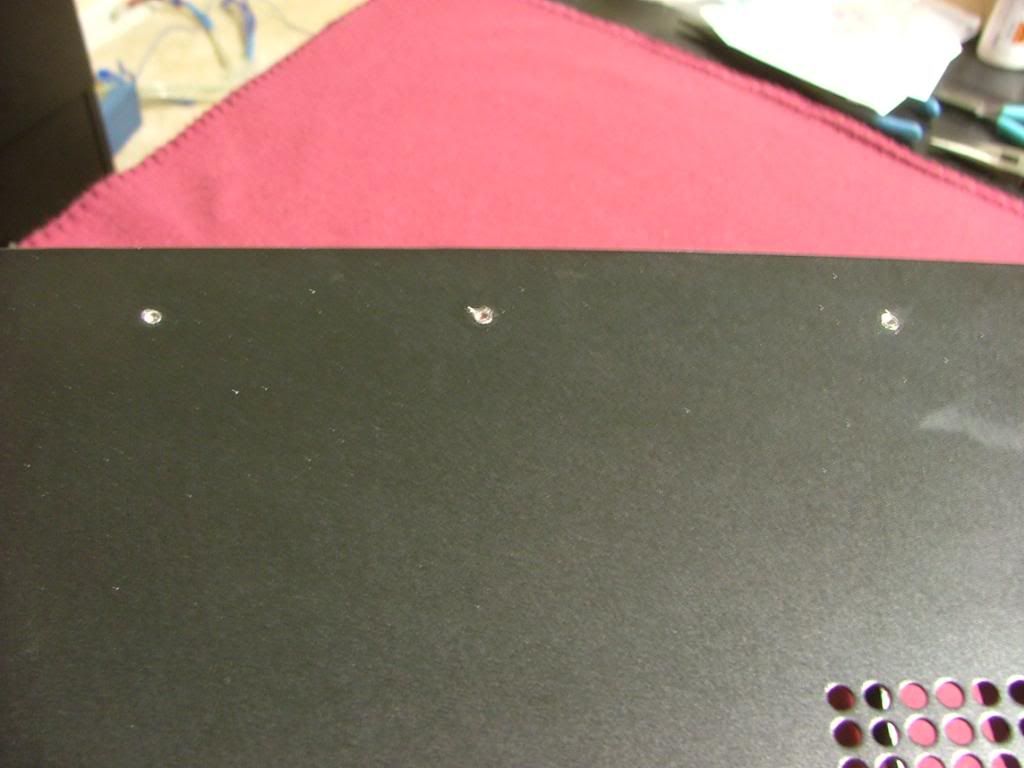
I hoped when I patched the six taped holes on top………
Did a final sanding, and painted the window edges will “clean up”. Now on to the window.
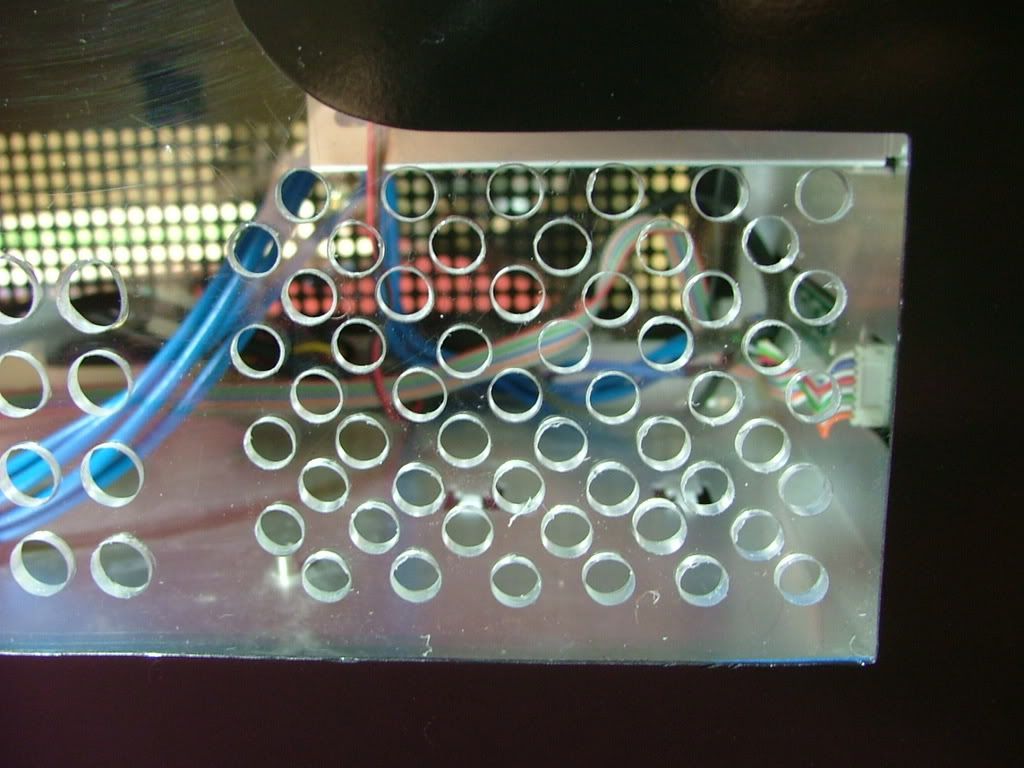
Had a spare piece of plex lying around so decided to do an “engineering sample” of the window. The biggest thing in putting in a window is the lose of cooling hole .…. especially those required by the hdd cage fan.
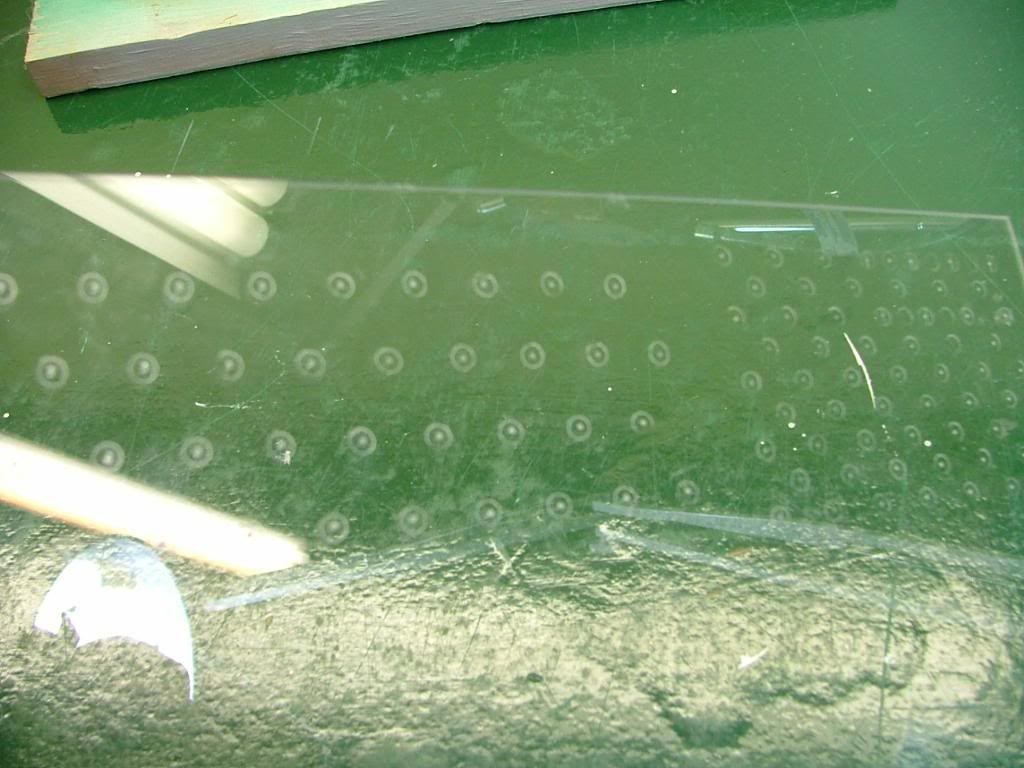
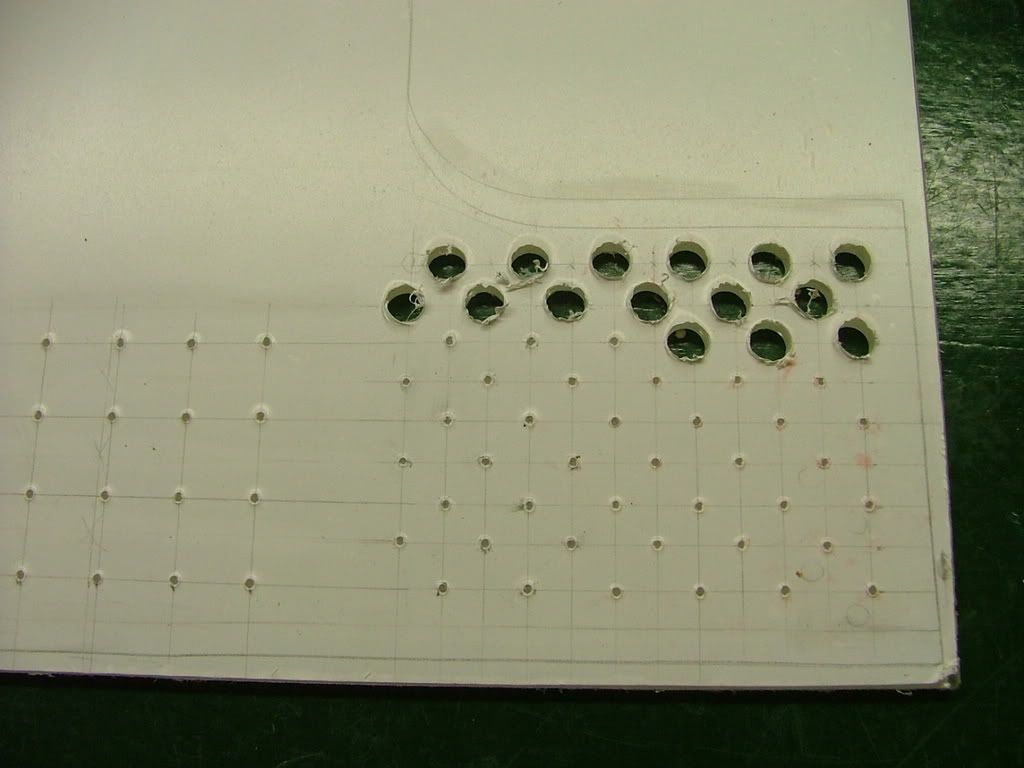
I taped the plex to the opposite side and scribed holes based on its hole pattern. My spacing and sizing will be different as I was afraid of cracking the plex if the holes were too close. Will have multiple small holes in the hdd area with fewer large holes (3/8”) for the rest. Here you see the rough layout with center punches prior to drilling. The centers are “eye-balled” so it won’t be all that nice and neat (after all this is “just a test”)!
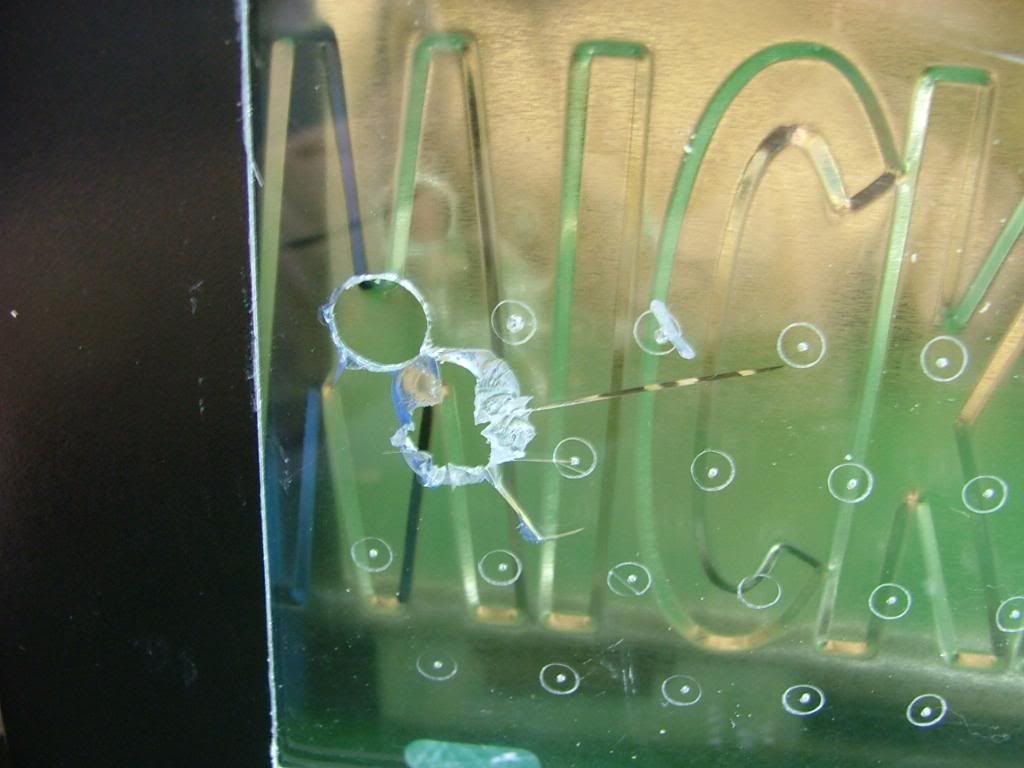
You may wonder why I called the window an “engineering sample”, quit simple……….
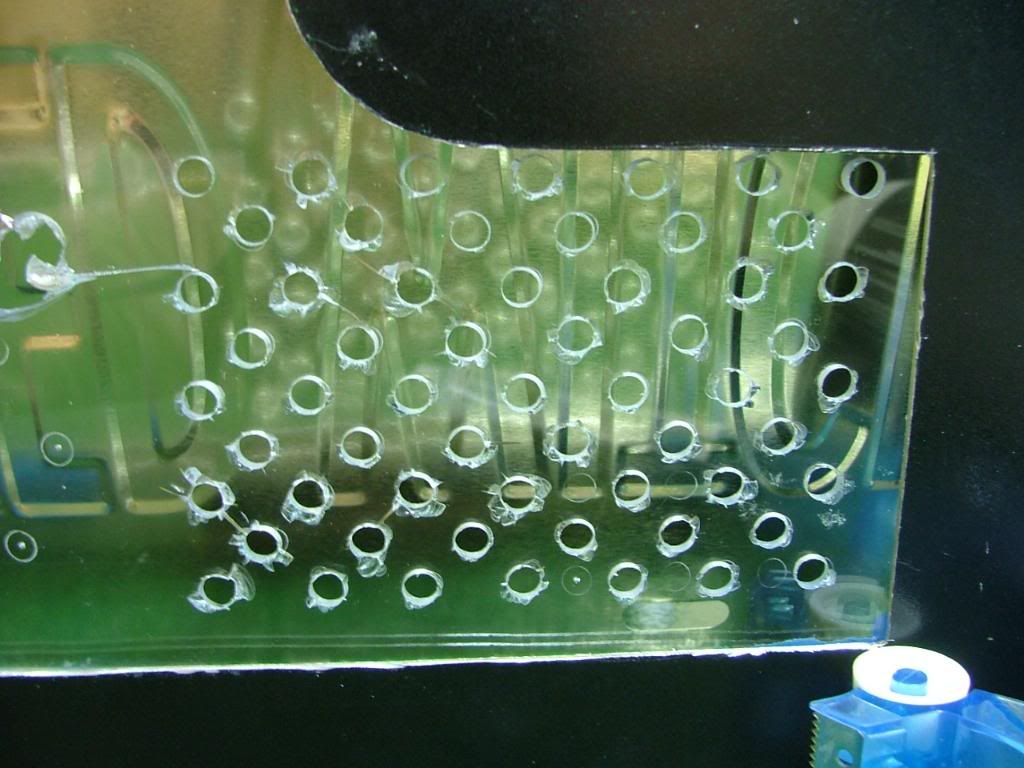
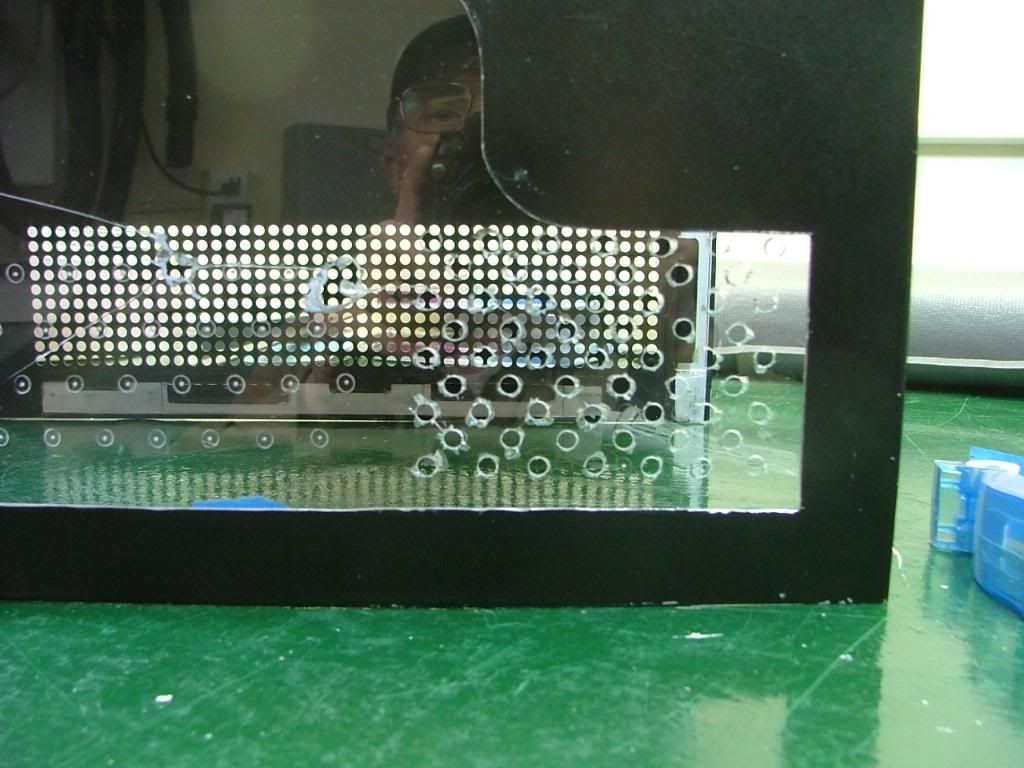
By “experimenting” on hole sizes and locations I’ve saved a wee bit of heart break. As you can see the material I have on hand is too brittle to drill. What I was able to do shows me the hole spacing is fine, but the pattern associated with the HDD fan needs to be lowered. Now to find some lexan to work with.
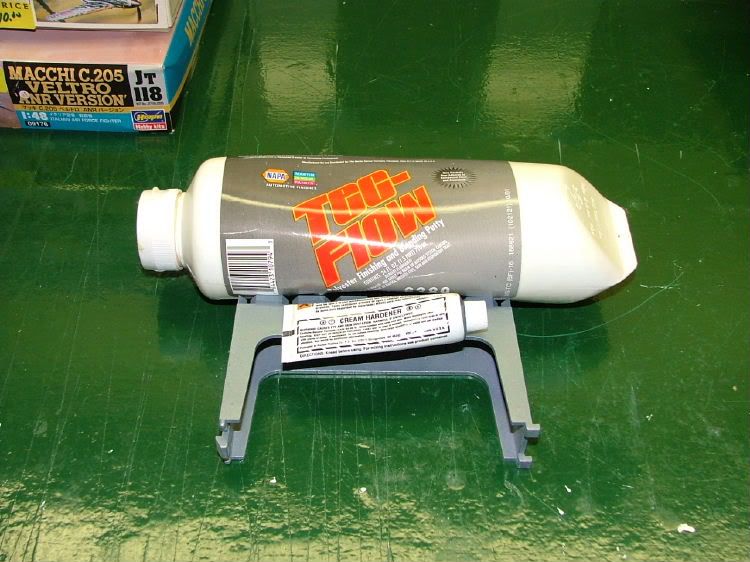
Needing to patch the holes in the top of the cover I drug out the stuff I used when doing the side panels of my first and still unfinished build Celtic Spirit.
It is easy to use and I just hope not too old! Backed the holes using “painters’” tape so as to only need to sand one side. As it was, I didn’t mixed enough catalyst and it required a little over 2 – 2-1/2 times longer to cure. Then it was sanding time!! Also took the opportunity to smooth out as best I could the edges of the window opening.
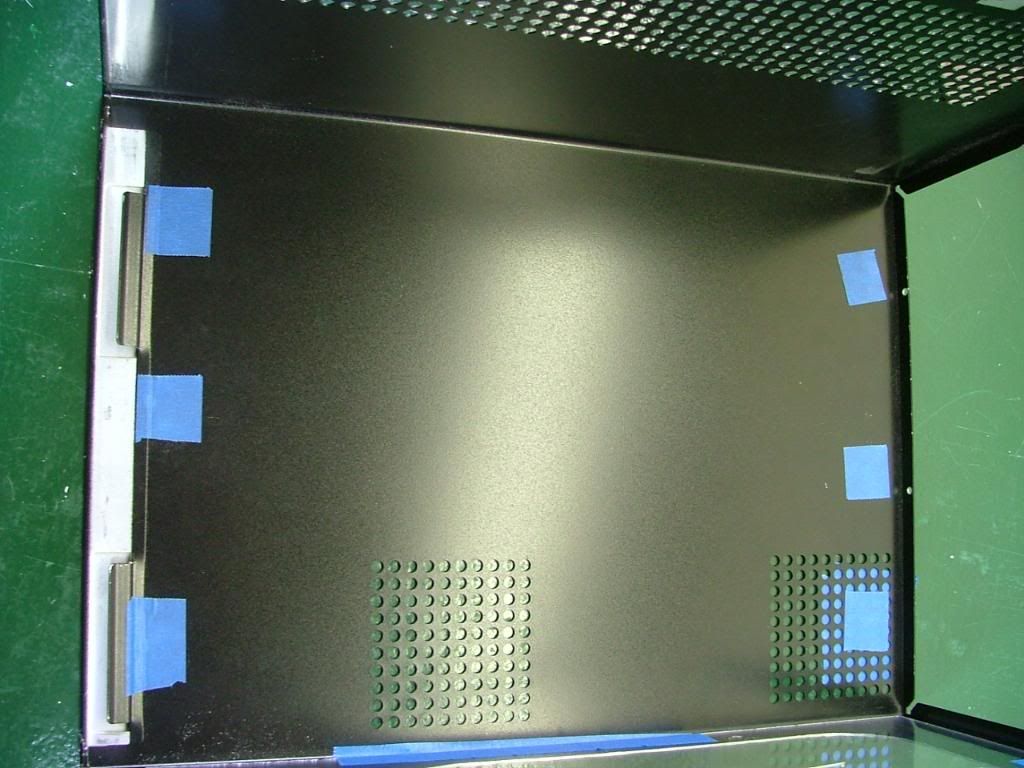
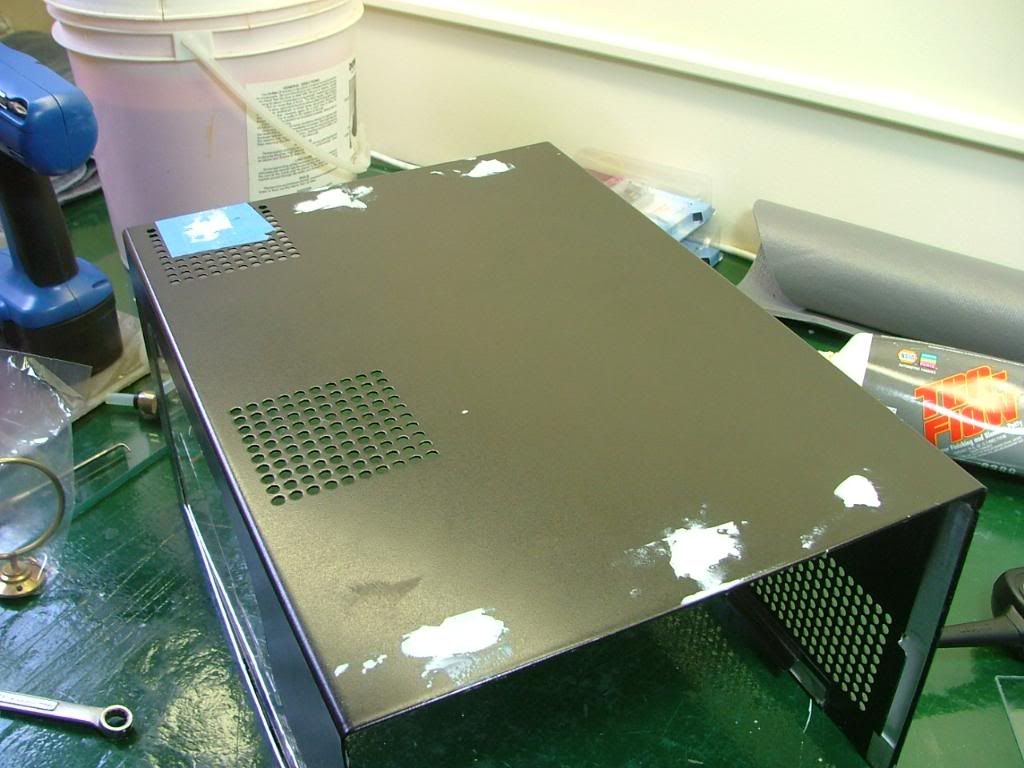
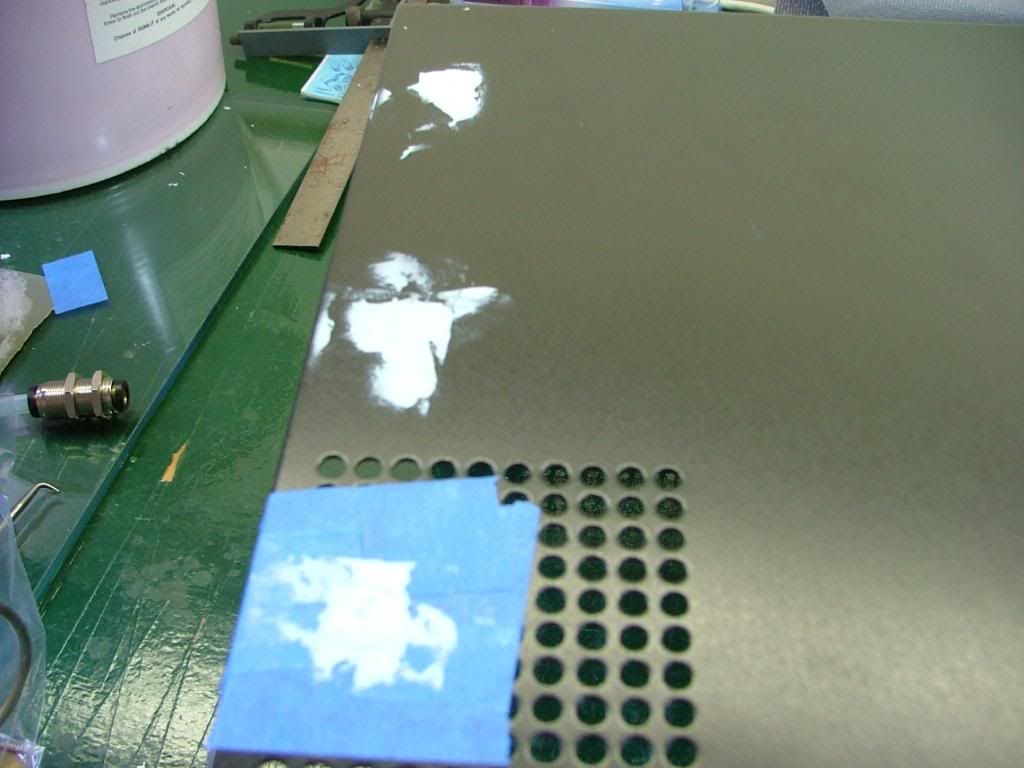
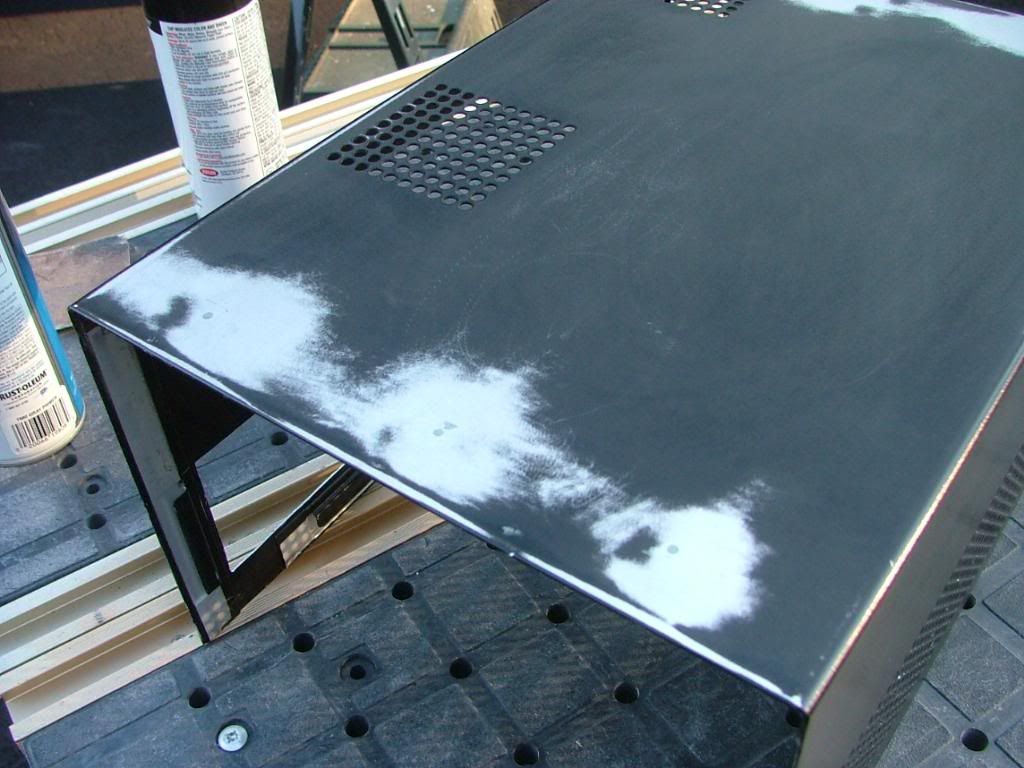
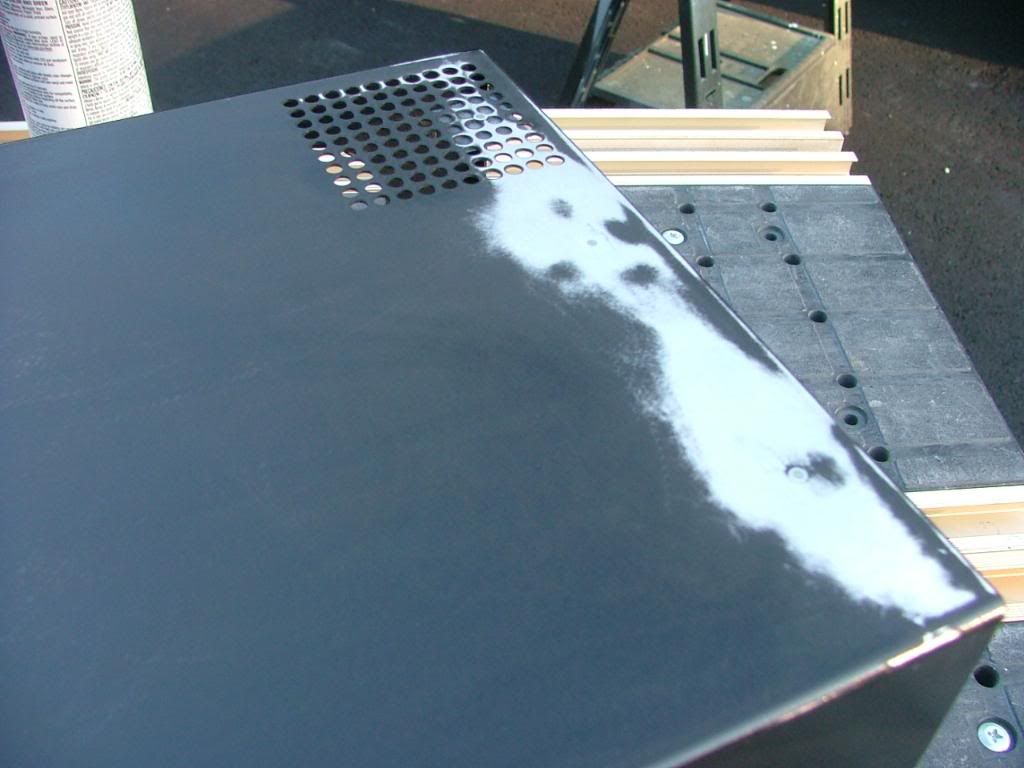
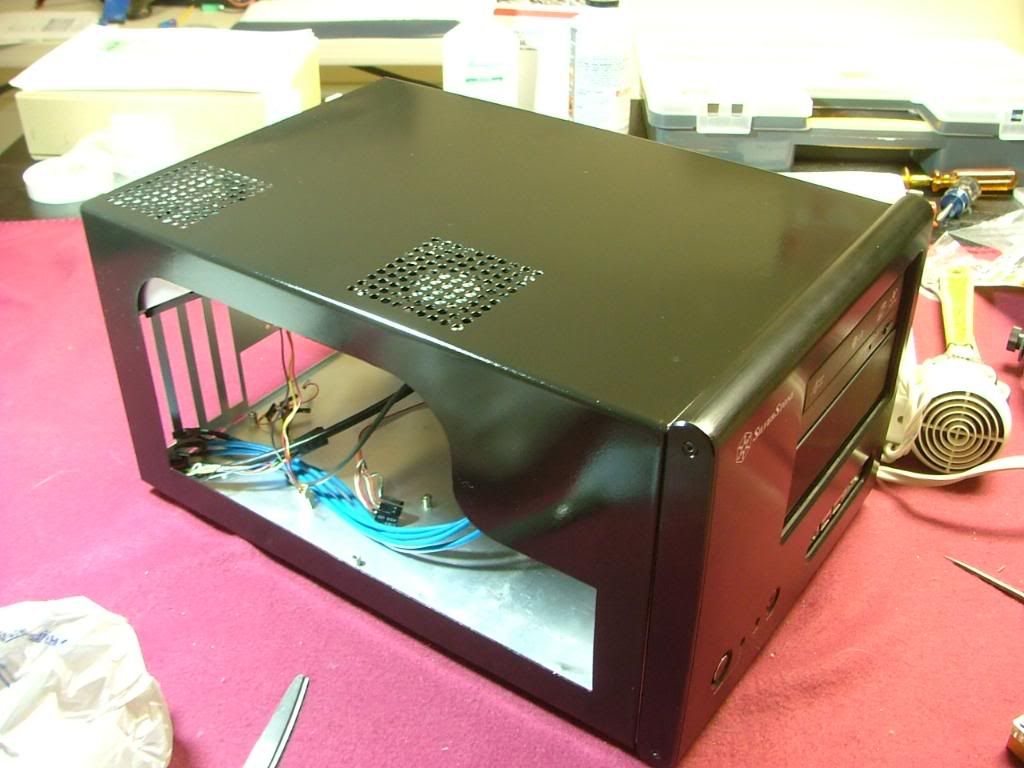
Here we are ready for the painting and after it was “done” it appeared to be fairly reflective. I jokingly referred to the method as “quick and dirty” because of doing in a few hours what should be done in a couple of days. However in the last pic you’ll see the patched holes….which if I had not skipped the primer, had sufficient coats of paint (with sanding between) they shouldn’t have been seen. Let’s just say this isn’t one of my better paint jobs and needs to be located in a “dark” area of the office!
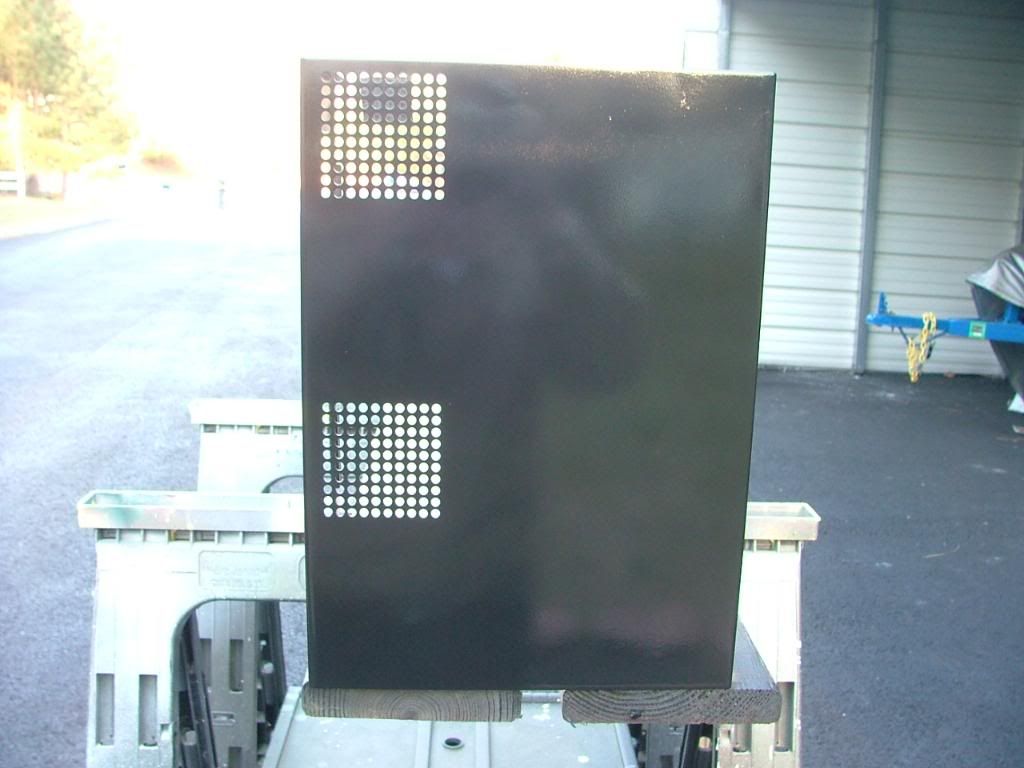

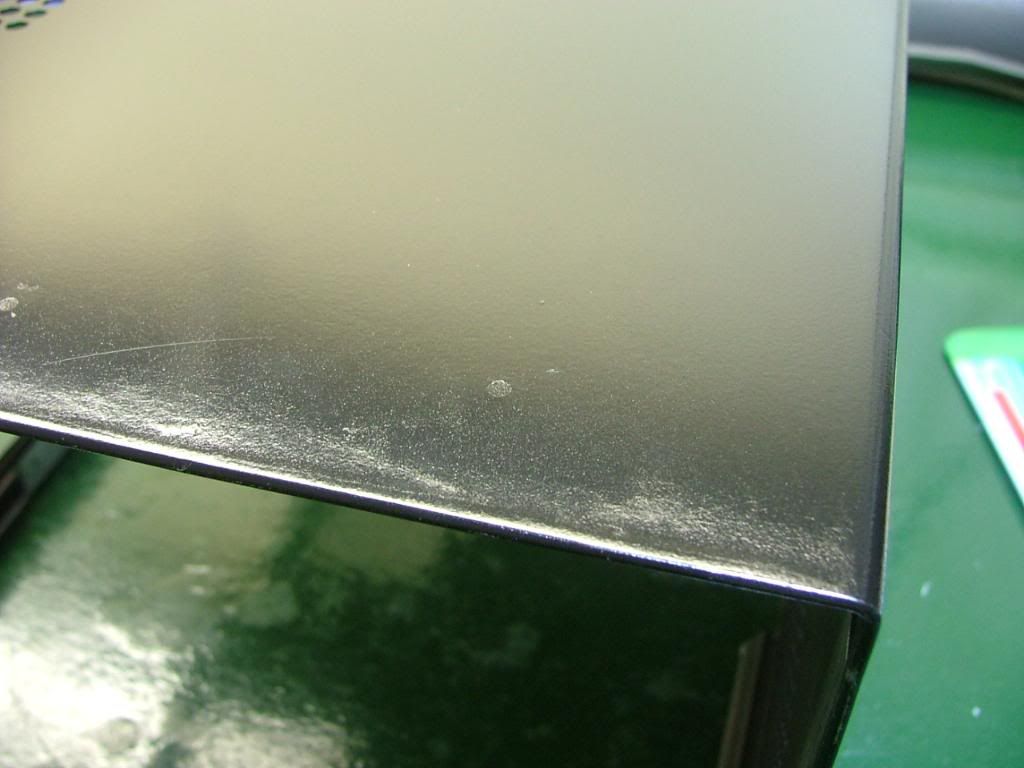
I managed to purchase a piece of Lexan for “drill ability” to use for the window. These pix were while laying out the hole patterns and beginning to drill. While it may appear somewhat inconsistent it was decided on two different size holes and patterns. You may notice the two stray holes up top……that was a “test” in an area not seen. If you look closely you’ll see where the window edge is.
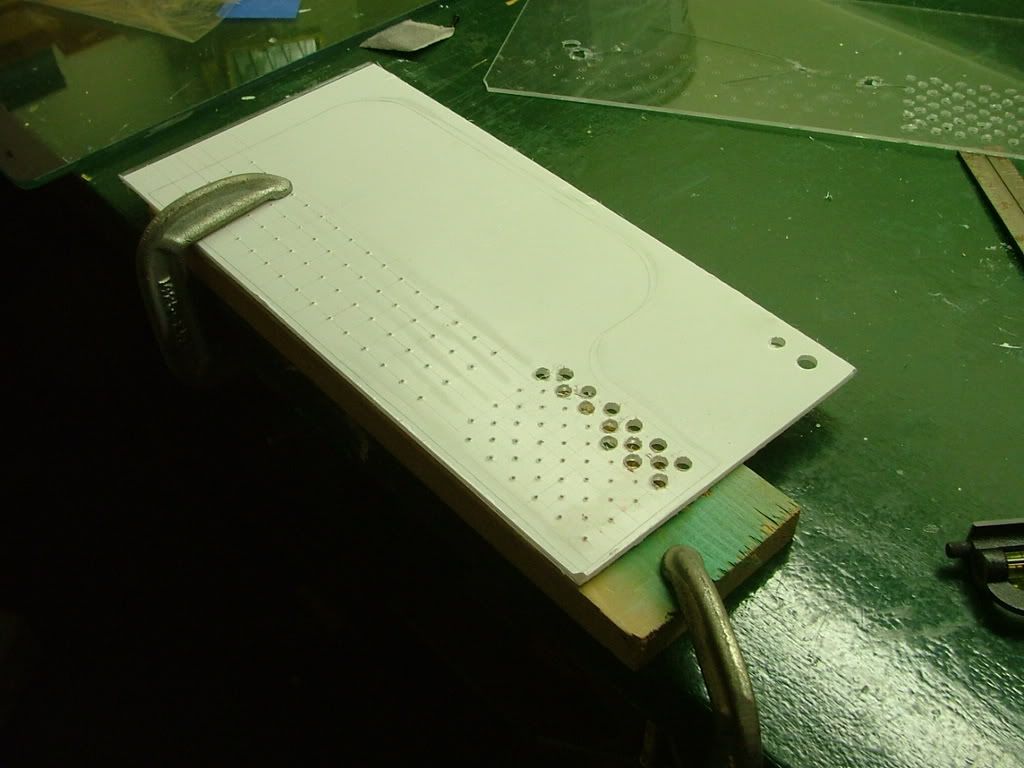
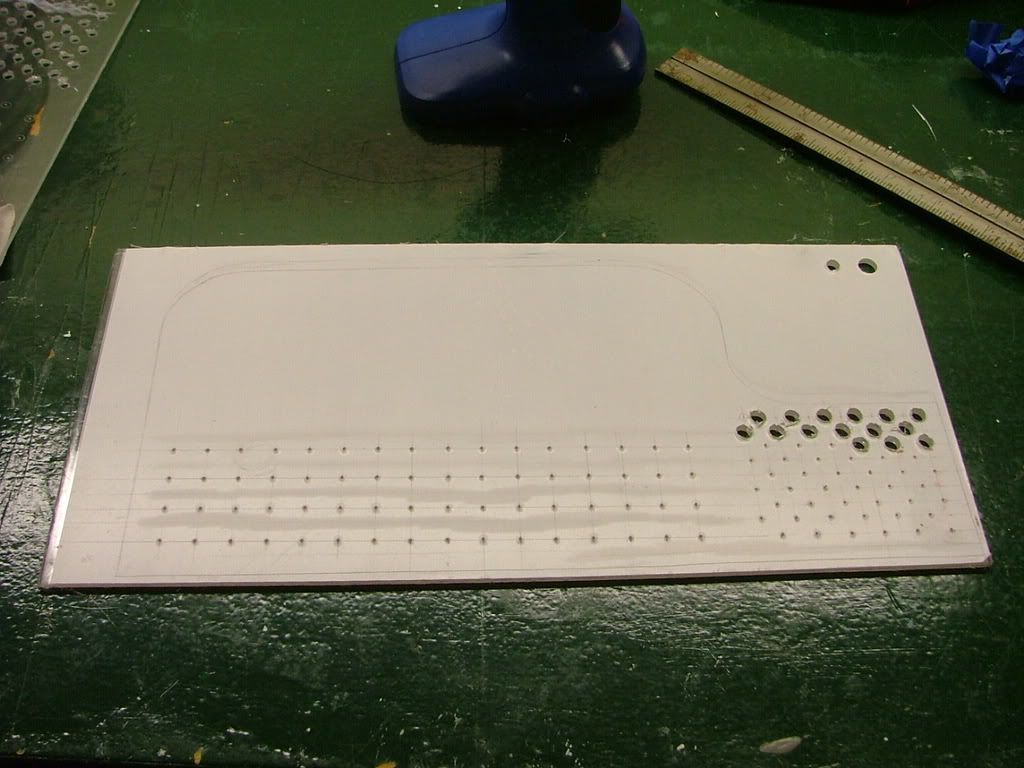
Lexan makes a big difference when it comes to drilling! It was easier by far over the plex but has it own minor issues. Rule of thumb, Plex is hard but brittle where as Lexan is soft and workable. I used a wireless drill at low speeds but it would still grab on occasions. Also I had difficulty in cleaning any “rough” edges and in the process managed to scratch the surface and will need to spend the time to find and use some “glass polish”. The major drawback of “soft”. Here you have it temporarily mounted and in the closer views see some of the needed clean up.
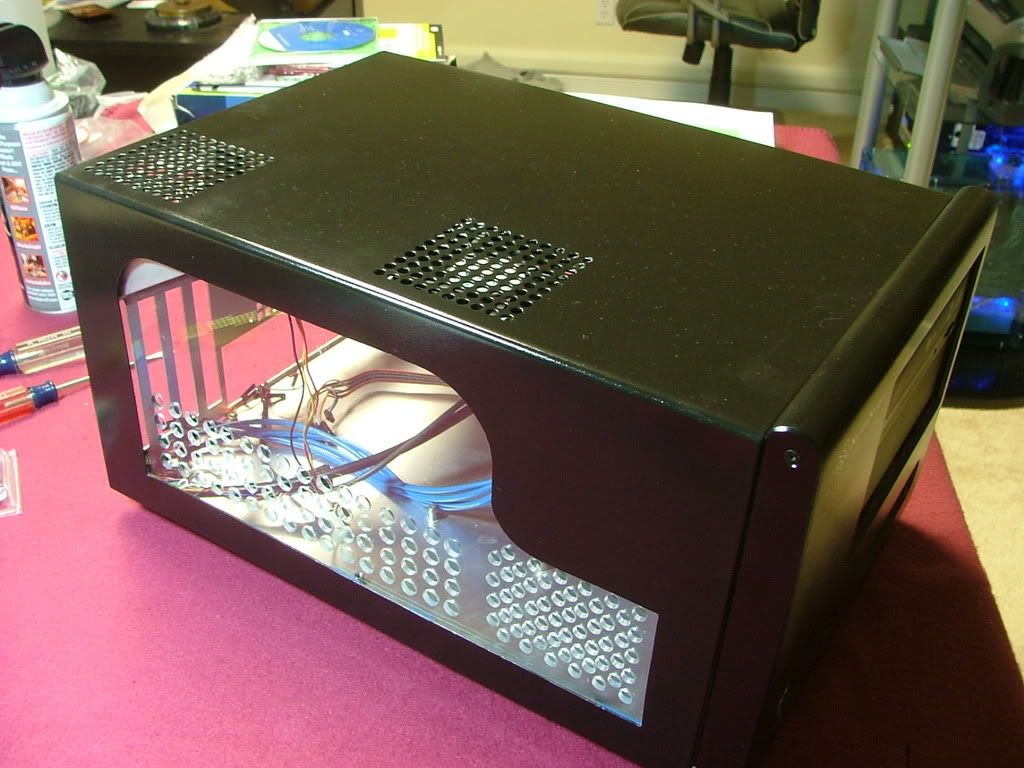
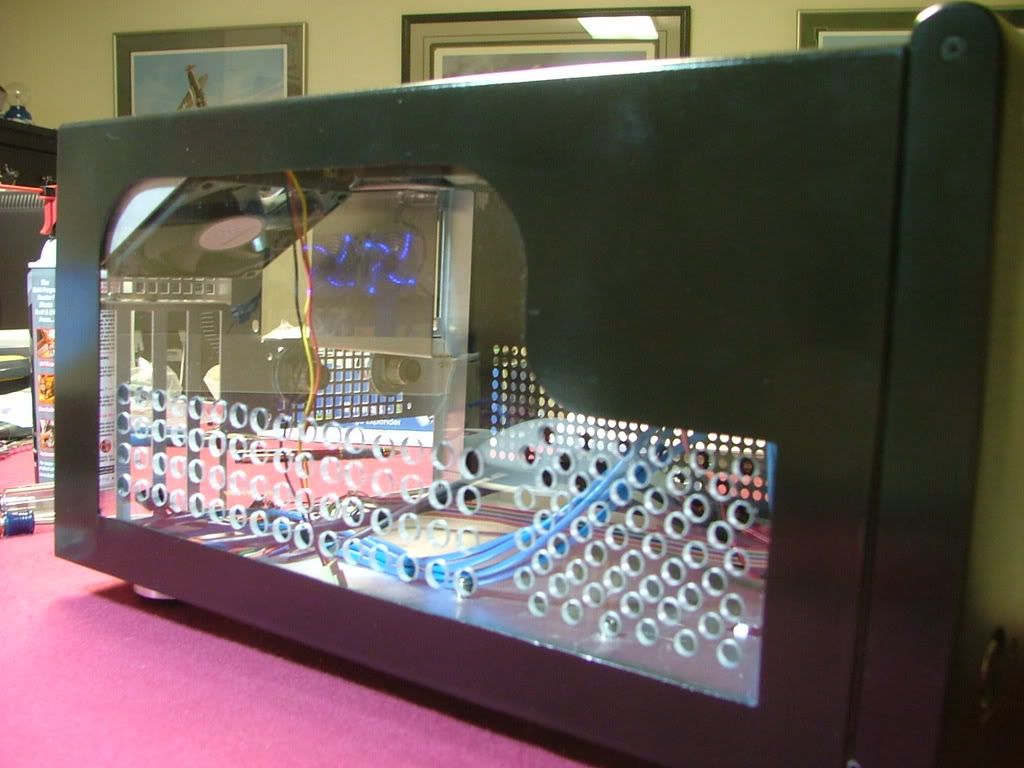
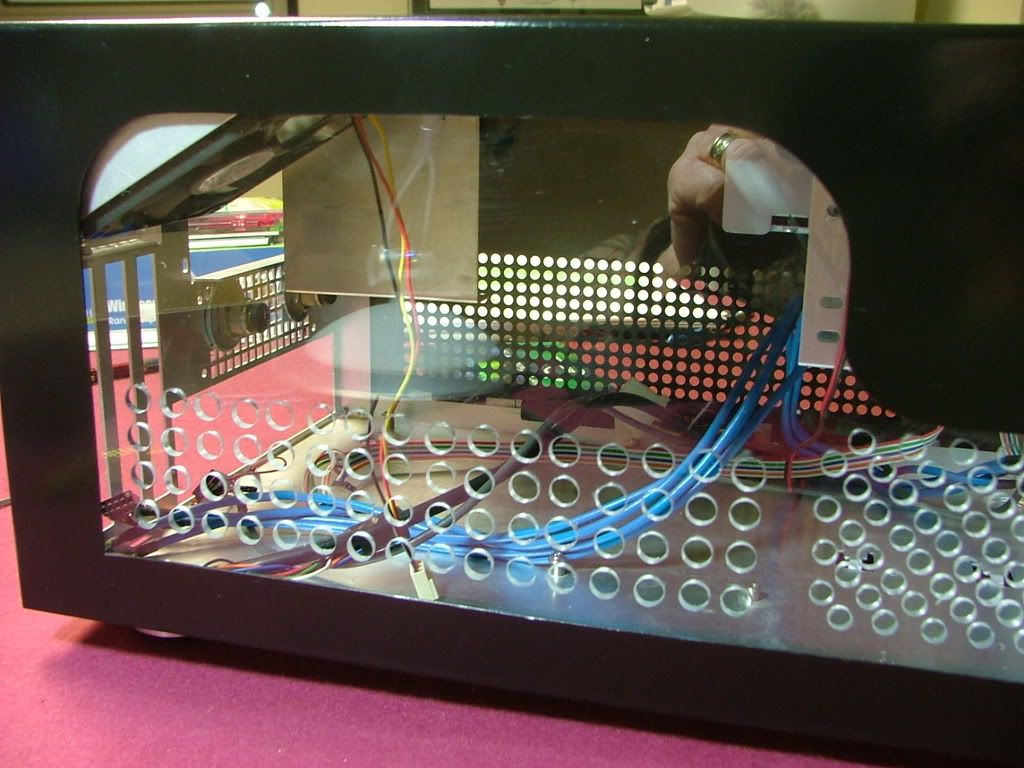
Haven’t been totally “pleased” with it and as stated earlier due to needing additional work have just sat it aside for now. Here is where I can put a plug in for Silverstone’s customer service. They have spare parts for their cases and don’t seem to hesitate to sale them either. While I’m a big fan of Ultra’s MicroFly cases one needs to be “careful” as they will not sale any replacement parts. At any rate I acquired a factory windowed cover until I’m happy with my version.
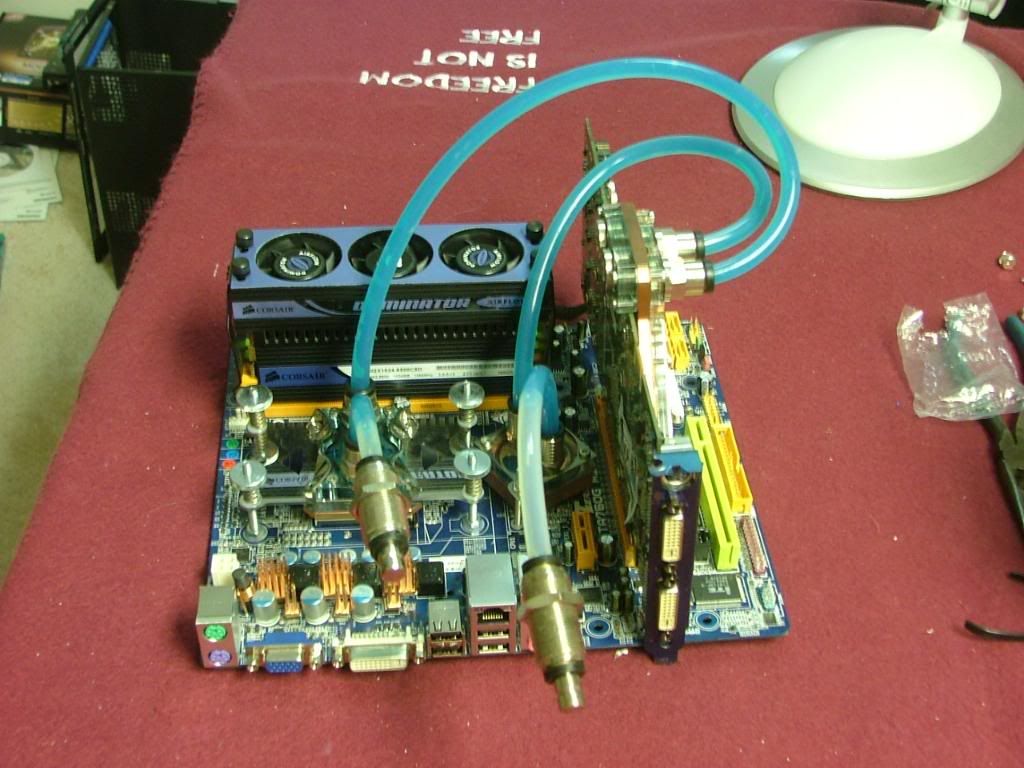
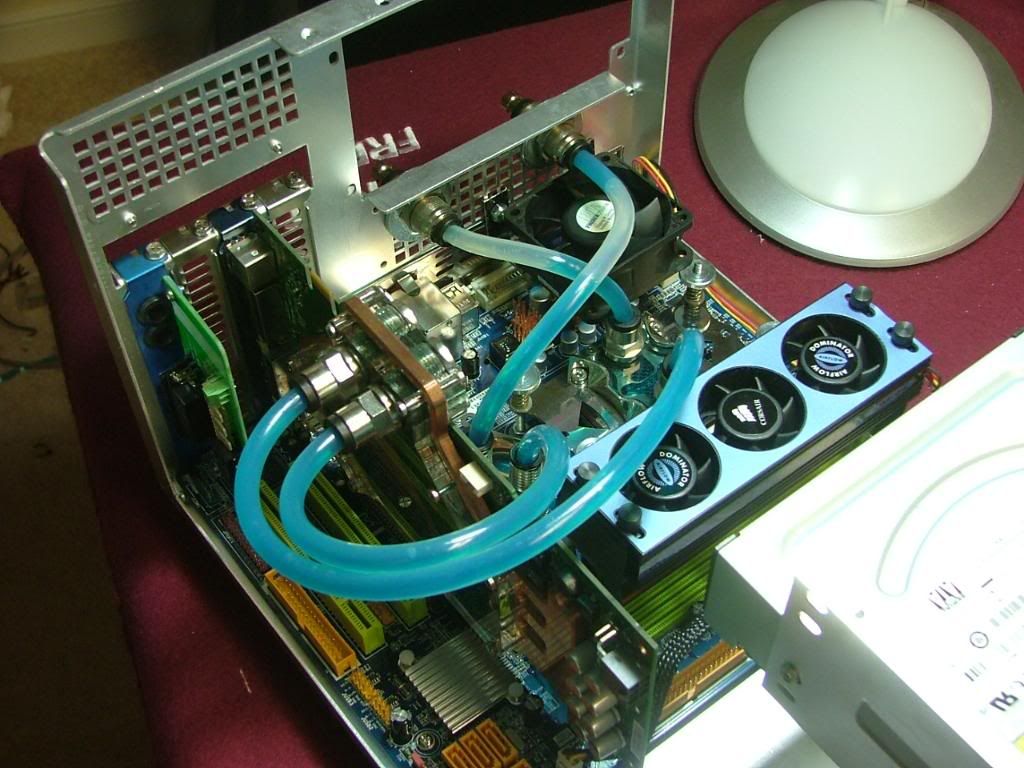
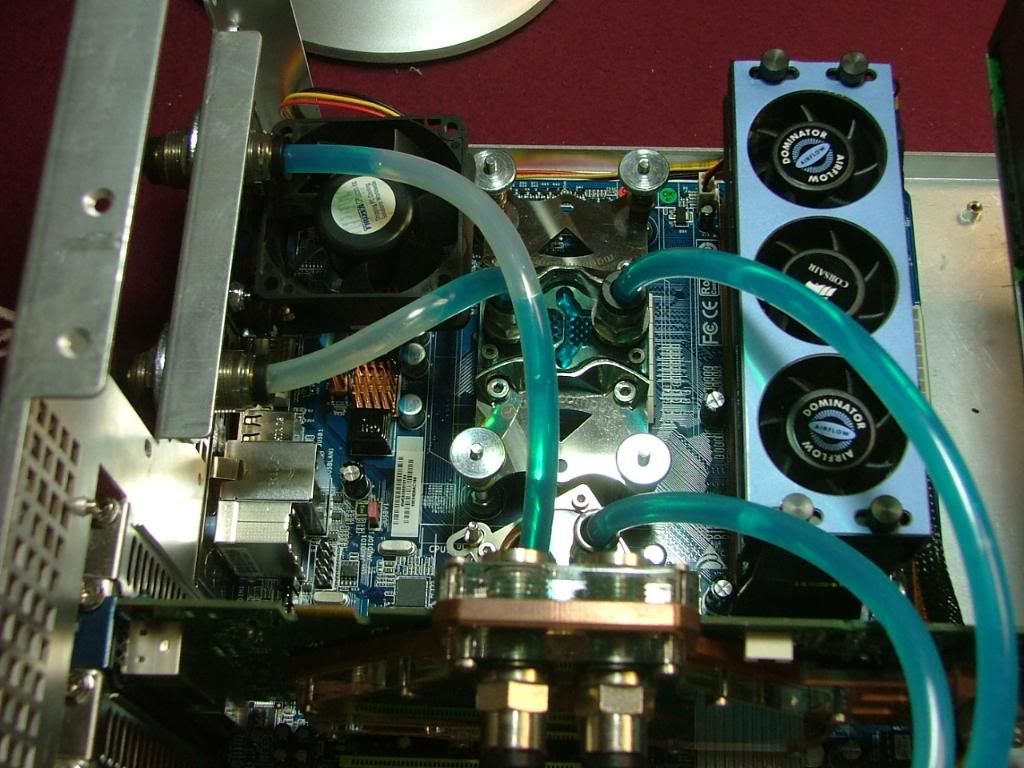
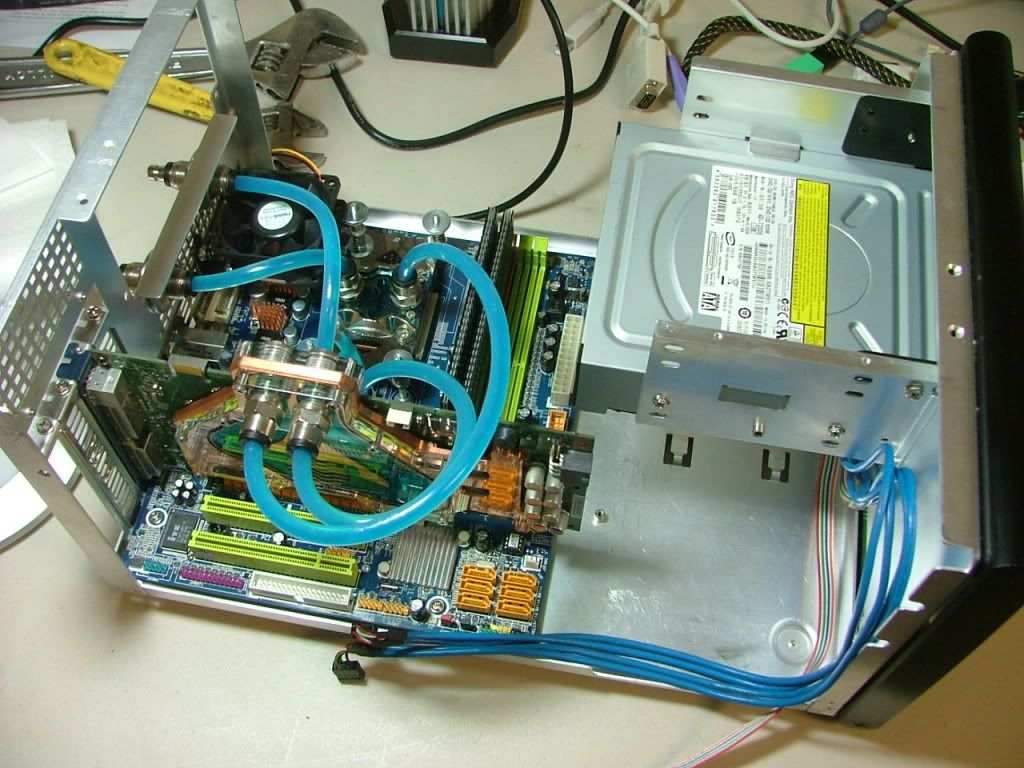
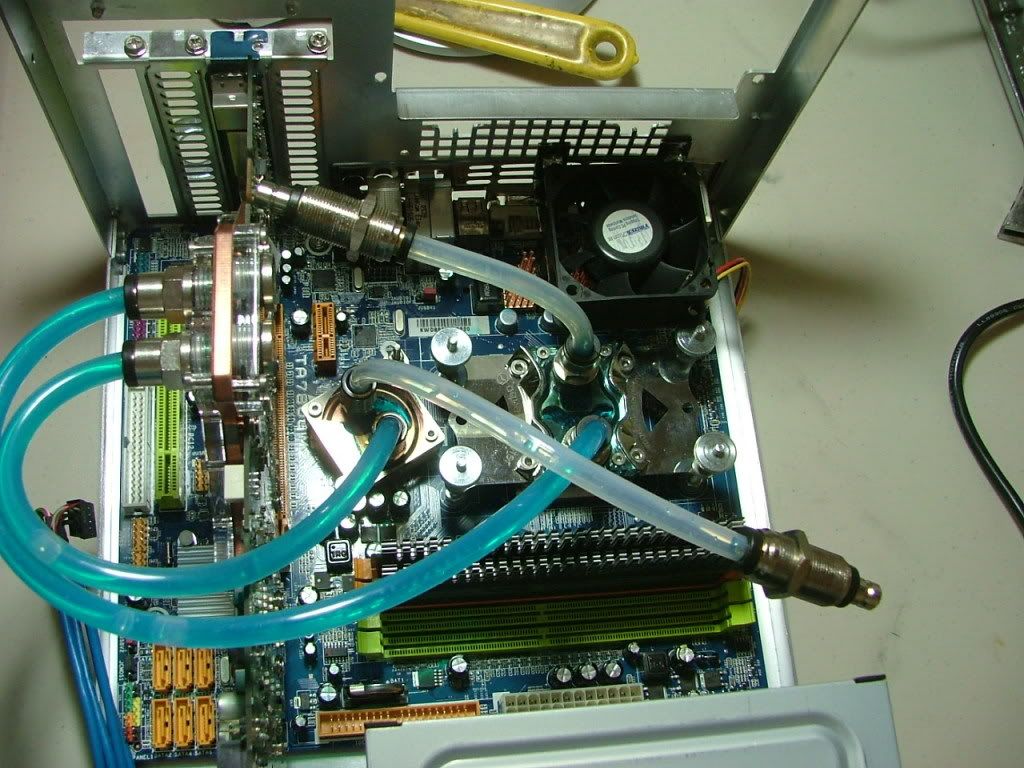
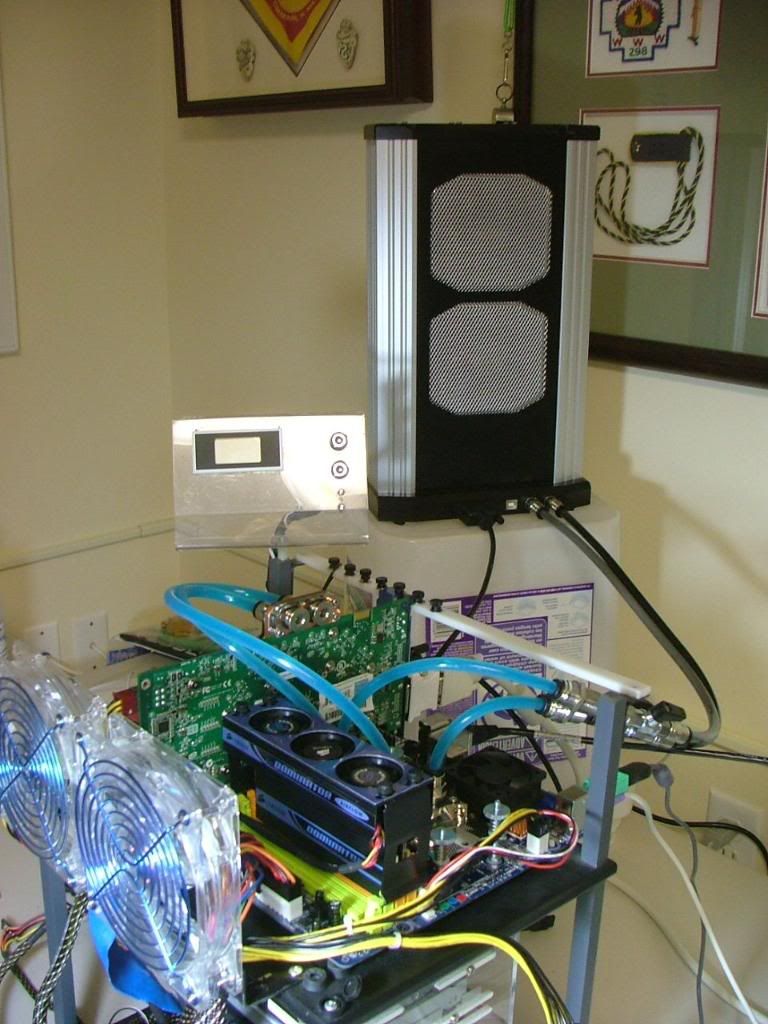
One of the things I tried to do was to make the WC loop somewhat modular as half of it is outside the case. First with the MicroFly and then with the SG01 I mounted bulkhead fittings so and then an additional set of shutoff valves outside the case. Even though the Aquaduct has its on set of valves I could still stop the flow at the rear of the case. The one thing that I really miss from the Ultra design is the mobo tray which made disassembly very easy. However with the bulkhead fittings mobo removal was all that bad. To cut to the chase and trim the BS I’ll just though out a patch of pics showing this in the past. If there are any specific questions to what is happening just ask.
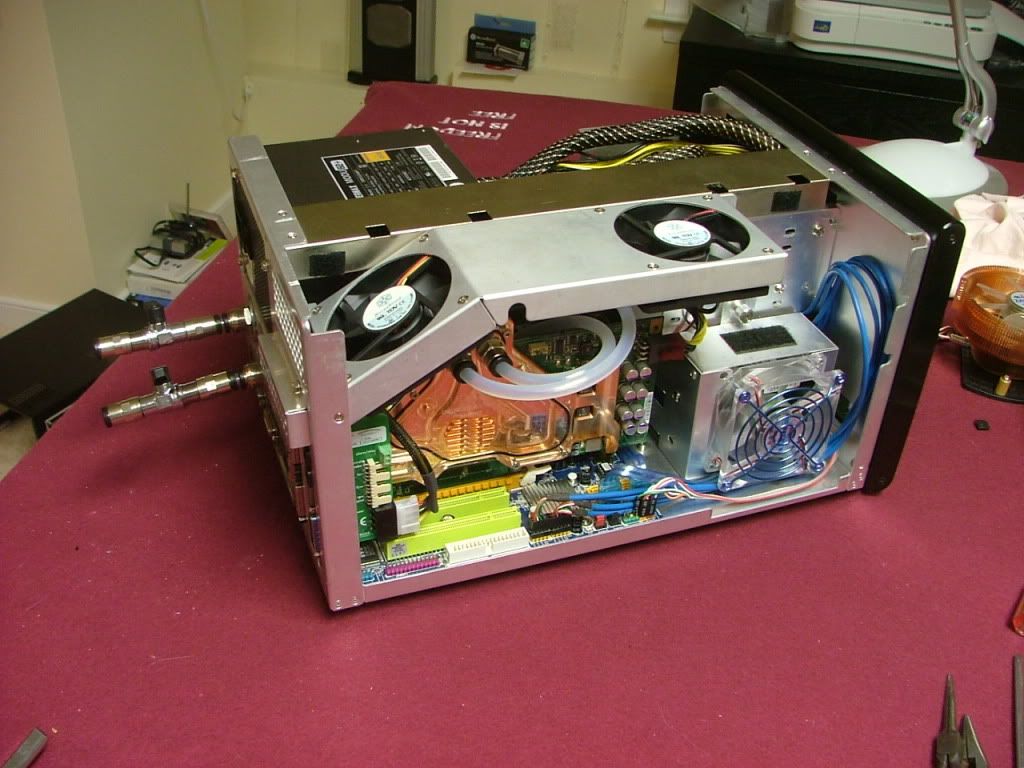
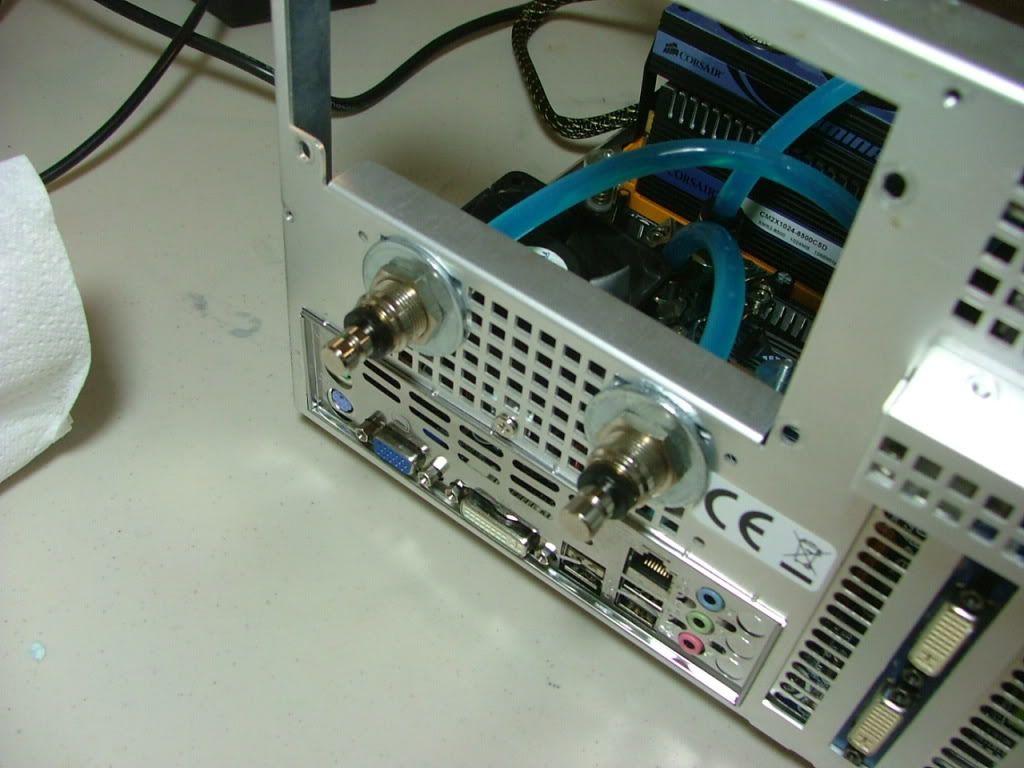
Also another nice thing about having the loop modular is it allows things like testing and overclocking somewhere other than in the case……….
And then when you're done, in it goes!



 Reply With Quote

Bookmarks