-
Popcorn Time Again...
Overhead Fans for My Shop
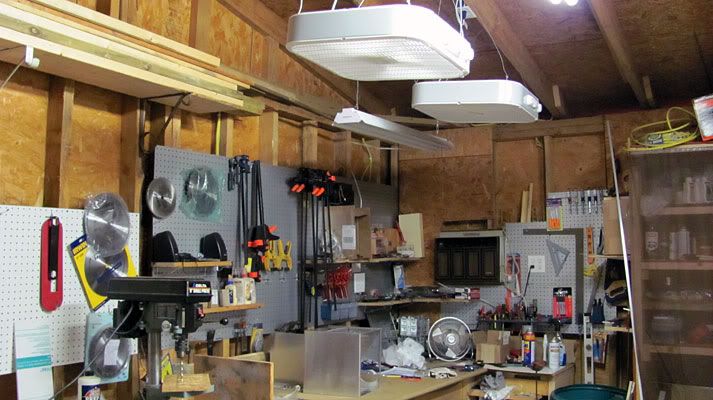
I spent the better part of a day off doing a much needed add-on to my shop. I hung two box fans from the ceiling over my worktable area, and wired them in. I ran them both through separate power switches so that I can just flip them each individually on and off without having to reach overhead every time to turn them on and off. With it getting hot outside, these are quickly proving to be a big help. I about sweat to death though installing them. I was working in 90+ heat with no fans at all while the power was off due to running the wiring. It was worth the effort though.
Putting Some Pieces Together
I've got the body panels cut out, and started putting the pieces together to make sure everything fits right. I bought countersunk 1/8” rivets from allensfasteners.com, and countersunk and riveted and/or screwed the panels together.
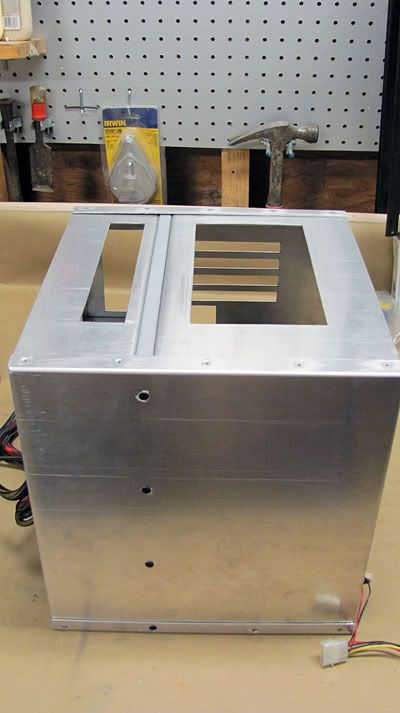
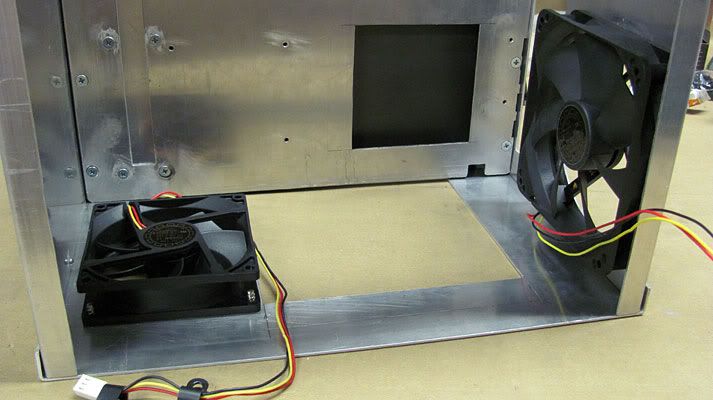
I drilled and countersunk the holes for the bottom and rear case fans.
PSU Mounting
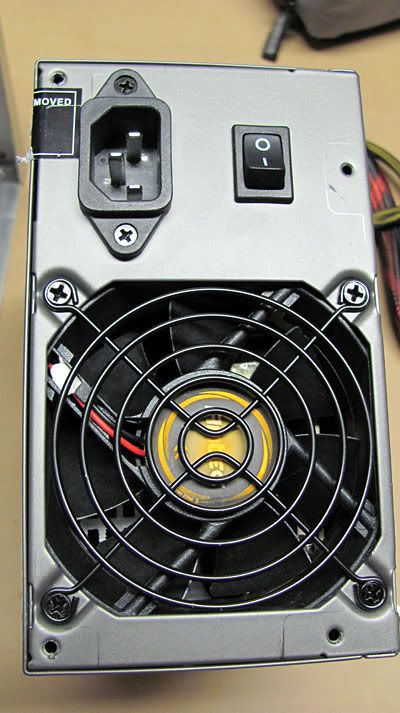
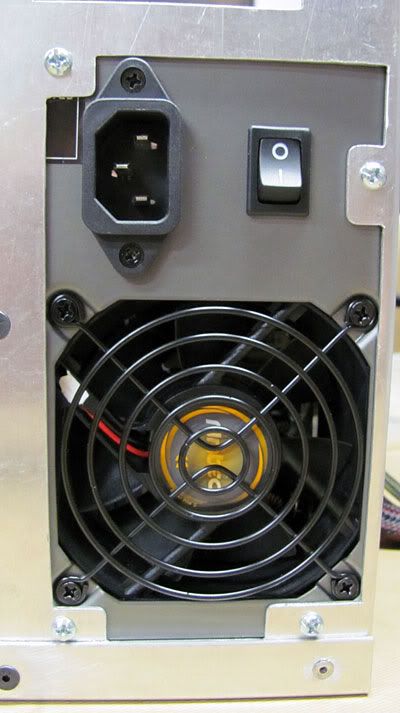
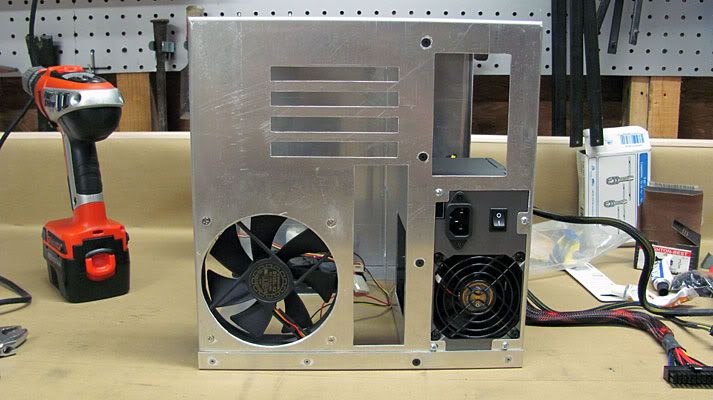
I cut out the PSU area per the drawing I made in Sketchup. Using a spare PSU, I put it in place, traced the outline of the cutout in pencil onto the PSU, measured the screw holes in relation to the tracing on the PSU, and then transferred that onto the case and drilled out the holes.
Hardrives Mount
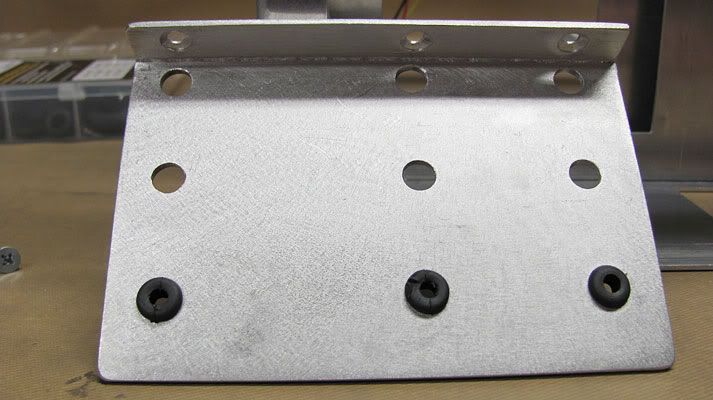
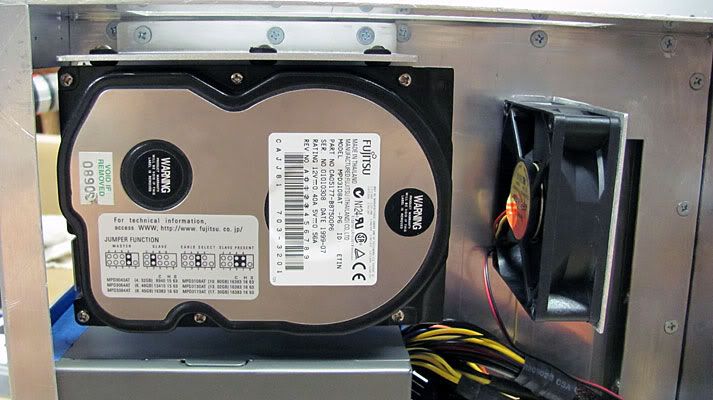
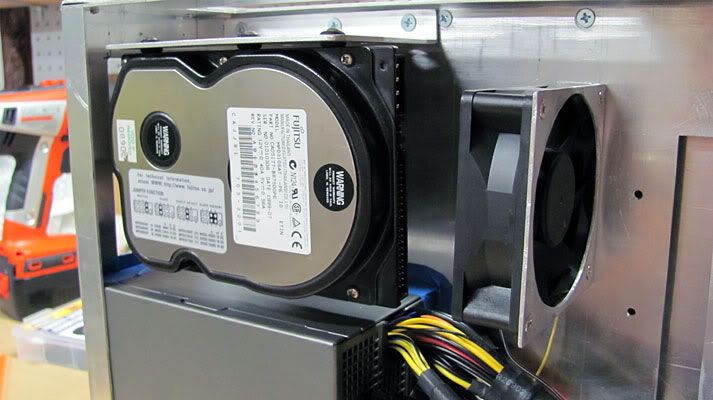
I used a piece of 10 gauge aluminum to make the mount for the harddrives. I had to bend this in a 6” vice with a hammer and piece of 2” x 4” as a beating block since its way too thick for my metal brake. I want the hard drives to be mounted directly touching rubber to help isolate vibrations as much as possible, so I opted for using rubber grommets through the mount. This way the harddrives contact rubber, not metal. I used an old dead hardrive to get my hole spacing and placement. Using this thick mount at the top, I see no need for an additional bottom piece. If I want to remove any drives, it only takes 3 screws and the entire mount comes right out drives and all.
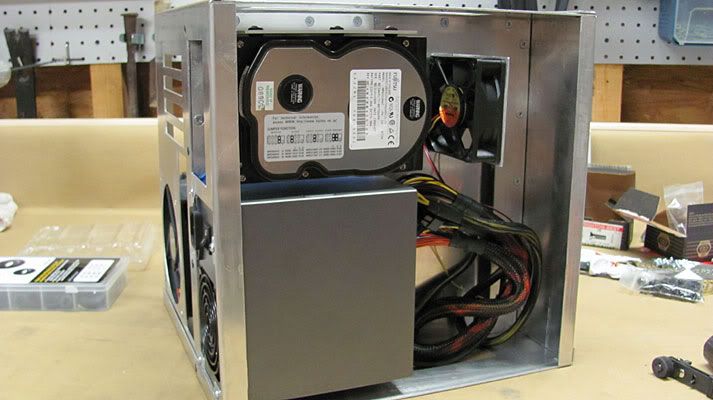
I also made an 80mm fan mount so that I'll have a bit of airflow directed at the hard drives.
That's all for now.
Thanks for stopping by.
 Posting Permissions
- You may not post new threads
- You may not post replies
- You may not post attachments
- You may not edit your posts
-
Forum Rules


 Reply With Quote
Bookmarks