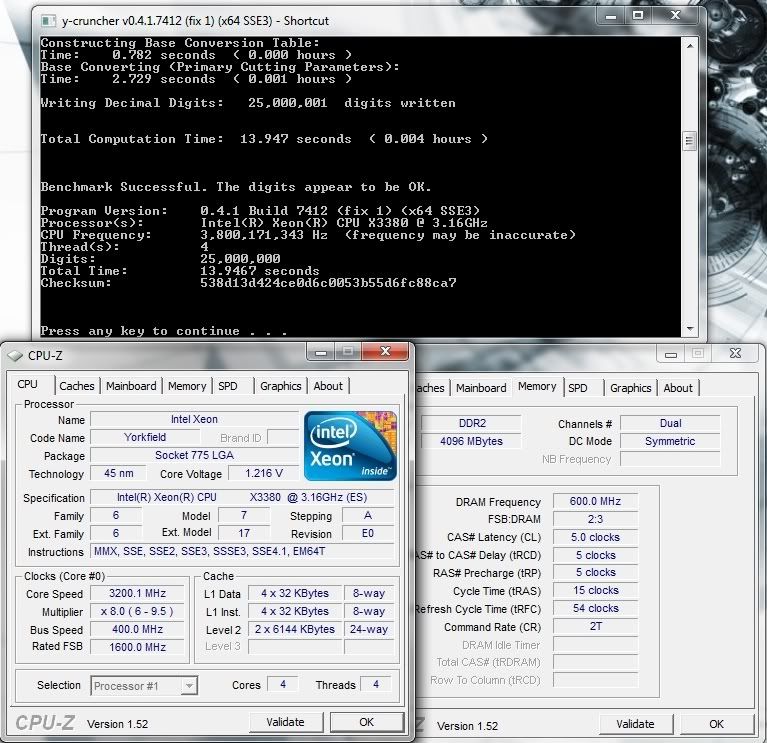
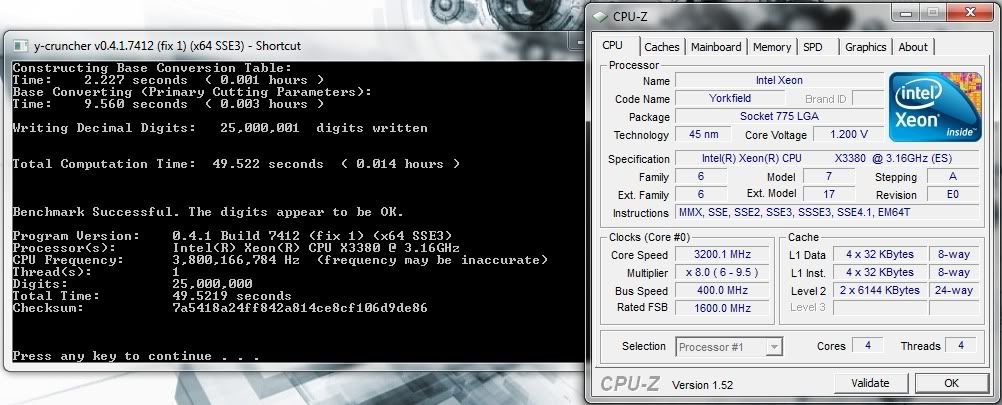
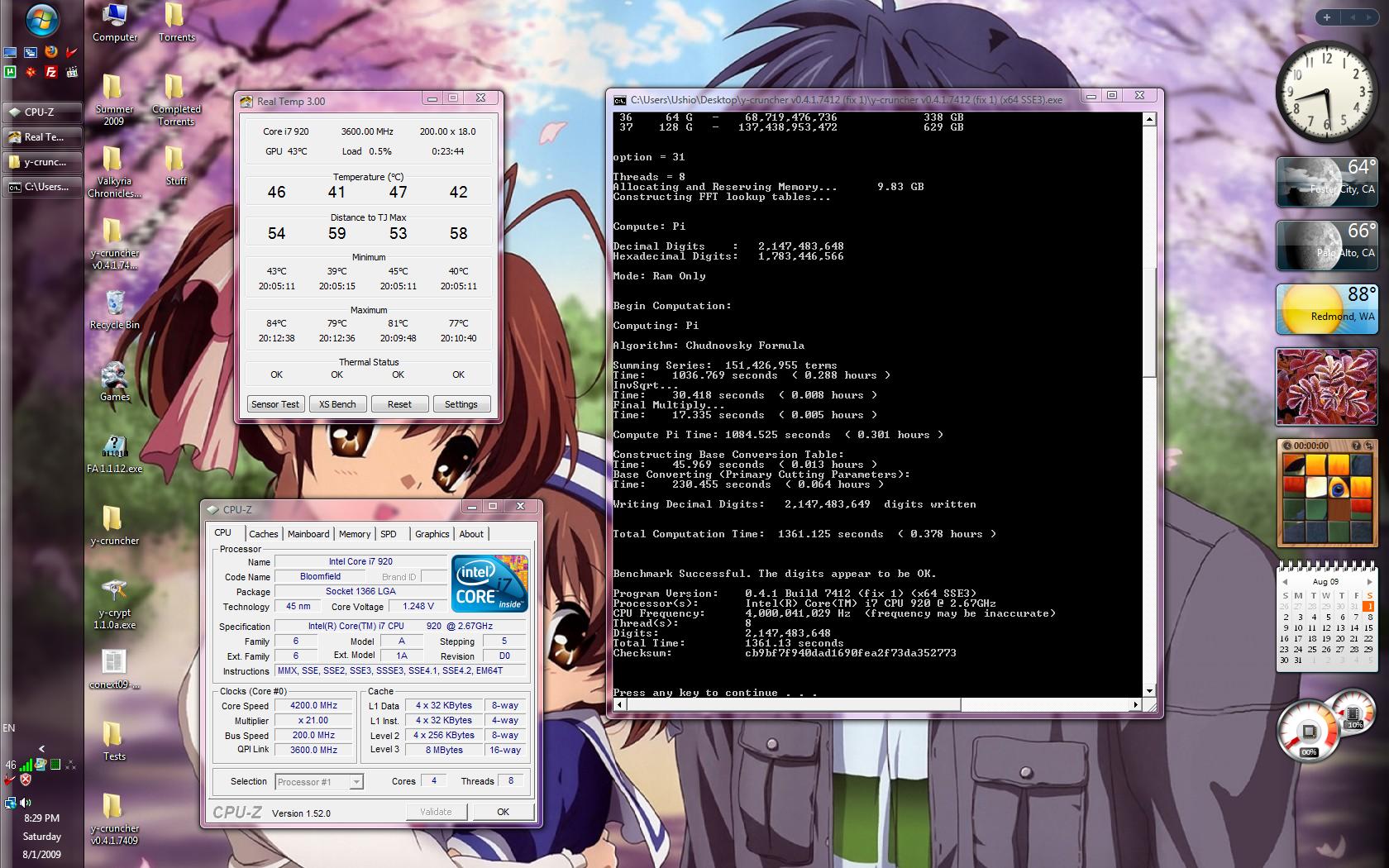
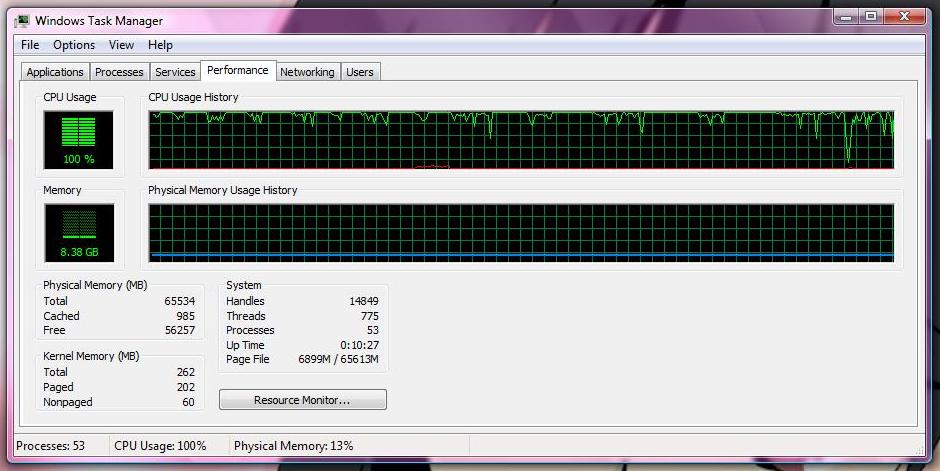
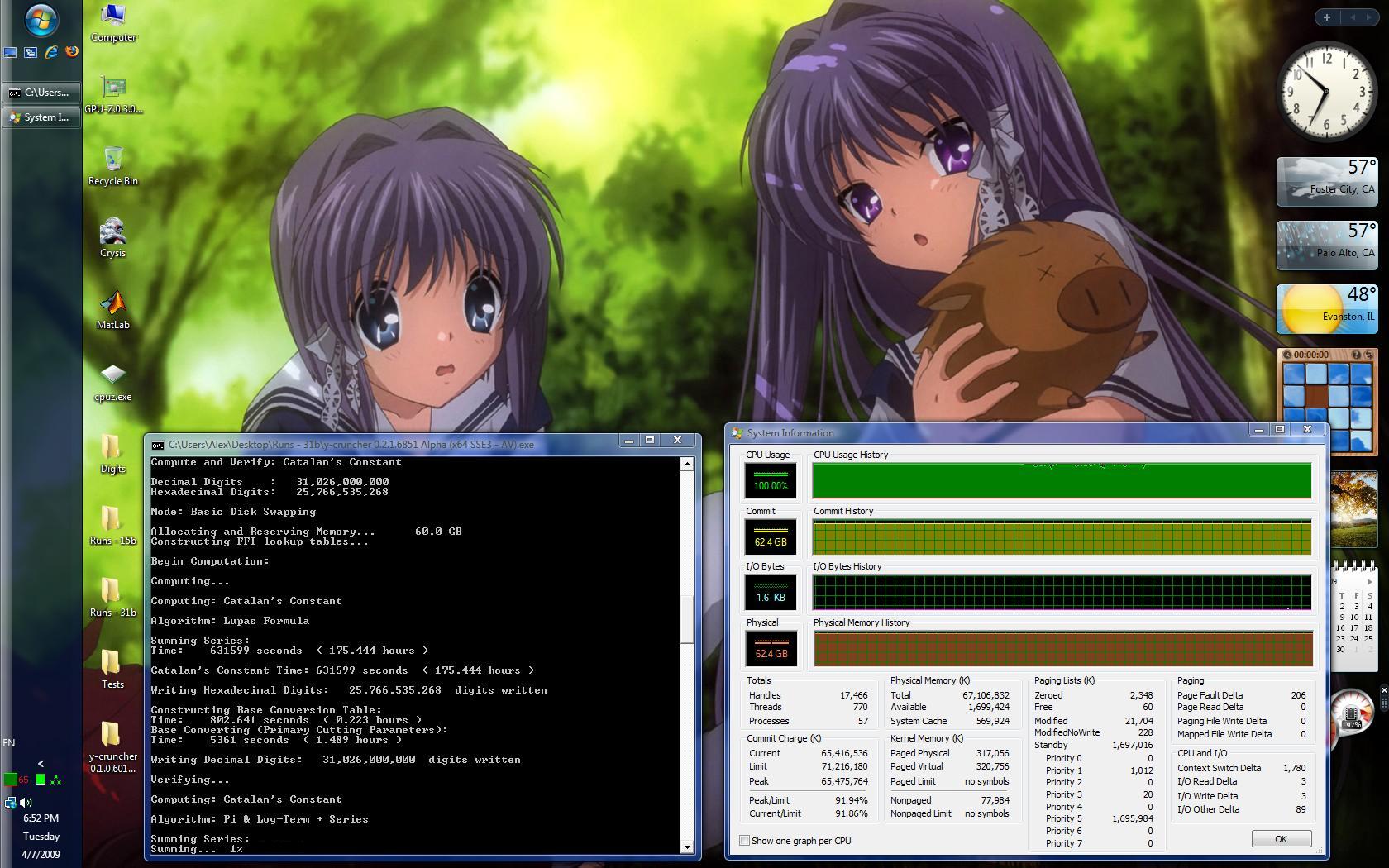
I can do a 3.2GHz run on my i7 when I get home. It is 10:33am CST now, I should be able to get it run by 5:30pm.
Poke349: I finally got a new waterblock, the Heatkiller 3.0 CU. I can't believe the thing, 4.4GHz is 100% stable (Linx w/ 8 threads for 24 hours). That block with regular water is better than my old Apogee with ice water, no kidding. 65C full load at 4.2GHz, 1.3v. 75C full load at 4.4GHz, 1.38v. I'll give ice water a shot at some point, I really want to get a 4.6GHz run done. It would be nice if you could include some batch benchmarking.
For example you could set 3 loops then specify a range from X to Y. This way I could run 3 loops of each & save the fastest time and test times of 1m, 2m, 4m, 8m, 16m, etc digits as well as the 25, 50, 100, etc. Also outputting the fastest result to a file would be nice as not to need to copy/paste so much text. What do you think?
Core i7 920 @ 4.4GHz, EVGA Classified E760, 3x1GB OCZ Platinum DDR3-1600 @ 1680 7-8-7-24, SLI eVGA 8800GT @ 756/1890/2200, Heatkiller 3.0 CU waterblock, WD Caviar Black 1TB, Hitachi E7K500 500gb, Seasonic S12 SS-650HT psu
I can do them, but my rig is tied up for a few more days. Looks like spdy beat me to it.
I completely agree with you. I just need to find the time to polish up my bulk compute add-on and release it.
3 runs of each - Good idea. I'll probably set that as a default with an option to override it. And I'll add a size-limit to looped runs - say 10 min. Otherwise those massive single-threaded 10 and 12b runs on my workstation will take days.
I can have it output the benchmarks to a separate text file.
Something like 3 categories:
Standard Sizes: 25m, 100m, 250m, etc... all validated - print the best times (with it's validation) into a text file.
SuperPi Sizes: 1M, 2M, 4M, etc... all validated, same as above
Multi-core Scaling: 1m, 1.2m, 1.5m, 2m, 2.5m, etc*...
- Manually select threading mode
- No validation
*These are the sizes I used to generate those fancy multi-core scaling graphs.
I'd love to see a multi-core scaling graph from a pair of Gainestowns...But I honestly doubt anyone will be patient enough to sit through single-threaded runs of 1b+.
For me, I just let it run while I'm at work, run overnight...
I also need a way to enforce processor affinity. I can't manually force it because I wouldn't know which cores are real and which are virtual from HT.
As for that... Time for some insaneness....
Results from Japan: http://ja0hxv.calico.jp/pai/pietc.html
Google translate it if you can't read Japanese. (I can't either...)
2 x Intel Xeon W5580 Gainestown @ 3.2 GHz
72 GB (18 x 4 GB) DDR3
Windows Server 2008
25m - 6.92
50m - 13.31
100m - 28.14
250m - 76.34
500m - 166.07
1b - 365.20
2.5b - 1,025.05
5b - 2,307.18
10b - 4,961 (1 hour, 22 min, 41 secs)
25b - 19,415 (5 hours, 23 min, 35 secs) - Done using Swap Mode*
1M - 0.37
2M - 0.67
4M - 1.21
8M - 2.31
16M - 4.47
32M - 8.75
64M - 18.02
128M - 38.18
256M - 82.63
512M - 185.41
1G - 398.09
2G - 868.54
4G - 1,928.29
8G - 4,235 (1 hour, 10 min, 35 secs)
16G - 11,892 (3 hours, 18 min, 12 secs) - Done using Swap Mode*
32G - 31,061 (8 hours, 37 min, 41 secs) - Done using Swap Mode*
One thing I have to say... This guy is NUTs...
He gets new workstations like this about once every half a year.
The last few he had are:
2 x Intel Xeon X5470
128 GB (16 x 8 GB) DDR2 FB-DIMM
2 x Intel Xeon X5460
64 GB (16 x 4 GB) DDR2 FB-DIMM
Not only that... He ACTUALLY ran this program for 8+ hours just for a benchmark. That's a pretty good stress test...
I've done longer runs than that (200+ hours), but that's because they were either tests, or were for size records. Not benchmarks...
*Swap Mode requires less memory but is significantly slower.
There's no validation for it, and it's available under the Custom Compute option.
Lastly... Dave, if you're here, you've got some SERIOUS competition.
This guy knows how to tune these things... enough to make his W5580s faster than your W5590s.
Last edited by poke349; 08-14-2009 at 05:00 PM. Reason: typo
Main Machine:
AMD FX8350 @ stock --- 16 GB DDR3 @ 1333 MHz --- Asus M5A99FX Pro R2.0 --- 2.0 TB Seagate
Miscellaneous Workstations for Code-Testing:
Intel Core i7 4770K @ 4.0 GHz --- 32 GB DDR3 @ 1866 MHz --- Asus Z87-Plus --- 1.5 TB (boot) --- 4 x 1 TB + 4 x 2 TB (swap)
Bookmarks