-
Sandberg USB 3.2 Case for M.2+NVMe SSD
Introduction
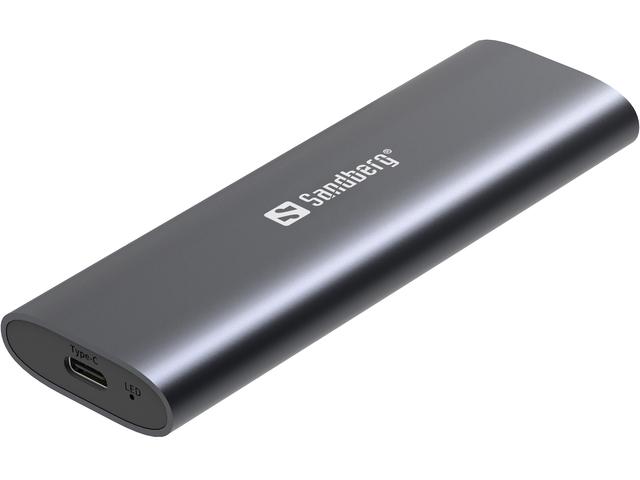
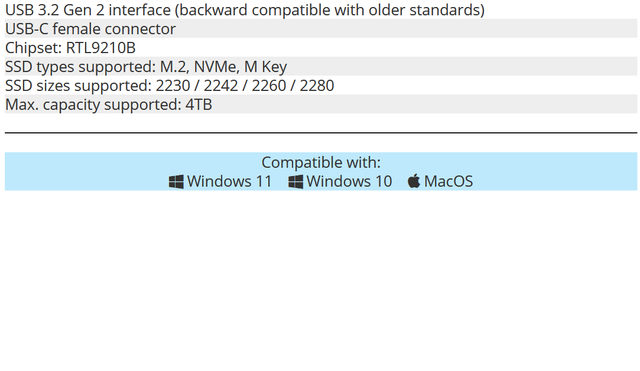
An M.2+NVMe enclosure is a cost-effective and practical way to reuse a spare SSD – or to build your own, high-end external drive. Finding the right one is however a bit challenging, as there are now hundreds of these enclosures in the market. Many of them do exactly the same thing (with varying success), but they may also differ in terms of specs, compatibility, build quality, and usability. Today we will take a closer look at the Sandberg USB 3.2 Case for M.2+NVMe SSD, which utilizes the full 10 Gbps bandwidth of its Realtek RTL9210B USB bridge chip.
The fact that ‘SATA’ is included in the product name can be somewhat confusing, since the SATA interface is usually associated with the 2.5″ form factor. Additionally, there are no “SATA NVMe” SSDs. The NVMe (Non-Volatile Memory express) protocol is exclusive to the PCI Express (PCIe) interface. However, SATA SSDs can use the M.2 form factor as well and the RTL9210B chip is compatible with both SATA and PCIe SSDs. PCIe/NVMe M.2 SSDs are of course far more common, and also a requirement if you want to use the full bandwidth of the enclosure. Apart from their physical design, key differences between M.2 enclosures are device compatibility and the USB bridge chip used. Most enclosures support all variations of M-key SSDs, which in turn include practically all M.2 SSDs used in modern PCs. The USB bridge, on the other hand, is what determines the interface and bandwidth.
Unboxing
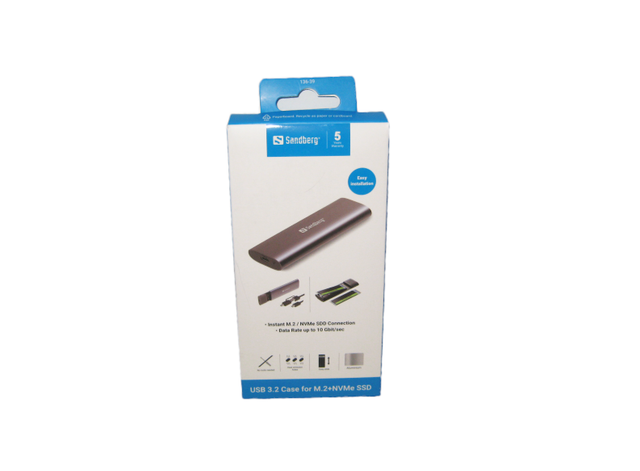
The packaging may seem fairly serious, but you do get a brief summary of panel's capabilities on the front cover.
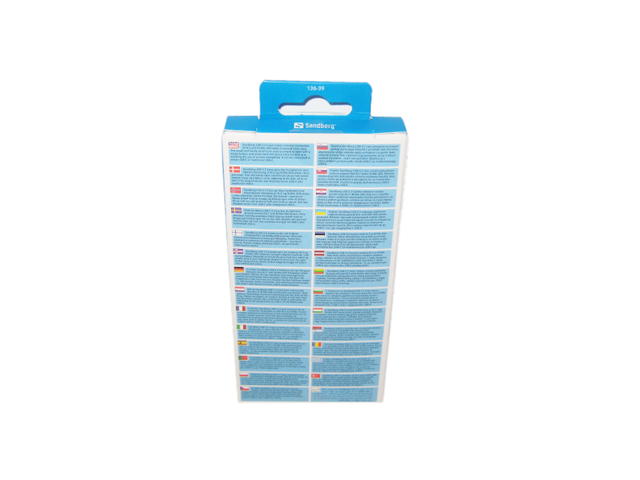
A few words about the USB 3.2 Case for M.2+NVMe SSD are present at the rear in 24 different languages.
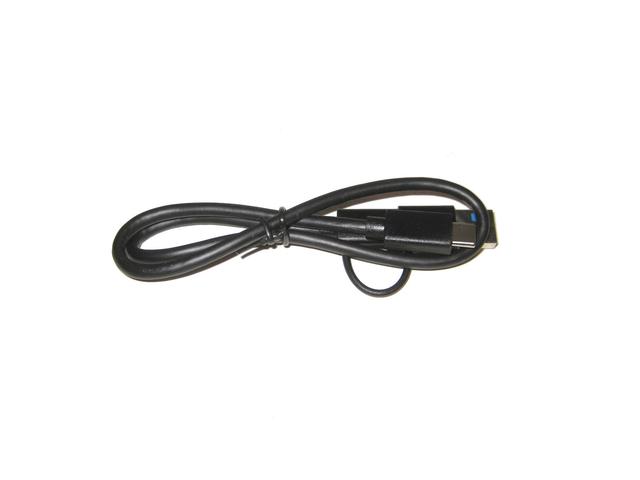
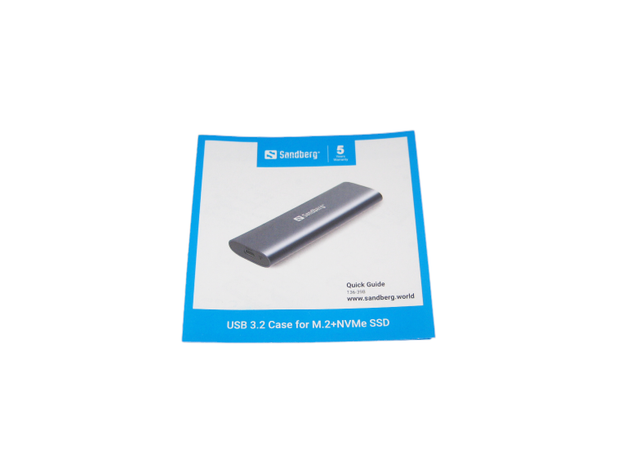
Apart from the Case, Sandberg bundle a Quick guide and one Dual connection cable USB-C to USB-A / USB-C 45 cm. It will be useful for computers that lack a Type-C port.
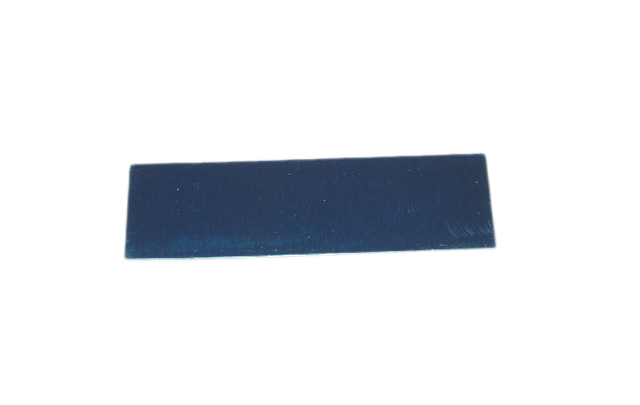
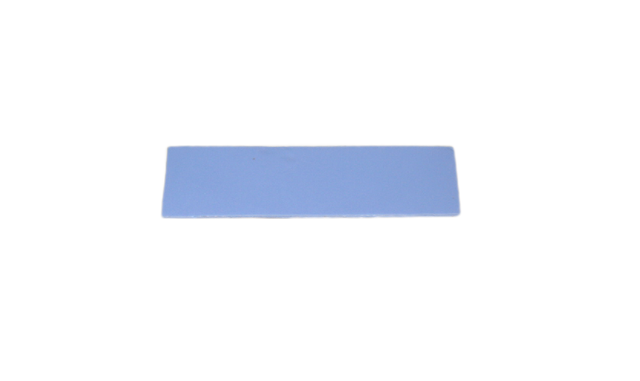
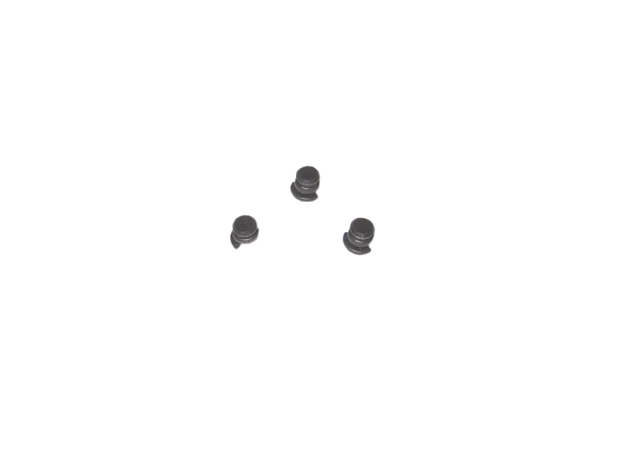
You also get a thick thermal pad and screws.
A Closer Look
Tool-free designs have become popular for SSD enclosures, but are not necessarily easier to use and can be rather flimsy and weak. The Sandberg USB 3.2 Case for M.2+NVMe SSD is the exact opposite – it feels like a solid bar of aluminum in your hand.
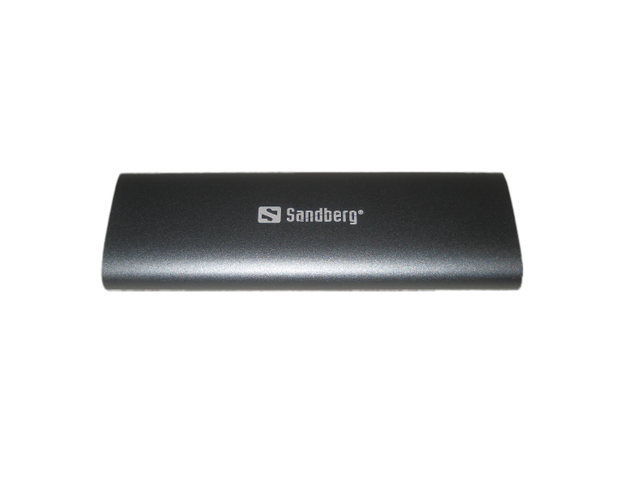
The overall design and build is excellent. Thanks to its aluminum finish, the Case is not a fingerprint magnet. At the back of the Case, a small white label gives information on the unit.
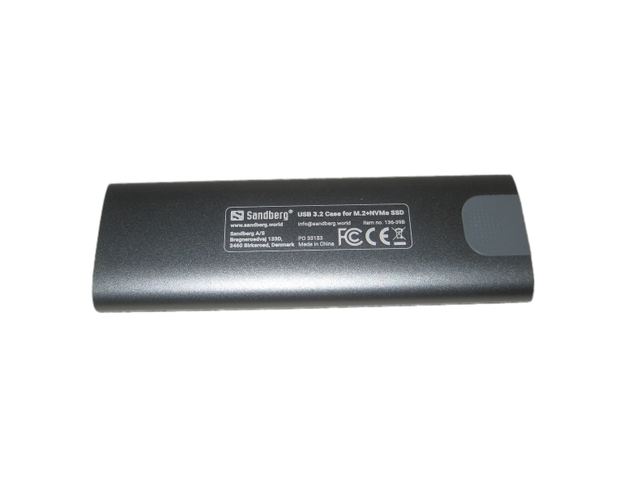
There aren't visible screw holes or a latch, either. In fact, the entire device is an enclosed oval with no clear points of entry.
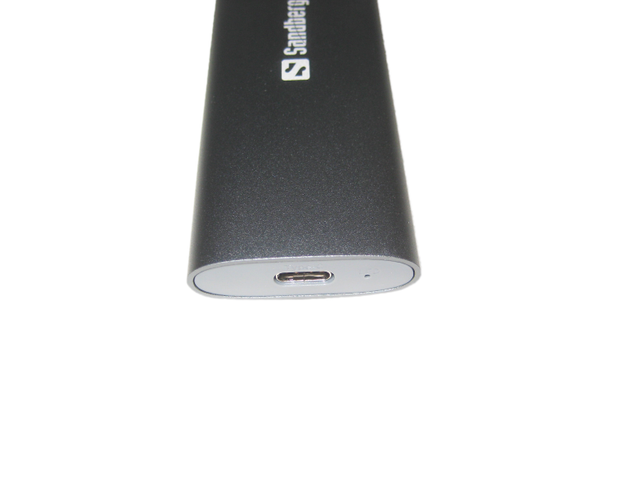
To get inside, you'll need to push inward at the end of the enclosure opposite to the USB-C port.
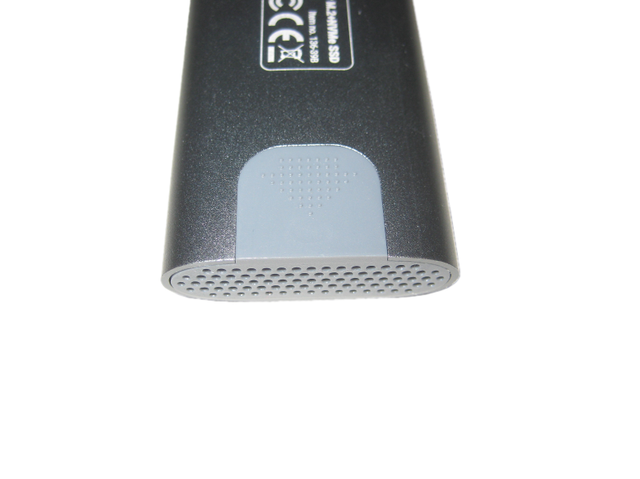
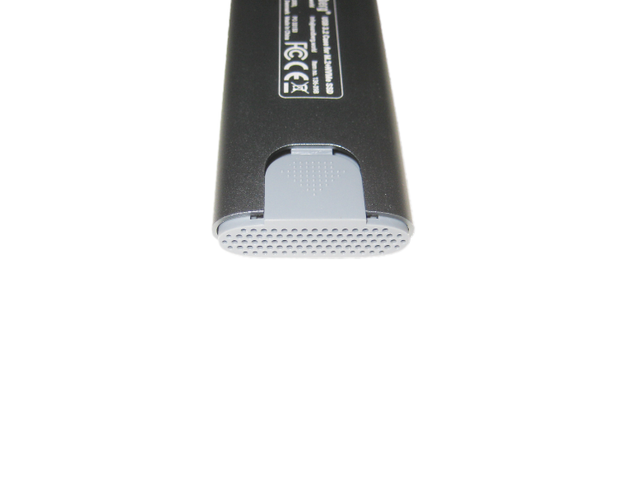
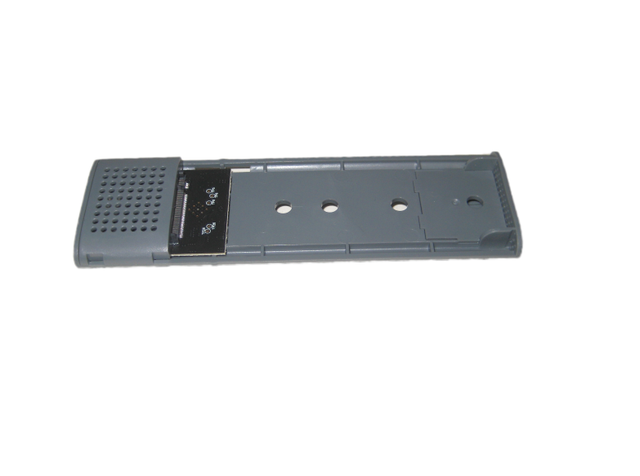
A clip will release, pushing out the internals of the enclosure enough for you to pull it out.
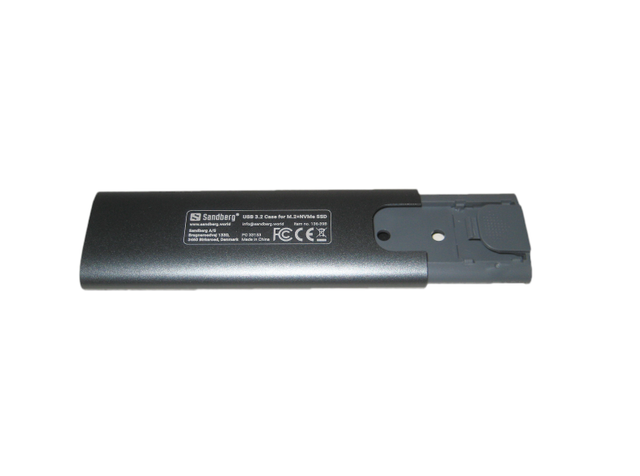
The enclosure also has the flexibility of supporting both SATA and NVMe interfaces, using the USB 3.2 Gen 2 standard. I love this design choice because it can be hard to tell what drives and M.2 slots support NVMe, SATA, or both just by looking at them.
Performance
One of the pain points that you may run into with internal drive enclosures is data transfer speeds. No matter how fast your SSD is, it'll only work as well as your drive enclosure supports. This is one area where the Sandberg USB 3.2 Case for M.2+NVMe SSD excels, supporting data transfer speeds up to 10Gbps. The enclosure also has the flexibility of supporting both SATA and NVMe interfaces, using the USB 3.2 Gen 2 standard. There shouldn’t be any major differences between USB 3.2 Gen 2 enclosures, as they are normally limited by the interface and not the SSD. Testing is done mainly to identify potential weaknesses. We did quickly evaluate the speed of this Sandberg enclosure using a handy Samsung SM961 NVMe drive. The enclosure was connected with the included Type-C to Type-C cable, and tests were conducted using an HP Spectre x360 laptop.
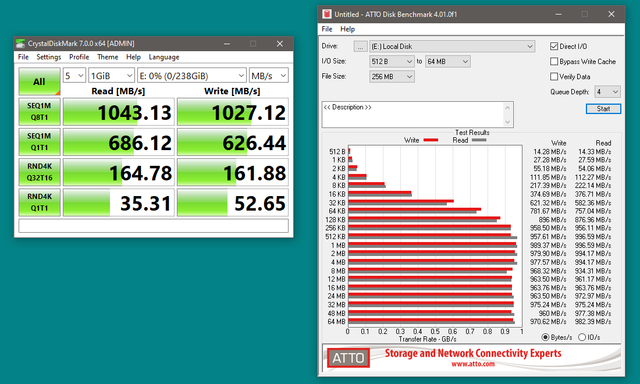
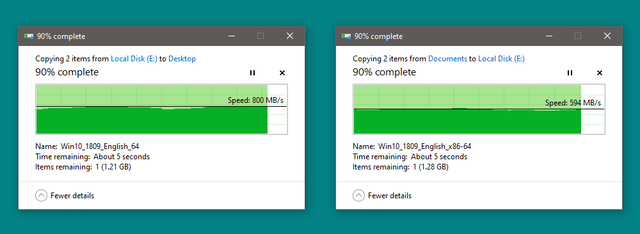
As you would expect, performance is as advertised at the theoretical maximum bandwidth of 1250 MB/s minus overhead.For some more “real-world” testing I transferred a pair of files large enough to (theoretically) defeat the memory caching effect we often see with Intel USB connections, and here things settled to a lower ~800 MB/s read, ~600 MB/s write during these transfers.
Still good speeds, but queue depth and file size will obviously affect these results, with the 1043 MB/s max coming from a QD8 1GiB sequential test in CrystalDiskMark 7.
Final Thoughts
With no unexpected performance or throttling issues observed, the only thing left to comment on would be build quality and ease of use. The Sandberg USB 3.2 Case for M.2+NVMe SSD does very well in both regards. The small and handy aluminium case is simple to open with a single button, and clicks back into place once the disk is in, avoiding the use of screws completely. When the thermal pad and cover are in place, the internals will have no room to move around. On the whole, it is quite difficult to find major flaws with this enclosure. Once your SSD is installed, which is a simple two-minute process, it just works. Bad point, is the fact that main SSD enclosure is plastic.
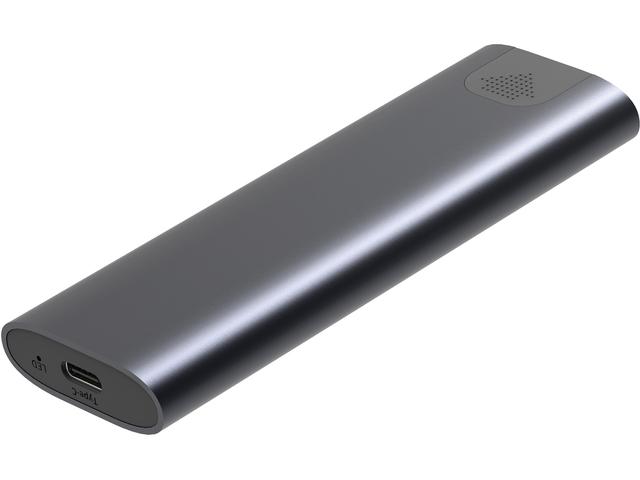
SSD enclosures can be a solid way to get the experience of an external drive for cheap. Sandberg's M.2 SSD enclosure is a great choice for people who want to do exactly that, as it has a sleek design and features quick data transfer speeds. At 37.99€ or less with discounts, if you have a use for an SSD enclosure, it'll be tough to beat this one. It's 5 years guarantee, make it a good investment.

Last edited by testman78; 04-05-2026 at 11:09 PM.
 Posting Permissions
- You may not post new threads
- You may not post replies
- You may not post attachments
- You may not edit your posts
-
Forum Rules


 Reply With Quote
Bookmarks