




Hey guys, so this board shoudl be availible today or early next week in the USA. So i decided it was time to make a club for the owners and future owners to discuss stuff in.
GIGABYTE product page
BIOSes:
BIOSes @ TweakTown
Reviews:
SinHardware
Ninja Lane(preview)
Motherboards.org
Massman @ HWBot Thread
Bartman's Review
Guru3D
Videos:
3D BIOS @ TweakTown
5.4ghz@OCWB
UD7 Unboxing
Sandy Bridge-E Video OC Guide by Dinos22
Some OC Tips/Tricks:
- LLC is strongest at 0%(0.0mohm) and weakest at 100%(1mohm), 60% of 0.6mohm is the best IMO, the 0% is a bit harsh. 80% or 0.8mohm is the Intel stock loadline slope. Think of the mohm as the slope of the vcore, with voltage on the y axis and load on the x-axis, so slope of 0 is a straight line, and the greater the slope the more drop in voltage compared to load.
- System Agent and QPI/VTT help with OCing memory
- CPU PWM frequency goes from 0khz-2500khz, the real range for actual application is 0khz-500khz
- The PWM options like extreme perf, or balance are referring to balance of temperature and load
- max VCC for SBe is 1.4v, but SVID goes to 1.52v, so try to keep voltage as low as you can, but CPUs will die above 1.7v
- System Agent and QPI/VTT are cleared upto 1.4v each in the new Intel spec, but keep them under 1.35v
- If you don't know what to do with the PWm settings, just leave them on auto, the board does a good job of self regulation of the settings
- Profiles are in the end of the BIOS on the save& Exit screen


 Reply With Quote
 Originally Posted by bartman1973

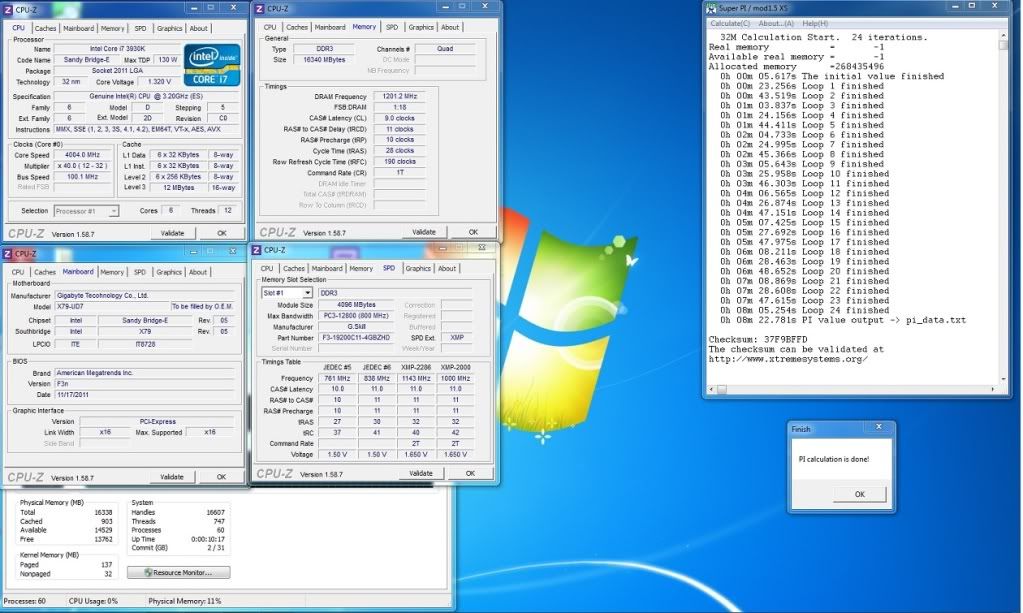
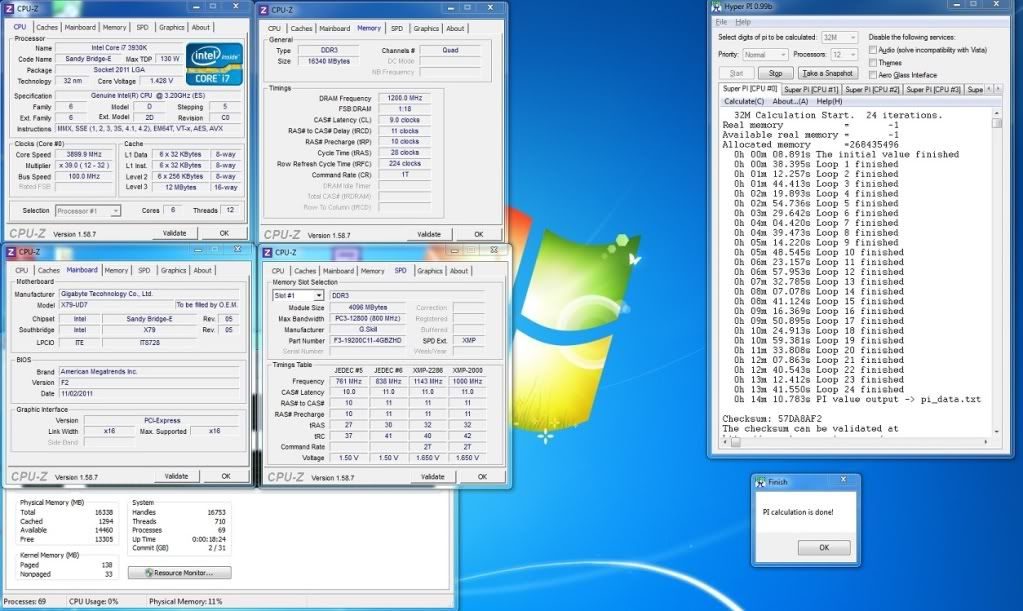
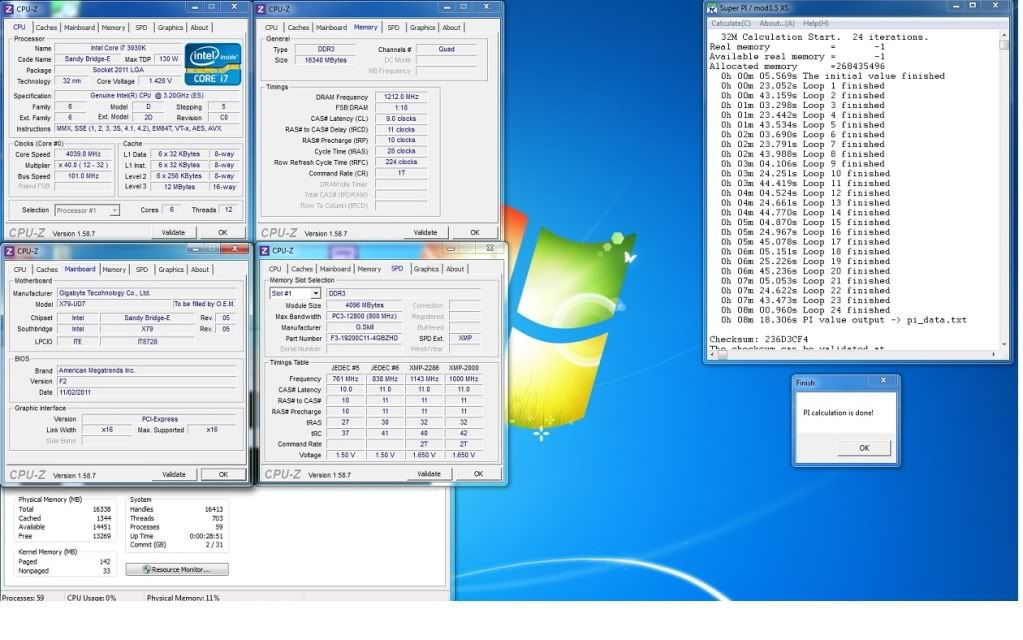
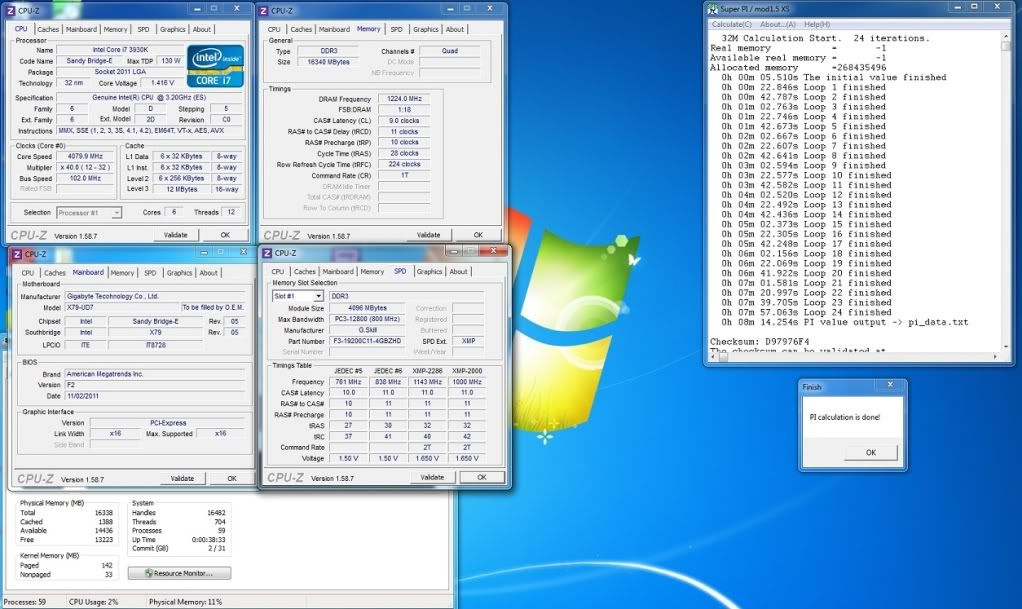
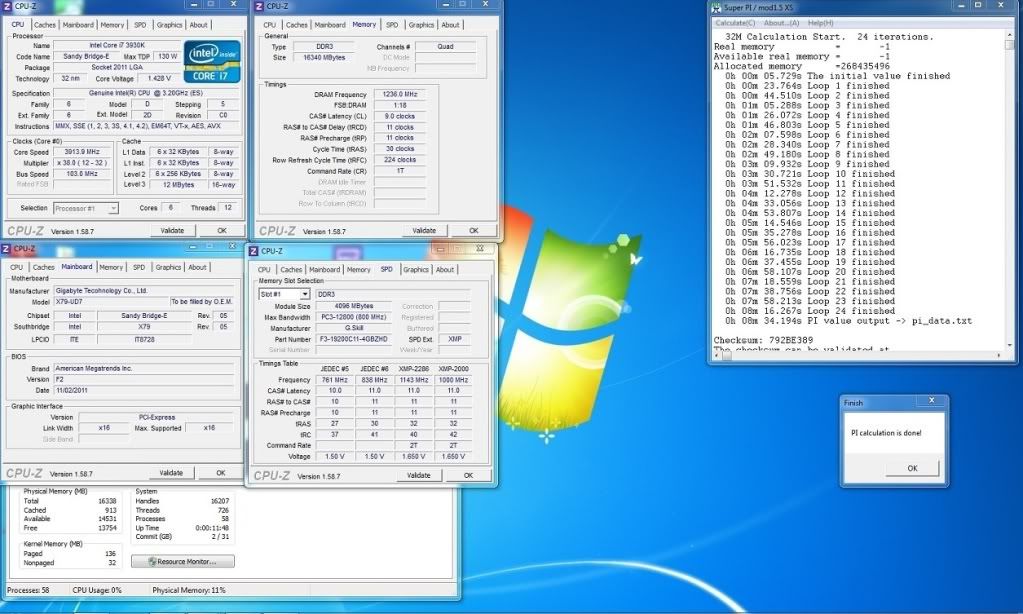
 i have tried running the usual bench like 3dm's, spi's and cinebench .. how come ud3 with f4o is faster in both stock and oc. weird also is ud3 can only do OC on thr same chip @ 4.5ghz while the ud7 is at 46 multi with 102 bclk which is around 4.69ghz. Repeated the test and still the ud3 gets better score.
 I do hope that when the retail comes in the Philippines the UD7's BIOS is already better.




Bookmarks