




A friend of mine requested me to build his personal computer. He will be using it mainly for gaming as well as photo and video editing. The budget is quite small but he wanted a system that will be i7-based since he purchase one at a much cheaper price than what the local stores are selling.
Motherboard selection time! I considered 3 motherboards namely: MSI X58 Pro, XFX x58 and Intel Smackover board. Considering the possibility that my friend will run on dual video card in the future (and that he is an Nvidia Fanboy), Intel Smackover was scratched from the list. MSI and XFX can both handle SLI and Crossfire technologies, soooo, which is which?
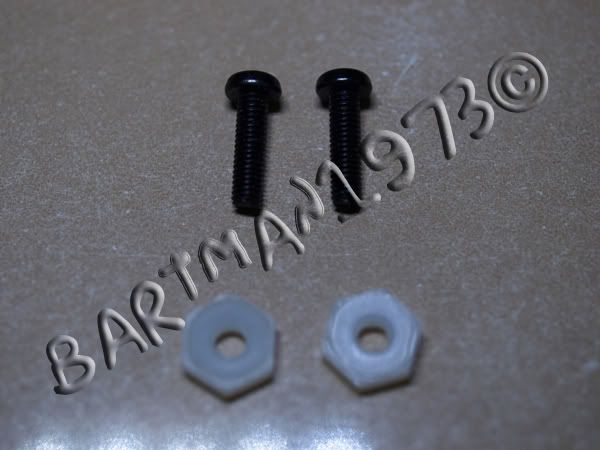
I searched through some forums and noticed that some complaints are on XFX’s boards in terms of BIOS update and other technical support. So this broke the tie and I was left with MSI as the obvious choice. There were also complaints about MSI. The IOH temp is very high, some say as high as 70oC! I had high temperature experiences with my eclipse but after doing some minor modifications, such as removing the crappy violet thermal interface, putting AS5, as well as replacing the push pin with bolt & nut, the temperature readings I’m getting on my IOH are only at 47o-49oC which is very tolerable since Tylesburg can handle up to 100C.
So I went and got the MSI X58 Pro. I was able to strike an agreement with the store manager that if I was not satisfied with the board, I will return it within 3 days and get another board, if not another item. Ha ha! The bartman is playing safe!!!
The board was already in my possession but my friend said that I will get the rest of the parts in 2 weeks! Given my agreement with the store manager, I went on to test the board out of my own components.
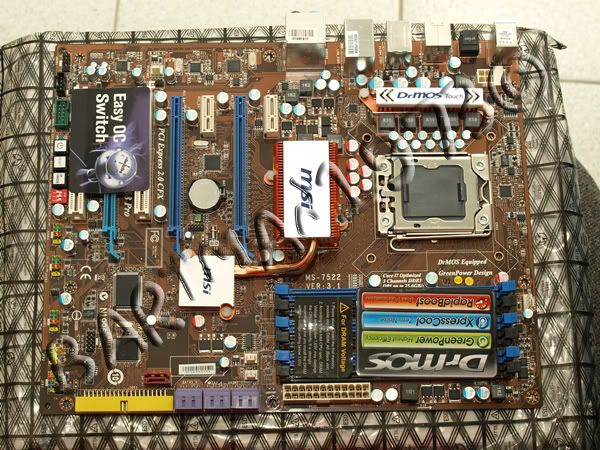
This x58 pro comes with 2 native x16 pcie gen 2 slots which can support crossfire but I have read in several forums that a simple BIOS update can enable SLI on this board. There is another PCIe at the bottom part with a lighter blue colored port but it is only on X4 mode. There are additional 2 PCIe X1 and 2 PCI slots which can be used to add additional cards like PCI TV tuner or maybe an add-on x1 PCIe sound card.
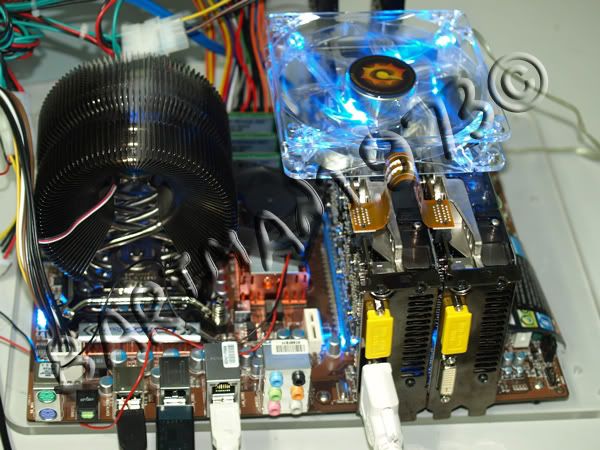
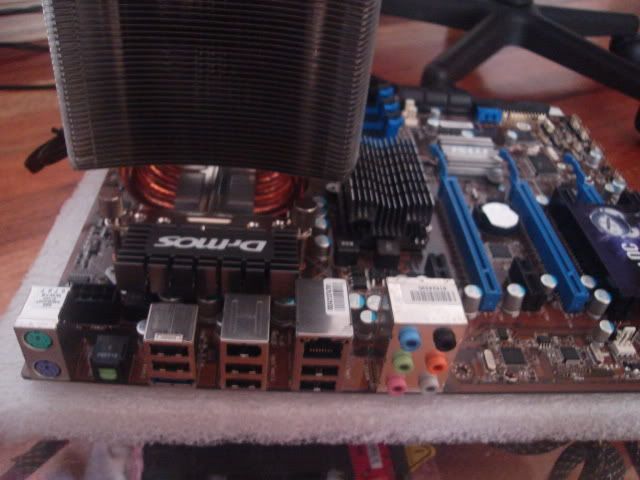
The board comes with the same blue and black ddr3 slots as its big brother MSI eclipse. The PCB however, is somehow similar to MSI’s P458d Memory Lover motherboard. The processor socket was well laid out and I did not expect any issues even if I put a market cooler instead of intel’s stock cooler.
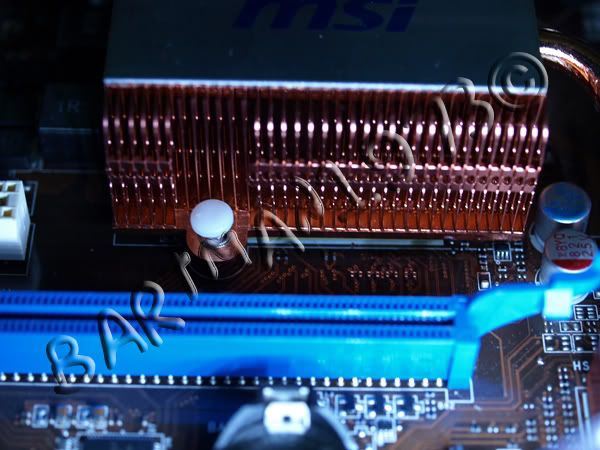
MSI still used their latest “split design “. I have read several complaints about this in different forums (not on this board but on MSI Eclipse board which uses the same split thermal design technology). Let’s see later what the verdict will be on this Split thermal of the X58 pro which actually has only 1 heat pipe vs Eclipse’s 2.
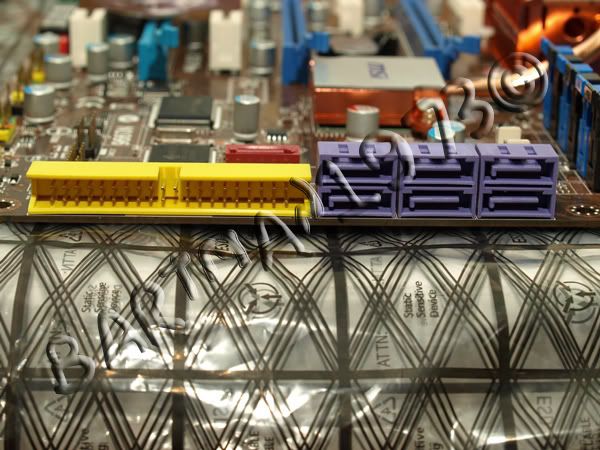
The SATA and PATA ports are at 90 degrees which is a big plus for me. I hate messy cables in my PC and with this, you can easily line up sata and pata hdd’s and drives with just enough knowledge on cable management.
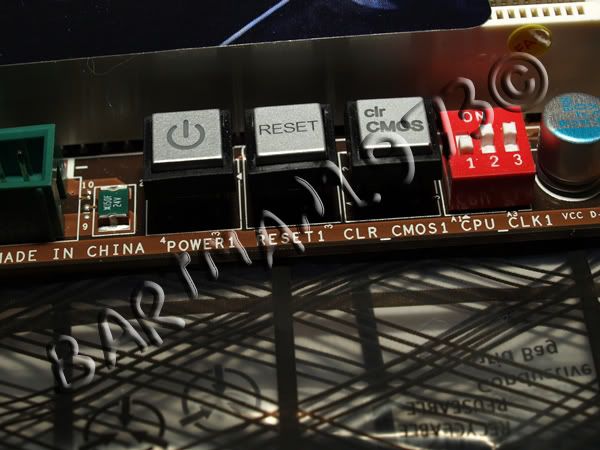
Even at entry level on the x58’s I was surprised that MSI added the power and reset switches. What I do not like about this is the Clear CMOS switch. I would prefer to have it at the back of the board. Having this inside will mean that I need to open the chassis side panel everytime my overclock attempt fails, especially if I don’t want to wait for the board for its 3rd attempt before going to its CMOS default.
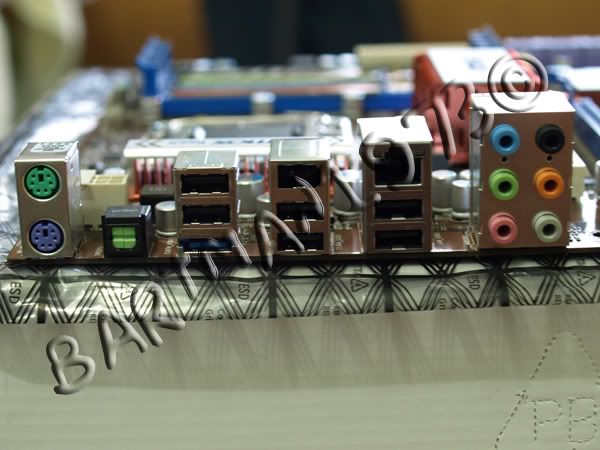
At the back of the board we can still see the legacy PS2 keyboard and mouse connector. There are 6 USB slots, an optical out, esata, firewire and a gigabit Ethernet port. The board is also equipped with built-in audio which can easily be configured up to 7.1 channel.
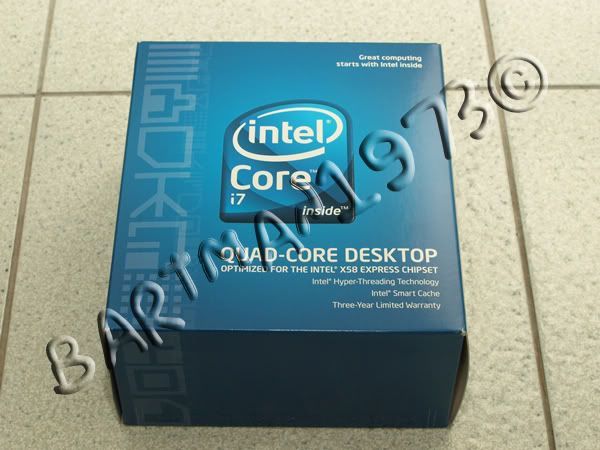
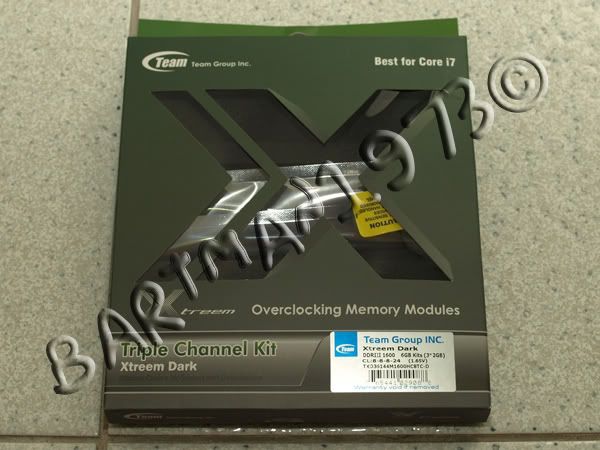
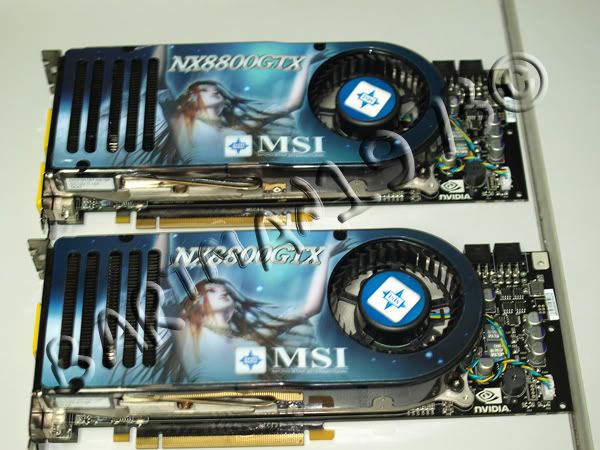
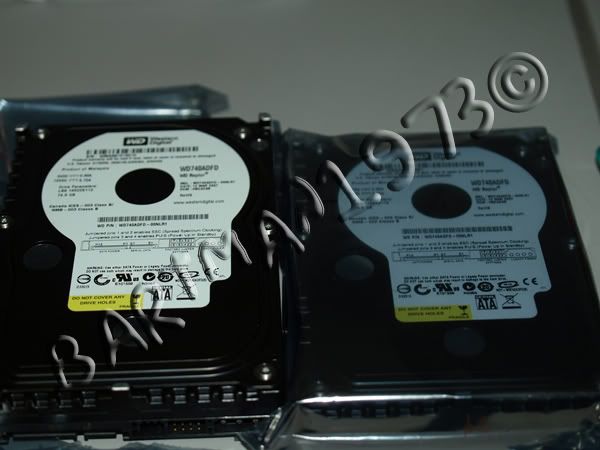
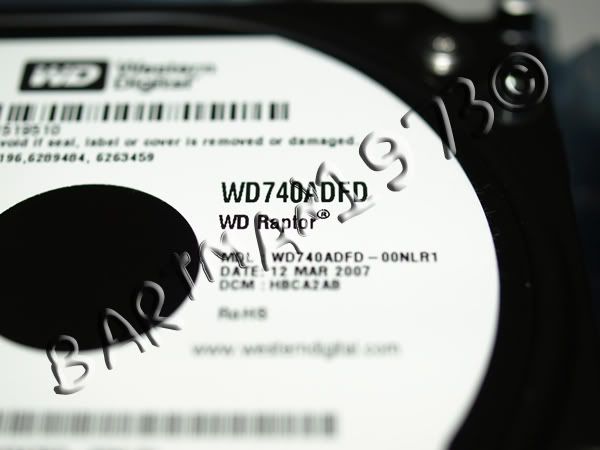
Setup, stability and benchmarking time! I will be pairing this board with i7 920 C1 stepping and a tri-channel team extreme dark ddr3 rated at 1600Mhz. I didn’t have any ATI card on hand but I had my 2 “old” but reliable MSI 8800GTx 768mb 320 bit. I didn’t want to remove my 9800gtx+ from my main PC (since my wife uses it from time to time). I looked around my stuff and noticed a couple of Western Digital WD740ADFD Raptor with 16mb cache. I was too lazy to do raid 0 setup so I just did the conventional 1 hdd and one optical drive for my test.
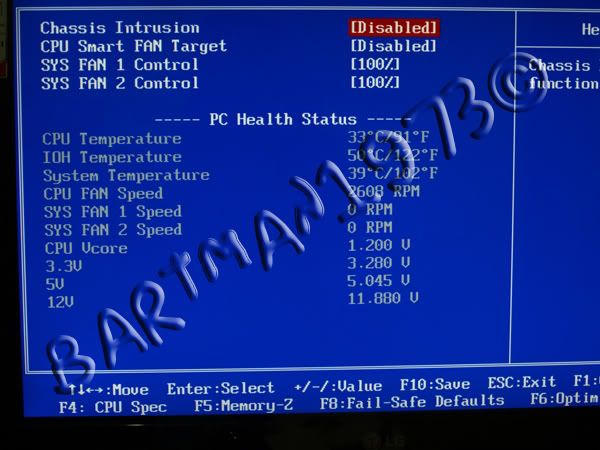
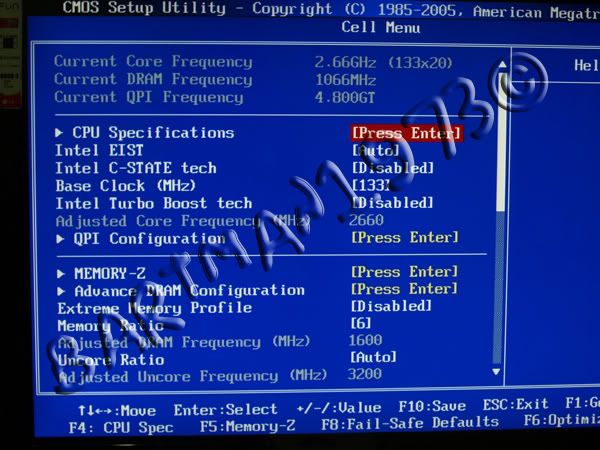
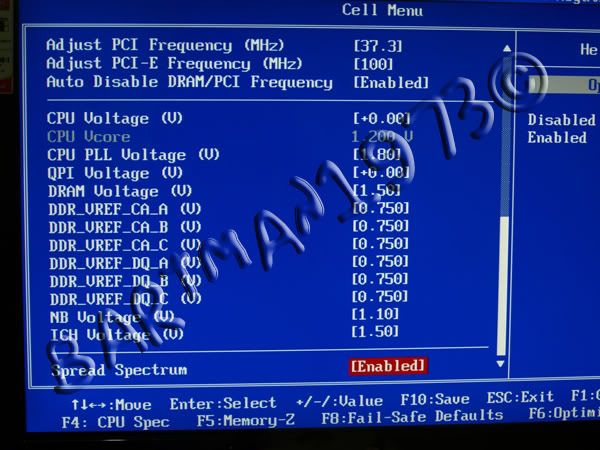
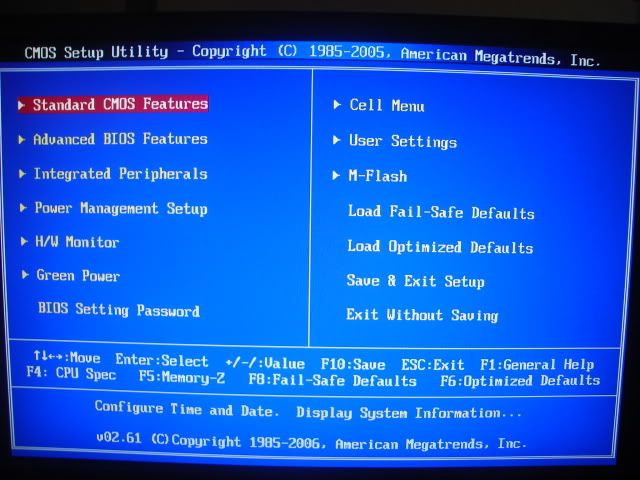
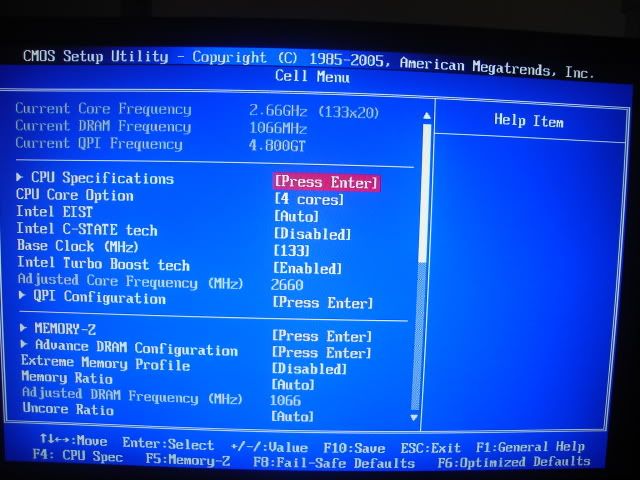
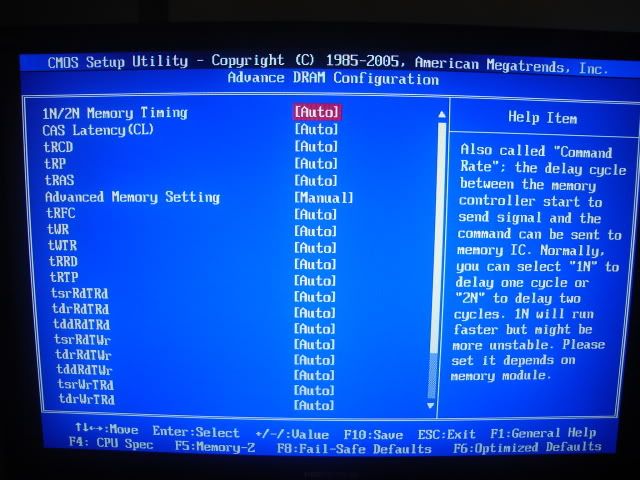
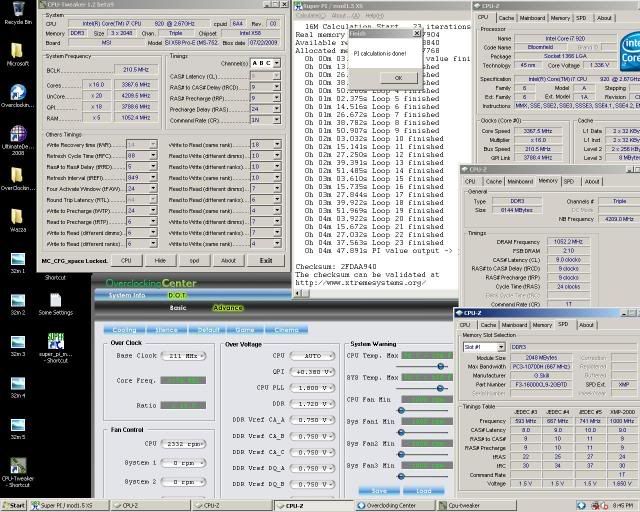
I will not go thru all the BIOS stuff but will just show you the HW monitor and the Cell Menu (for overclocking purposes).
HW monitor Tab displays the current temperature of the CPU, IOH and system. It also gives the current rpm of the fan when connected to the 4 pin header (cpu) and 3 pin header for system fans 1 and 2. HW monitor also displays the current vcore voltage as well as the 3.3V, 5V and the 12 V readings.
Cell Menu is MSI’s overclocking tab. This tab will let you let you adjust the becessary things needed for you to achieve a good overclock system.
With the default BIOS, I set up windows vista and the latest 182.08 nvidia driver. I cannot enable SLI. What I did was requested MSI to send me an updated BIOS that supports SLI. After a few hours, I received an email and attached was the latest beta BIOS. I flashed the BIOS and was able to see the option to enable or disable SLI in the nvidia control panel tab!
I initially encountered some issues on overclocking and later found that the issue was again caused by high IOH temperature. The temperature was at more than 70 degrees! I removed the IOH heat sink and replaced the violet thermal interface material that MSI used with Artic Silver 5. I also replaced the pushpin with small bolt and nut and my temperature dramatically went down! And that’s not the end of it! I added a small 40mm fan and that solved my temperature issue!!
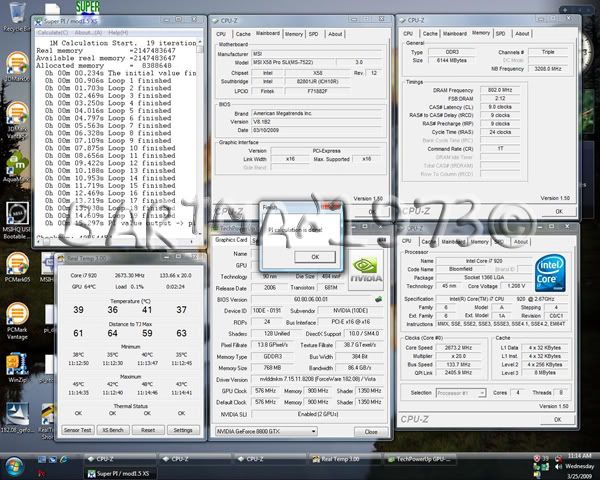
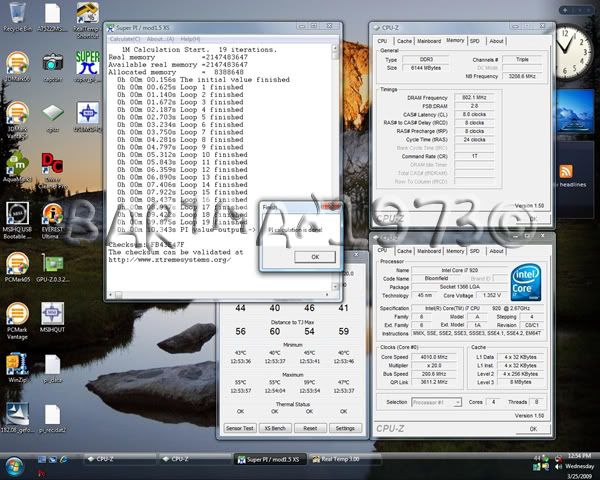
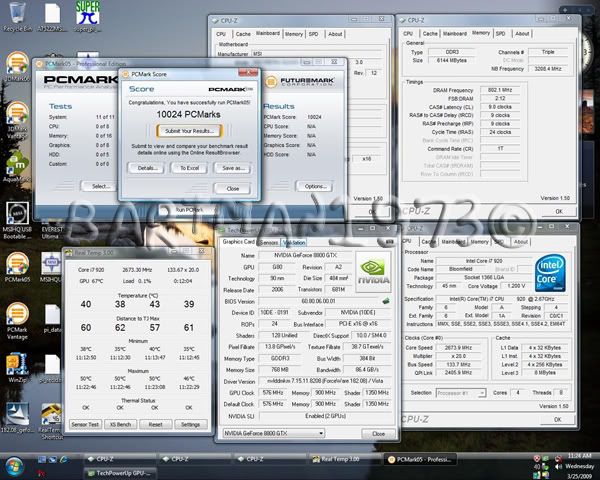
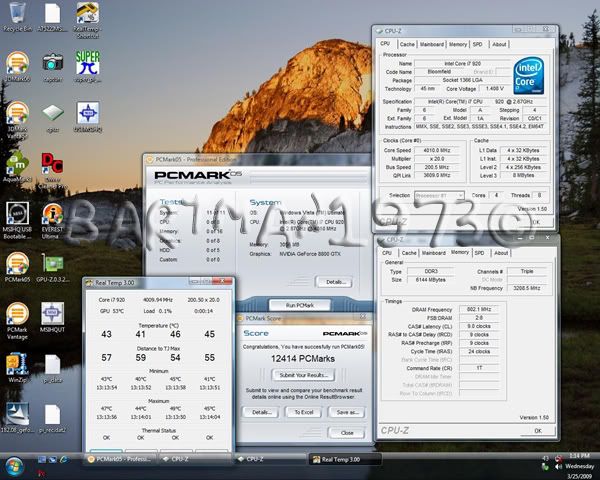
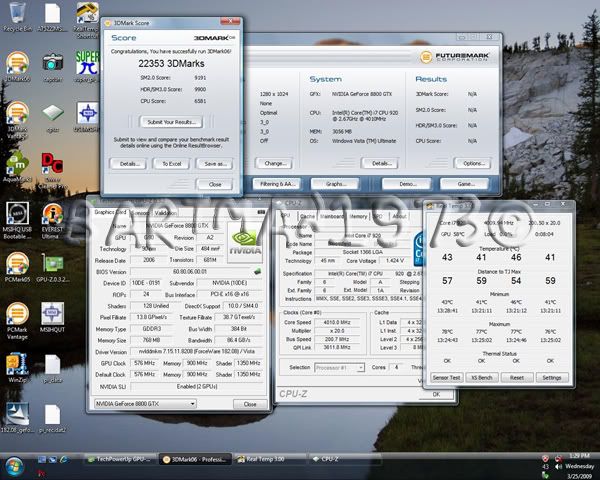
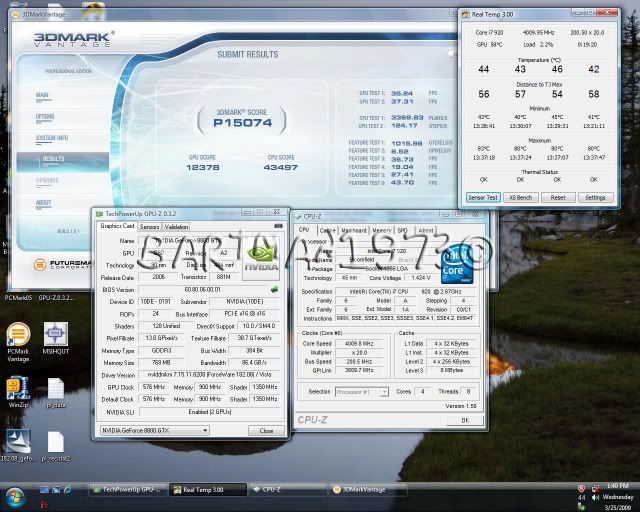
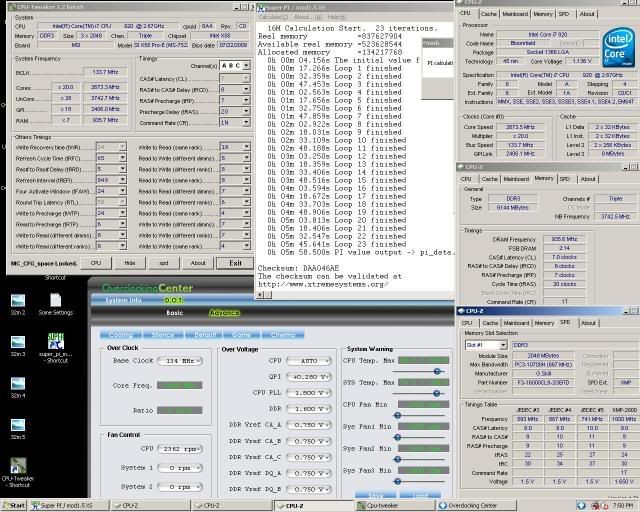
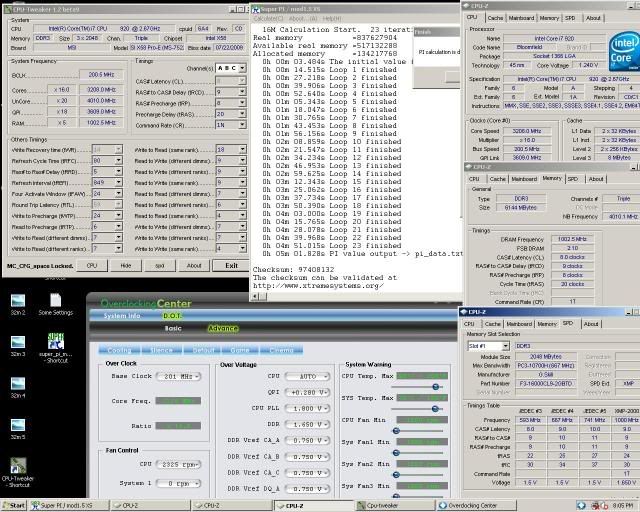
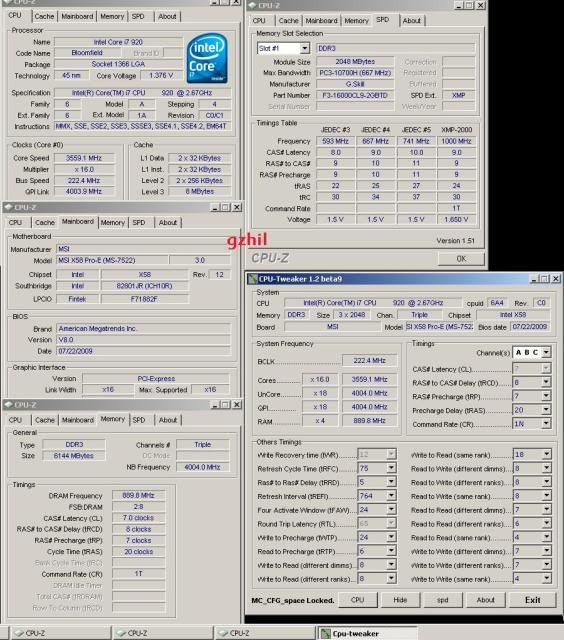
After this, I did the tweaking for at least an hour, I was able to make the system run at 4.0Ghz! I have done some benchmarking and below are the results :
SPI 1M @ 2.66Ghz = 15.297s
SPI 1M @ 4 Ghz = 10.343
PC Mark 05 @ 2.66Ghz = 10024
PC Mark 05 @ 4Ghz = 12414
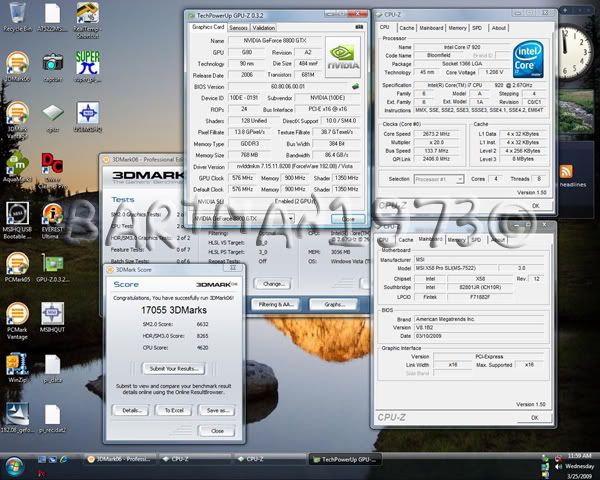
3dmark06 @ 2.66ghz = 17055
3dmark06 @ 4ghz = 22353
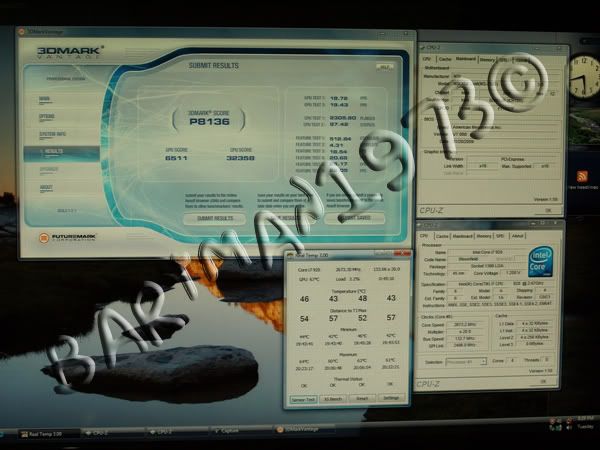
3dmarkvantage @ 2.66Ghz = 8136
3dmarkvantage @ 4ghz = 15074
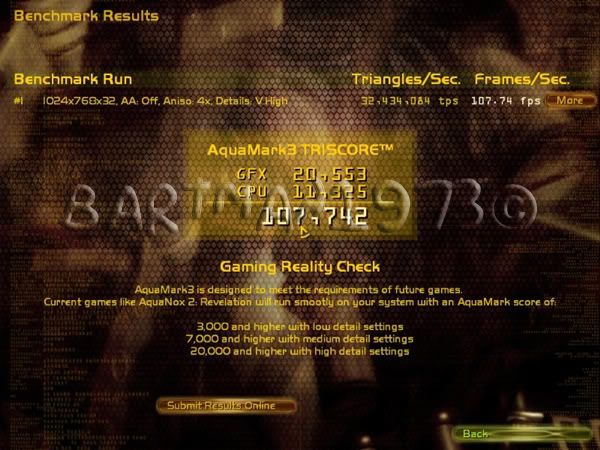
Aquamark @ 2.66Ghz = 107,742
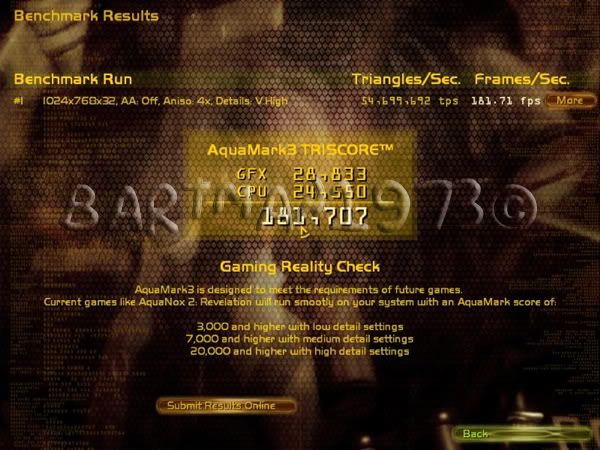
Aquamark @ 4ghz = 181,707
Final Thoughts and Conclusion ]
After doing some tests, I was surprised with the capability of this cheap entry level X58 board from MSI. I was able to overclock the system @ 4ghz which is more than 50% of the stock speed of my i7 920. I think it can still do better than 4Ghz but I don’t want to end up burning my personal 17 processor. I will only allow +0.20V added to the stock vcore. Also noticeable is that my team extreme ddr3 1600 can run @ 1600 on both stock setting and overclock setting which is pretty hard to do on my Eclipse board. Bottom line, this is the that board I will use for my friends i7 setup! (No need to go back to my newly found friend "the store manager")
Pros :
- Cheap Entry level X58 Board
- Easy to overclock
- Support SLI and Crossfire
- No issue on Bigger aftermarket CPU cooler
- 90 degrees placement of SATA port
- Technical Support is a bit faster when I requested the SLI BIOS
Cons :
- IOH temp still high. Need to put 40mm fan!
- No SLI Bridge included in the Box


 Reply With Quote







 Saaya yupp, I agree


Bookmarks