




Originally Posted by saaya

Re: Clocks skew ... we definetly need to look more into that. I tried comparing with a second Maximus today if the skew would be identical - but that board did not like me anymore and wasn't playing with me. I just ran across something in the latest Everest earlier - it might be able to see the skews?? Not sure - was in the middle of something else and only just remebered now in retrospect.
Sometimes I am a bit confused what is going on when I switch from auto to user selected clock skew and vice versa - it seems sometimes I get varying results ( or the move back to auto keeps the previous userselected value). Would be great to have an indication what auto does.
I had always thought that clock skews were only helpful to match 4 sticks, but I am seeing improvements. New reserach project...
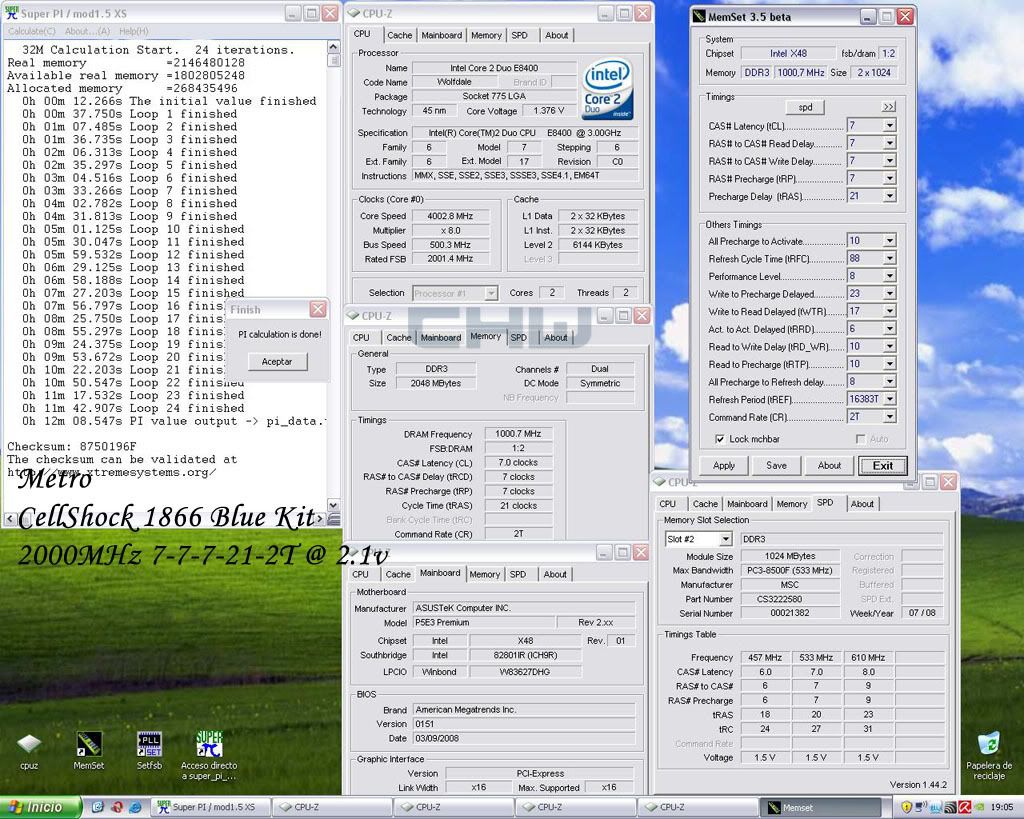
RE: Tras - correct - I had added in the notes in first page that tras 12-21 was running strong in terms of max frequencies, but tras 12 took a big negative hit in SuperPi 32m times.
tras 14 was the fastest yet tras 21 was almost as fast as tras 14 for me in 32m ( within a second of each other), while Tras 20 again was a bit slower than tras 21.
Tras 21 gave me between 4-16mhz more frequencies. At 2.0V I went down from 1940mhz to 1936mhz with Tras 14; and 2.08V I went down to 1988mhz ( yet I also had changed other settings + CPU - so I am not 100% sure of the actual hit yet).
A benefit from being able to lower tras is possibly the abilty to tighten some of the other secondary timings.


 Reply With Quote
 Hm, never played with clock skew so far, no idea what to set - just left it at AUTO.





Bookmarks