

Gigabyte really needs to fix their PCI-E 16x slot spacing, because if you want to do SLI or Crossfire you won't have spacing for airflow between the cards.




Gigabyte really needs to fix their PCI-E 16x slot spacing, because if you want to do SLI or Crossfire you won't have spacing for airflow between the cards.
AMD Threadripper 12 core 1920x CPU OC at 4Ghz | ASUS ROG Zenith Extreme X399 motherboard | 32GB G.Skill Trident RGB 3200Mhz DDR4 RAM | Gigabyte 11GB GTX 1080 Ti Aorus Xtreme GPU | SilverStone Strider Platinum 1000W Power Supply | Crucial 1050GB MX300 SSD | 4TB Western Digital HDD | 60" Samsung JU7000 4K UHD TV at 3840x2160
Sinks looks like Duracell batteries!
Originally Posted by tdream


Gaming rig;
ASUS RAMPAGE IV BLACK EDITION
I7-4390K
G.SKILL Trident X 16GB 2400
Intel 530 240GB
2x Asus GTX780
Corsair AX1200
HP ZR30w 30
Win 8.1 pro
Sound rig;
Auzen X-Fi H.T. HD --> Yulong D100 MKII --> D-7100
hey that's what they were teaching us in schools back in Yugoslavia. I see not much has changed


I'll drink to that my bush brother
Weissbier - breakfast of champions
:-/ 4 SATA3 spread across two controllers. So much for raid...
Hopefully one of these companies will put something together that has at least 4 SATA3 ports on the same controller.
--Matt
My Rig :
Core i5 4570S - ASUS Z87I-DELUXE - 16GB Mushkin Blackline DDR3-2400 - 256GB Plextor M5 Pro Xtreme
Hey guys, here's some pics with H67MA-UD2H, a pretty good looking H67 board. Bonus - you can see how Sandy Bell looks in action
GIGABYTE H67MA-UD2H Preview | lab501

Weissbier - breakfast of champions


hope, it was 4.6 GHz + ,-)
ROG Power PCs - Intel and AMD
CPUs:i9-7900X, i9-9900K, i7-6950X, i7-5960X, i7-8086K, i7-8700K, 4x i7-7700K, i3-7350K, 2x i7-6700K, i5-6600K, R7-2700X, 4x R5 2600X, R5 2400G, R3 1200, R7-1800X, R7-1700X, 3x AMD FX-9590, 1x AMD FX-9370, 4x AMD FX-8350,1x AMD FX-8320,1x AMD FX-8300, 2x AMD FX-6300,2x AMD FX-4300, 3x AMD FX-8150, 2x AMD FX-8120 125 and 95W, AMD X2 555 BE, AMD x4 965 BE C2 and C3, AMD X4 970 BE, AMD x4 975 BE, AMD x4 980 BE, AMD X6 1090T BE, AMD X6 1100T BE, A10-7870K, Athlon 845, Athlon 860K,AMD A10-7850K, AMD A10-6800K, A8-6600K, 2x AMD A10-5800K, AMD A10-5600K, AMD A8-3850, AMD A8-3870K, 2x AMD A64 3000+, AMD 64+ X2 4600+ EE, Intel i7-980X, Intel i7-2600K, Intel i7-3770K,2x i7-4770K, Intel i7-3930KAMD Cinebench R10 challenge AMD Cinebench R15 thread Intel Cinebench R15 thread
P67A-UD4 Preview | lab501 - Bonus: Sandy Bridge in action in Vantage

Weissbier - breakfast of champions
High DDR3 clocks Tudor ? We are still eagerly awaiting the press kit
Question : Why do some overclockers switch into d*ckmode when money is involved
Remark : They call me Pro AsusSaaya yupp, I agree
High DDR3 possible, yes.
Weissbier - breakfast of champions
This is likely to be the board for me. Would DDR3-1600 suffice for good clocking on this board or do I need to go to higher speeds?
Modded Cosmos. | Maximus II Formula. Bios 1307| 2x2 Mushkin XP ASCENT 8500 | Q9550-E0- 4.10 + TRUE | Visiontek HD4870X2 | LN32A550 1920x1080 | X-FI Extreme Gamer | Z5300E | G15v.1 | G7 | MX518 | Corsair HX1000 | X25-MG2 80G | 5xHDD
____________________________________
hummm its not like PCB's and those ref coolers offer outstanding thermodynamics, I'd rather see vertically orientated PCB's (I think raven case does it)
There is a wide variety of DDR multipliers, so I would not worry about that.
Weissbier - breakfast of champions
Nice stuff Monstru. You guys at lab501 are doing a nice job on these releases
My fav so far is the H67MA-UD2H
Thank you!
H67MA-UD2H is a very nice board, but I am concerned regarding the price. This will be Gigabyte's top H67 board, so it might not be that cheap. Anyway, strooong little bugger it is
Weissbier - breakfast of champions
im lost
what is the difference between P and H boards?

Inte Express Chipset (Onboard Graphics)
http://en.wikipedia.org/wiki/List_of_Intel_chipsets
Last edited by stasio; 11-28-2010 at 02:24 PM.
Need a Gigabyte latest BIOS?
Z370 AORUS Gaming 7,
GA-Z97X-SOC Force ,Core i7-4790K @ 4.9 GHz
GA-Z87X-UD3H ,Core i7-4770K @ 4.65 GHz
G.Skill F3-2933C12D-8GTXDG @ 3100 (12-15-14-35-CR1) @1.66V
2xSSD Corsair Force GS 128 (RAID 0), WD Caviar Black SATA3 1TB HDD,
Evga GTS 450 SC, Gigabyte Superb 720W
XSPC RayStorm D5 EX240 (Liquid Ultra)
NZXT Phantom 630 Ultra Tower
Win 7 SP1 x64;Win 10 x64
Gigabyte P67A-UD5, P67A-UD3P & P67A-UD3 Preview | lab501 - Merry Christmas everybody
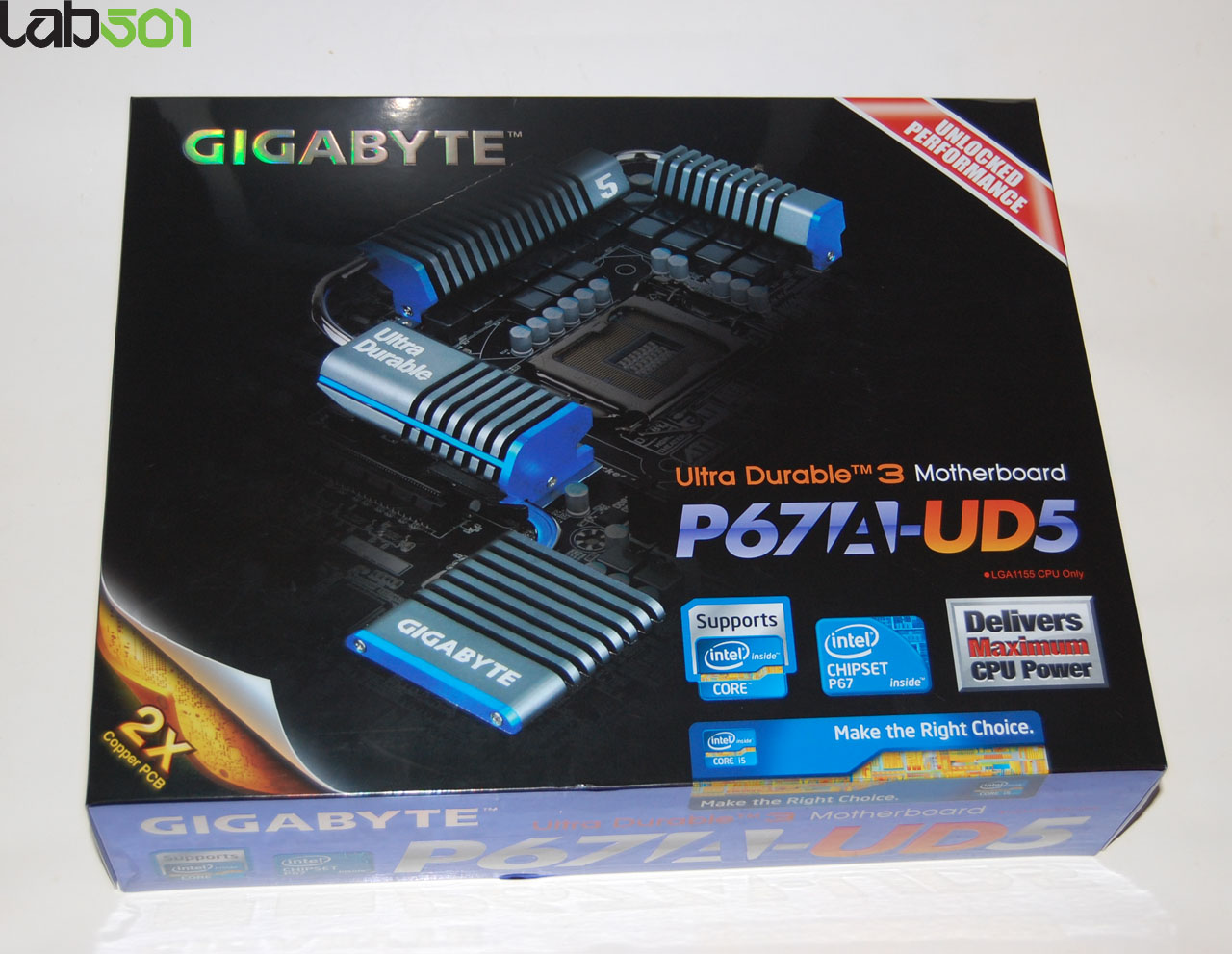
Weissbier - breakfast of champions
I cant fathom why gigabyte is wasting back ports on firewire. probably the worst port choice they could make short of a parallel printer port. absolutely NOTHING new is using firewire. it is deader than serial.
UD5 looks like a clear price/features winner, again!
Donate to XS forums
Hey guys, hope you had a nice New Year's Eve. I'm back at work so now we can talk a bit more about these boards, with Intel's early embargo lift.
One of the main problem of partener boards was the 4800-4900 MHz wall with D2 CPU's, which most testers got with the old BIOS versions. I also ran into that while testing for my launch article, and I talked with several review-ers that had the same problem. Well, no more problems with the latest X bioses from Gigabyte
You can download F6X version for P67A-UD7, the F5X version for P67A-UD5 and the F6X version for P67A-UD4 here. In the same archive you will also find the latest @BIOS version (2.10), needed for updating the BIOS from Windows 7 x64. For the moment, normal update from BIOS does not work.
Anyway, once equipped with the latest BIOS, you want to go to the CPU features section and set "vPLL Override" to Enabled. Now you might go as high as 54x or 55x multi, it seems that this dependes on the CPU itself and some of them are locked at 55x, some at 54x, etc, even if officialy the highest multi is 57x. I didn't do any sub-zero tests with these new bios versions yet, but I do not expect anything to get better at this moment.
My 2600K seems to have a problem with 55x, but he has no problem running at 54X.

Weissbier - breakfast of champions
Still loving ya 1.140Vcore readout Tudor... Tip : never ever change that CPU-Z version, this chip will sell for 5000 dollars for sure !!
Question : Why do some overclockers switch into d*ckmode when money is involved
Remark : They call me Pro Asus
Ahahahaha, it is 1.6v man. I am trying a lot of CPU-Z versions, none of them shows the real volts, dunno why.
Weissbier - breakfast of champions
Had the same issue, 1.47v set in the BIOS, everything including CPU-Z reading 1.47v, but the validator showed 1.592v...weird. I just put it down to the silly speeds it was running at
http://valid.canardpc.com/show_oc.php?id=1543351
 Posting Permissions


 Reply With Quote





Bookmarks